Freemium
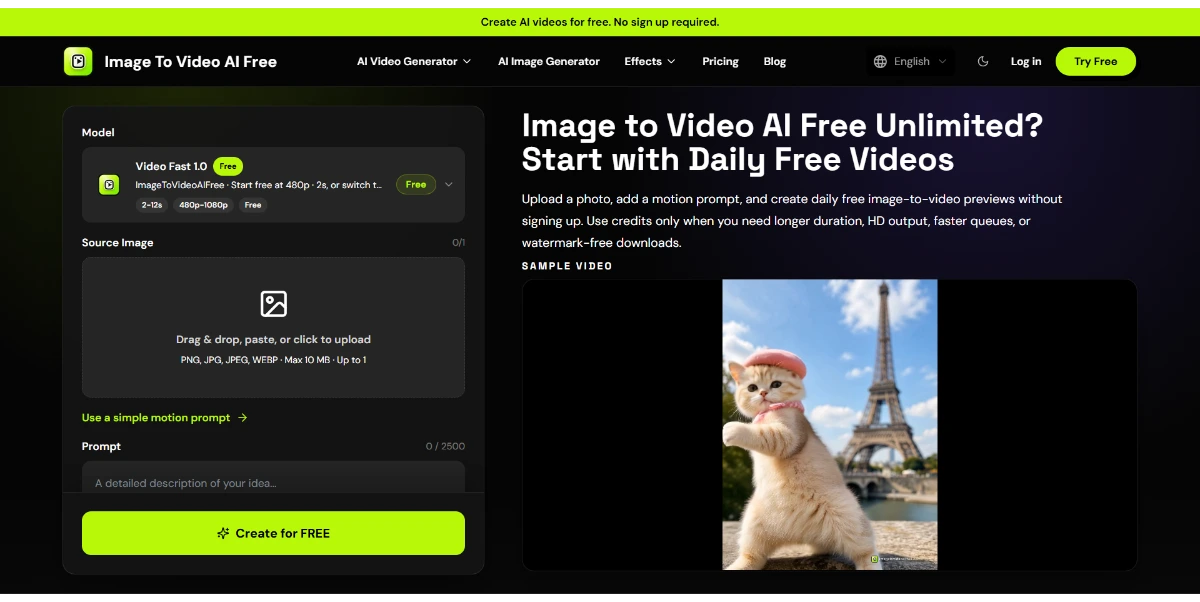
Turn a simple image into an animated video clip ready for social media. Upload a photo, describe the style you want, and the AI automatically generates a short, dynamic video with camera movements and transitions
8049 views47 clicks
Get published, verified, or featured at reduced founder rates.
Directory guide
Use AIForest as a practical AI tools directory: search for a product, compare nearby alternatives, browse focused guides, or submit a founder-built tool that deserves a complete listing.
Founder resources
Strong submissions include a specific use case, official product links, screenshots, pricing context, and keywords that match how buyers search.
Start with a workflow search, browse by category, or use curated guides such as free AI tools, developer AI tools, and trending AI tools. Each listing links to the official product page and nearby alternatives.
Yes. Founders can submit an AI app or startup with a clear description, screenshots, pricing details, keywords, and official links so the product can be reviewed for discovery.
AIForest prioritizes quality listings and founder-submitted tools instead of relying on low-value scraped directory entries.
Search by tool name, idea, or close spelling. AIForest surfaces the closest matches first, then suggests similar tools worth exploring.
Discovery shortcuts
Browse categories, list a missing tool, or improve a listing with stronger screenshots, keywords, and trust signals.
Shortlist this search
Create an account to return to this search, bookmark promising listings, and submit a missing tool if the perfect match is not here yet.
Turn a simple image into an animated video clip ready for social media. Upload a photo, describe the style you want, and the AI automatically generates a short, dynamic video with camera movements and transitions
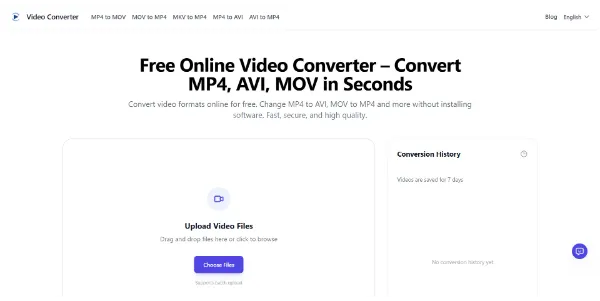
Convert your videos between all common formats (MP4, AVI, MKV, MOV, GIF, etc.) right in your browser. You can convert files in batches, export audio files, and automatically delete files
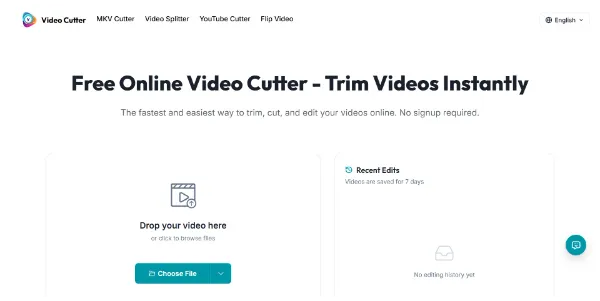
An online editor that lets you trim a video in seconds, with no account required and no watermark. Supports MP4, MOV, AVI, MKV, and WebM, with fast export and preserved quality
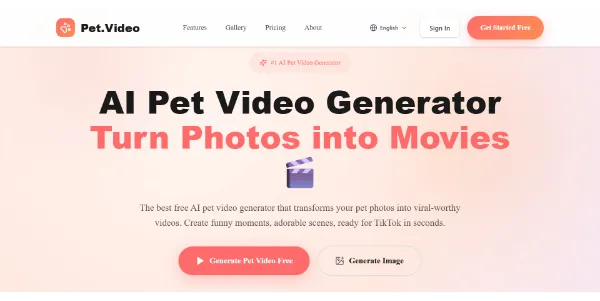
Easily turn a photo of your pet into an animated video, perfect for social media (like TikTok or Instagram). AI animates your pet with natural movements in seconds
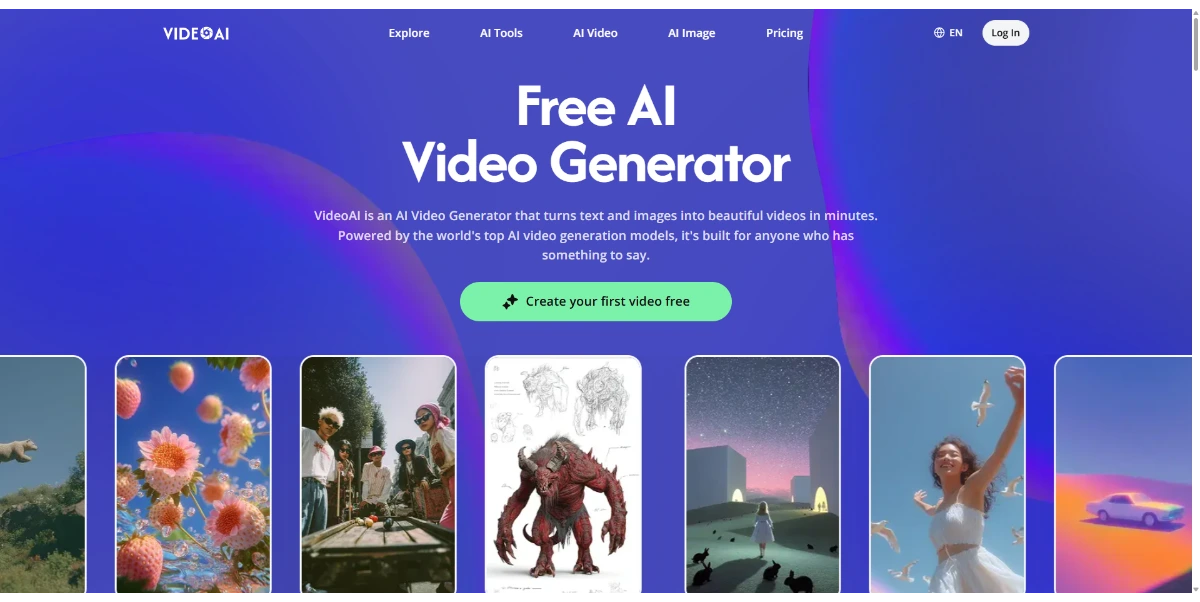
Turn text or images into HD videos featuring talking avatars, AI-generated voices in 140 languages, and automatically generated subtitles. The tool quickly generates clips for marketing, tutorials, or social media
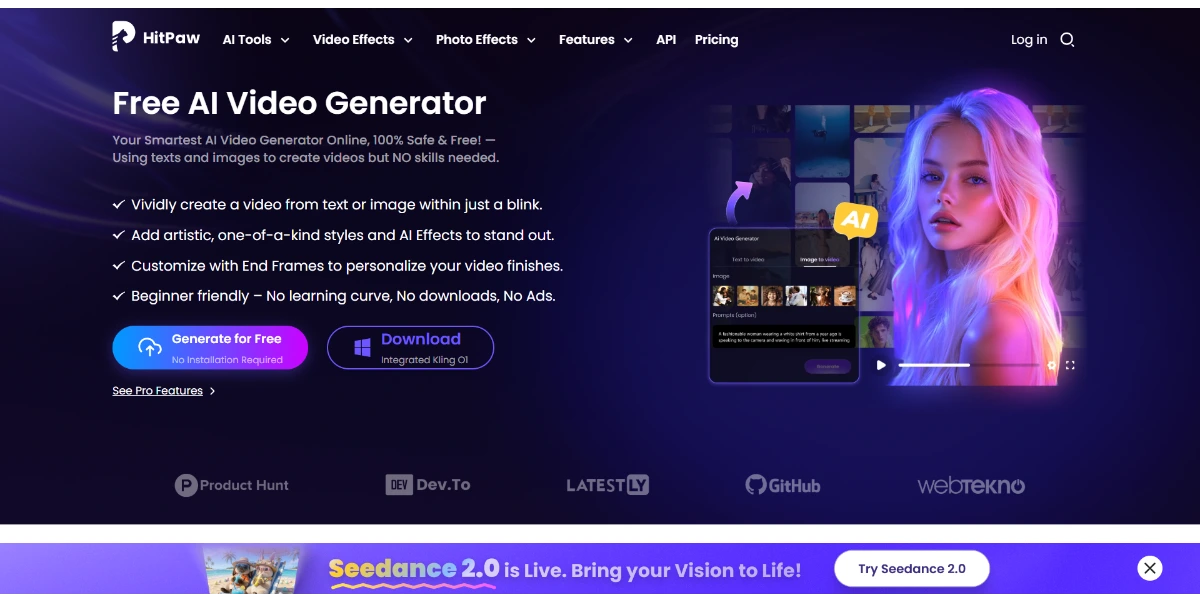
Create videos from text or images for free, online, with no sign-up or ads. AI animates your scenes, adds artistic styles and cinematic effects, and exports in up to 4K directly from your browser
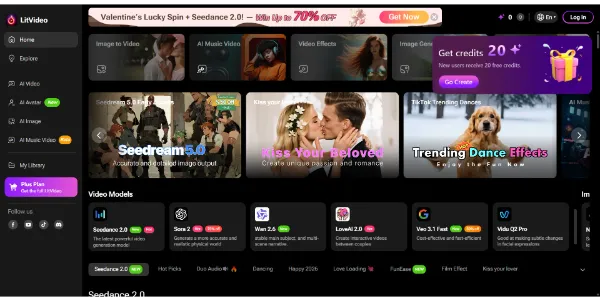
Create AI videos from text, images, or videos, and the platform automatically selects the best model (Sora 2, Kling, PixVerse, Vidu, etc.). Easily add subtitles, effects, and music tailored to Instagram, TikTok, or YouTube formats
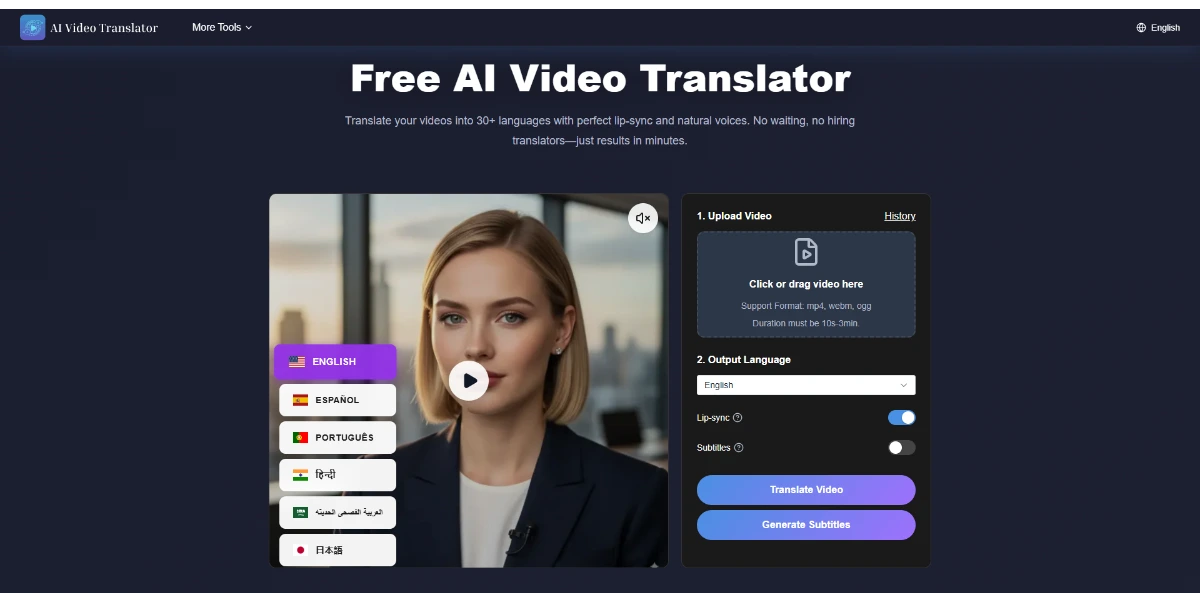
Translate your videos for free into over 30 languages with AI dubbing, automatic subtitles, and lip-sync. It offers high accuracy, and the average processing time is 3 minutes
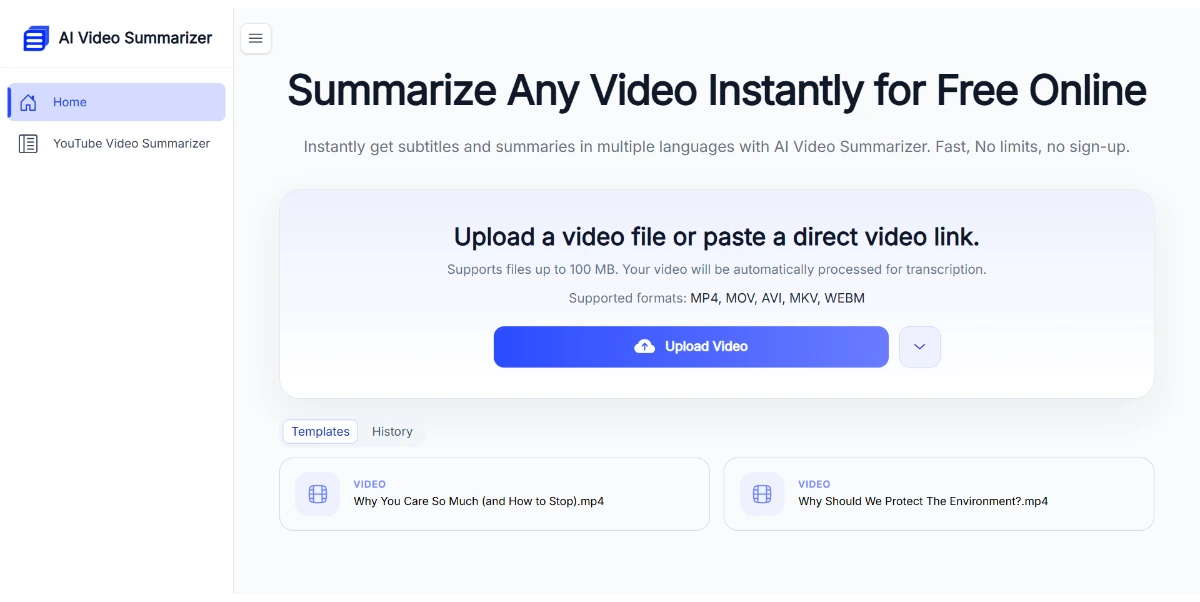
Paste a YouTube link or upload your video file to get a structured summary, a full transcript, subtitles, and clickable chapters in seconds. Nine different summary styles cover lectures, meetings, podcasts, and interviews
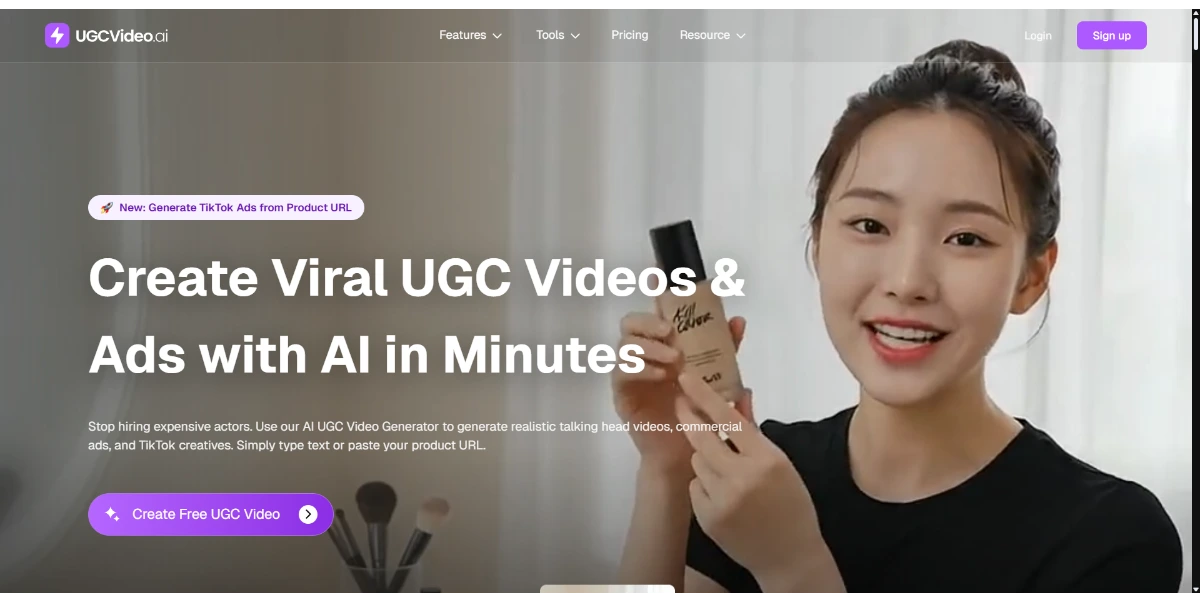
Create realistic UGC videos from a simple product link or script. AI generates actors, voiceovers, and staging for your TikTok, Reels, or Shorts ads, without needing to hire real creators
Create scripts, storyboards, and full-length videos with specialized AI agents that handle everything. Perfect for YouTube, marketing, training, or music videos
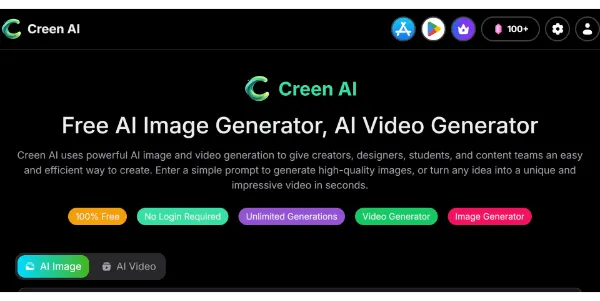
Generate images and videos from text using models such as Wan, Seedream, Sora, and Veo3. You can also convert your photos into 1080p videos, edit 4K images, and download everything without watermarks
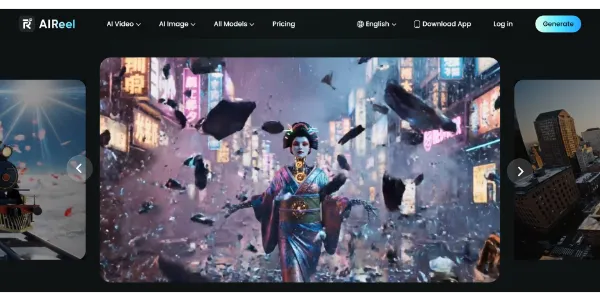
A video generator combining several models, including Veo 3.1, Seedance, Sora, and Kling, to create more varied scenes from text or images. Social media-friendly formats, cinematic rendering, and a simple workflow let you publish faster

Text transformed into customizable spoken output. Pros include Free text-to-speech Customizable spoken output 100+ speakers Multi-language support Supports dialects Chinese-English mixing Flexible audio configuration Adjustable speech rate Adjustable pitch Customizable articulation Configurable pauses Text to MP3 conversion Downloadable MP3 files Neural network voices 129 languages and variants Supported on major browsers Supported on WeChat Mobile-friendly Multi-channel usability News reading application Travel navigation application Intelligent hardware application Notification broadcasting application Variety of speaker roles Multiple reading styles Emotion expressions Highly expressive voices Realistic synthesized speech Brand-reflective voices Fine control of speech Over 330 voices Role-based voice styles Conversational tone support Browser compatibility No download for playback Chrome support Firefox support Edge support English variant support Spanish variant support Playback and download options Male and female voices Synthesized speech controls Intonation and emotion settings Indian language support African language support Asian language support European language support. Considerations include Limited mobile support No app version WeChat download not supported Overly complex interface Lack of customer support Limited customization options Doesn't support all dialects Long load times Occasional synthesis errors.
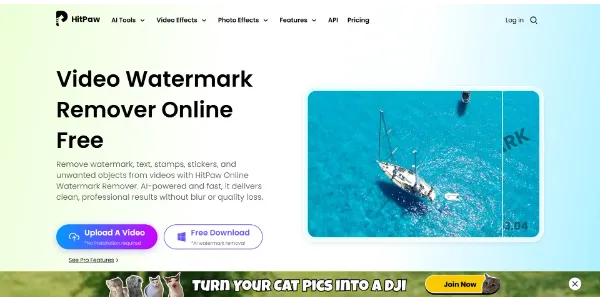
Save time by removing watermarks and logos from your videos directly in your browser. AI analyzes and reconstructs each frame to deliver professional-quality results. It can also handle distracting objects and produces a crisp, blur-free image
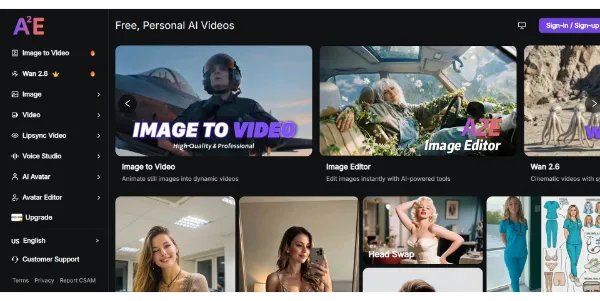
A powerful video studio that combines image-to-video generator, talking avatars, face swap, lip sync, and voice cloning all in one place. Great for testing multiple models uncensored and quickly creating a wide range of clips
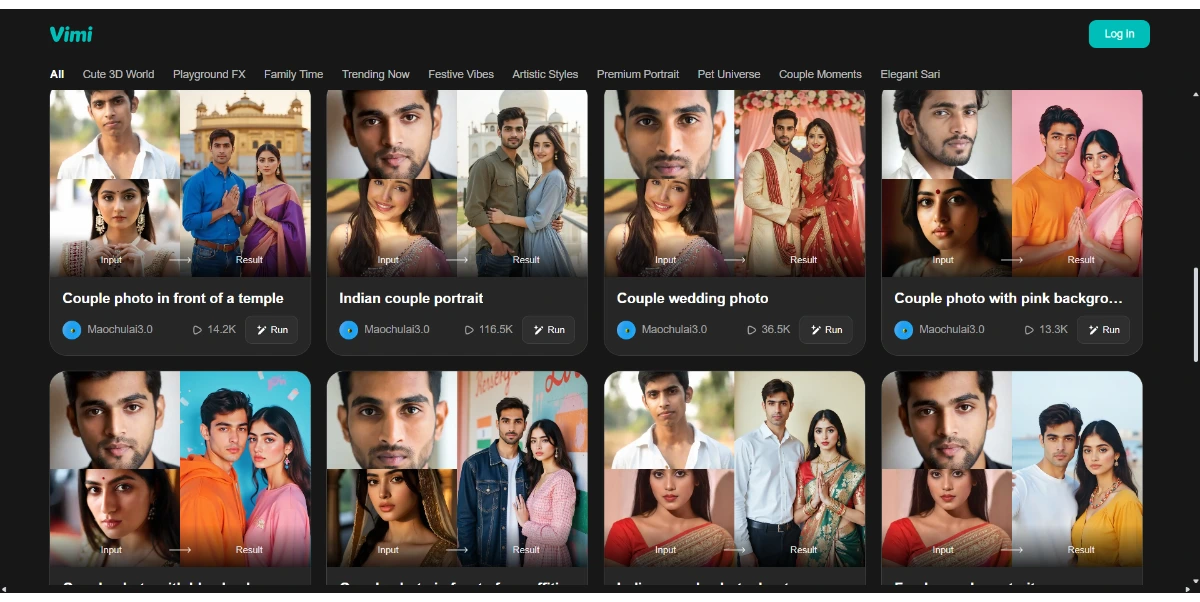
Turn your photos into short videos ranging from 5 to 30 seconds: upload a portrait, a memory, or a photo, choose a style, and the AI will generate a smooth video ready to share on social media
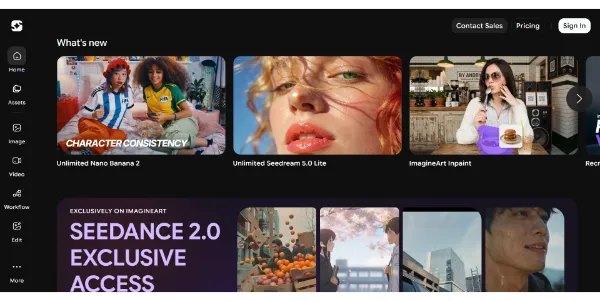
Generate HD images and videos from a single interface. Choose from 90+ artistic styles and models such as Nano Banana 2 or Kling AI. You can also train your own custom AI model to create consistent characters
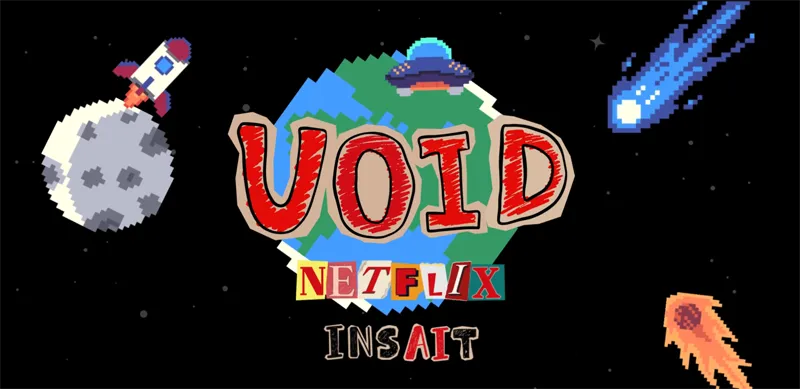
Remove an object from a video, and the AI automatically recalculates the resulting chain of physical interactions: falls, collisions, and altered trajectories. Developed by Netflix, this research model produces results that are far more consistent than current video removal tools
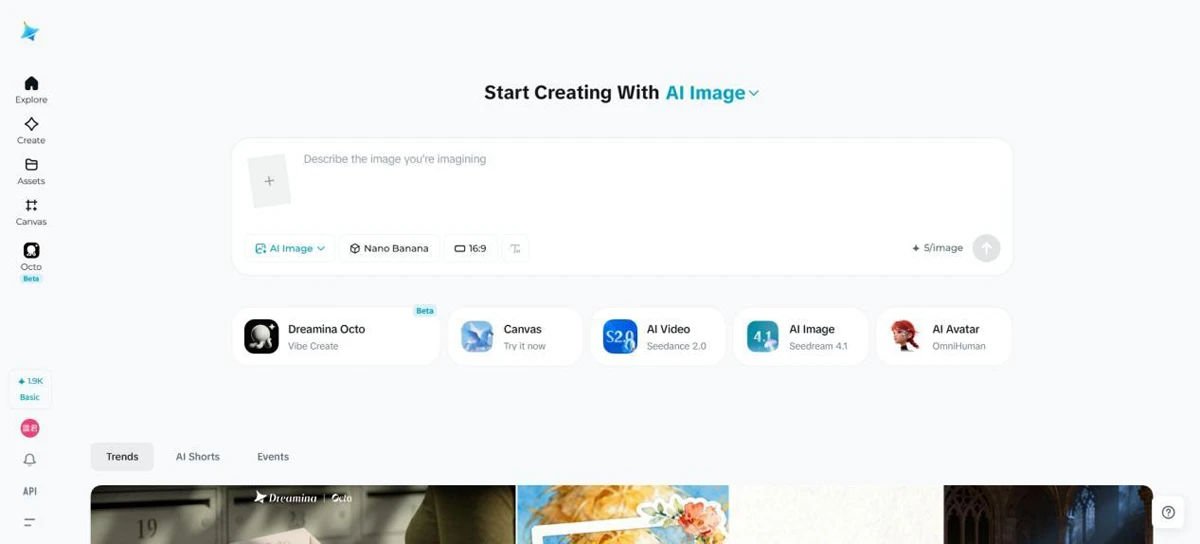
Dreamina is an all-in-one AI image generator and AI video generator built for creators, marketers, designers, and everyday users
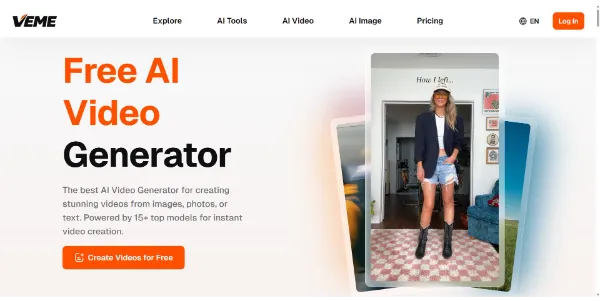
A video generator that combines simplicity and power: enter a prompt or upload an image, then get a high-quality video. Quickly access AI models such as Veo, Kling, and Seedance
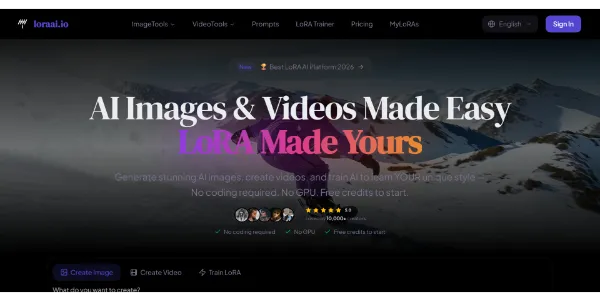
Create high-end images and cinematic videos using multiple premium templates in one place. You can also train your own model and sell your creations through an integrated marketplace
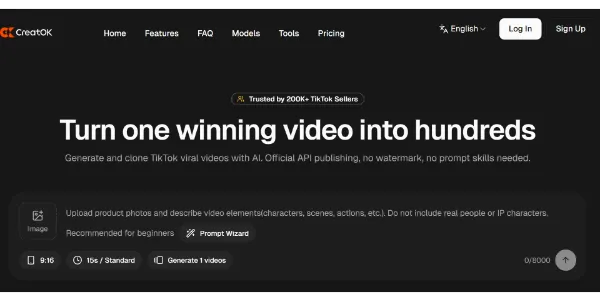
A generator designed to quickly produce short videos ready for TikTok, Reels, or Shorts. Scripts, visuals, voices, and editing are all linked together in the same workflow for faster publishing
Find exact moments in YouTube videos instantly. Pros include Smart YouTube search feature Comprehends user video queries Supply immediate, accurate responses Helps locate specific video moments Provides time-stamped results Integration with native YouTube interface Acts as a virtual assistant Available as Chrome Browser add-on Enhances YouTube viewing activities Offers content discovery Enhances user experience Utilizes natural language processing Instant video search results Facilitates video content curation Processes multimedia data YouTube Q&A capability Takes users directly to relevant moment Free Chrome extension Accessibility to exact video moments Immediate answers to queries Intelligent YouTube content navigation Seamless experience within YouTube Locate exact video instances instantly Smart query comprehension Aids in efficient YouTube browsing. Considerations include Only available on Chrome Limited to YouTube content May miss nuanced queries Depends on video subtitles accuracy No mobile version No multi-language support Limited by YouTube's API constraints Potential privacy concerns Can be affected by Ad-blockers No text-based search option.
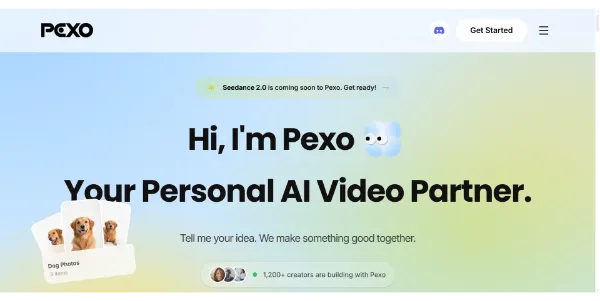
Simply describe your idea and get a complete video ready to publish. Storyboard, editing, voiceover, music, and transitions are automatically generated to create social clips or advertisements (UGC) in minutes
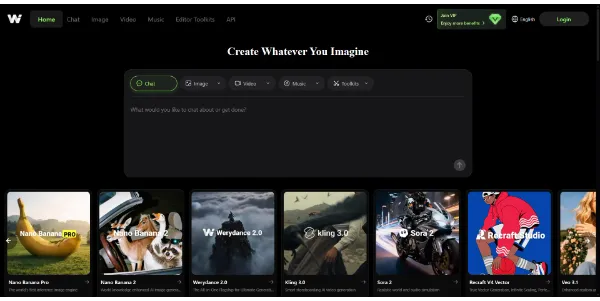
Access the best video and image models (Kling, Veo, Sora 2, FLUX) all from a single platform. You can also create consistent characters and swap faces between videos without switching tools
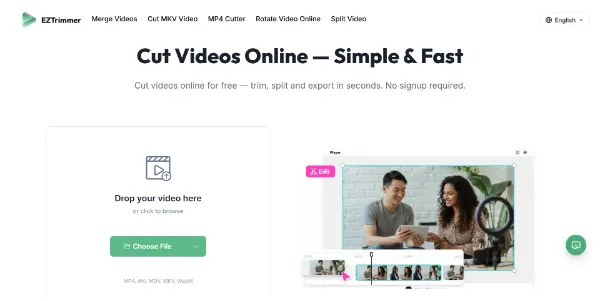
Need to trim a video for TikTok or social media? This online tool processes your files quickly without adding a watermark. It supports MP4, AVI, MOV, MKV, and WebM, with fast export while maintaining quality
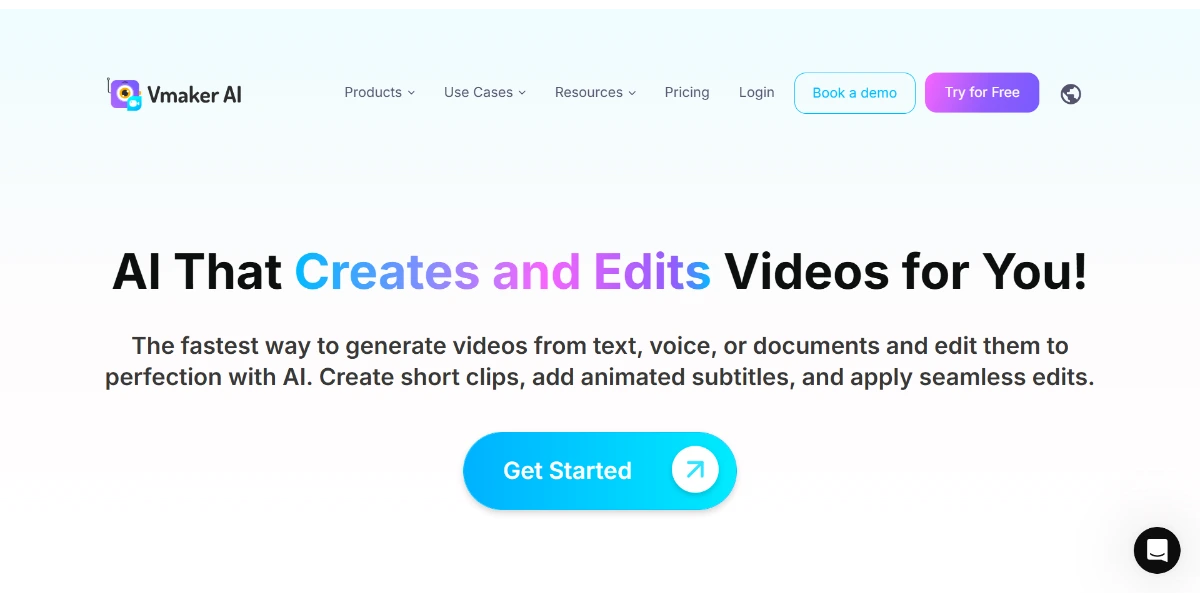
Create and edit professional-quality videos in minutes with AI. Using text, audio, or a screen recording, the tool generates videos featuring human avatars and animated captions. It can also automatically split your long videos into shorts
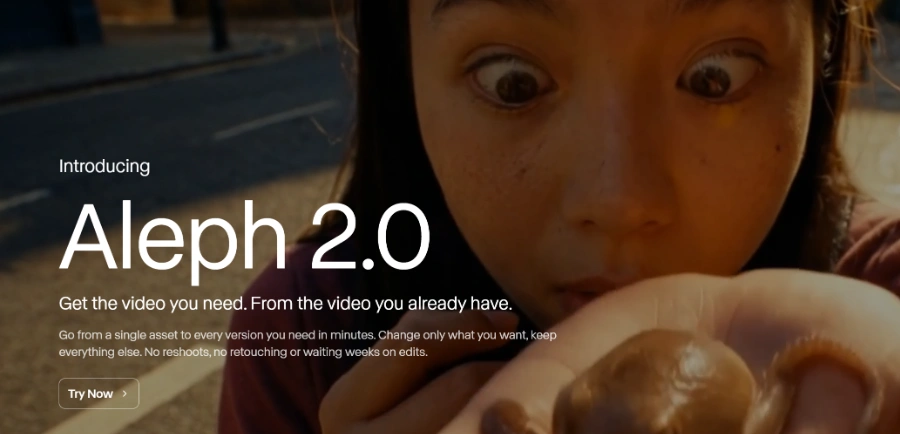
Edit your videos with frame-by-frame precision: change the color, clothing, or background in a single frame, and the AI will apply the edit to the entire sequence. Editing is possible for clips up to 30 seconds long in 1080p, without altering the parts you haven’t edited
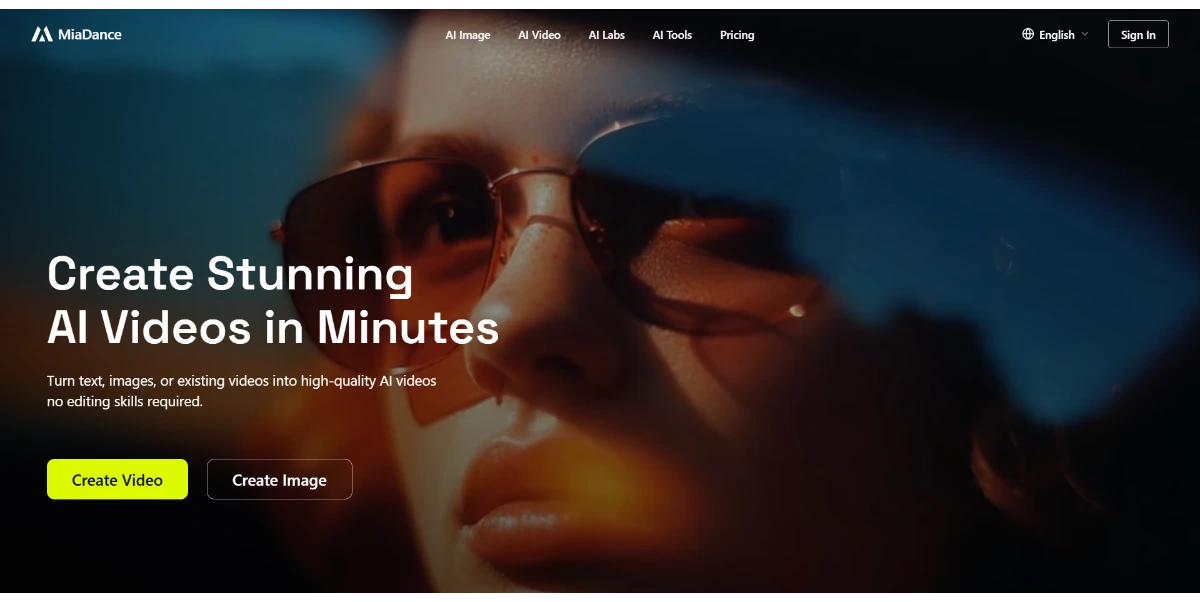
Create AI-generated videos and images in minutes using text, photos, or videos, with portrait animation, video restyling, editing (backgrounds, objects, faces), and high-definition export. You can use models such as Kling, Nano Banana, GPT-Image, or VEO (Google)
No more tools to load.