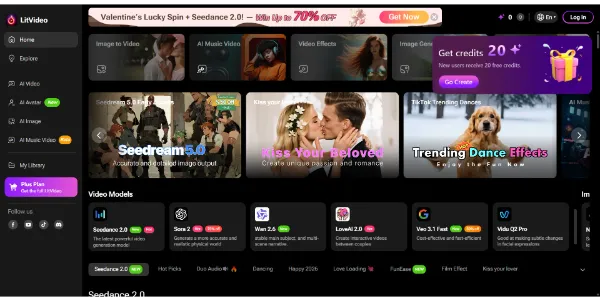
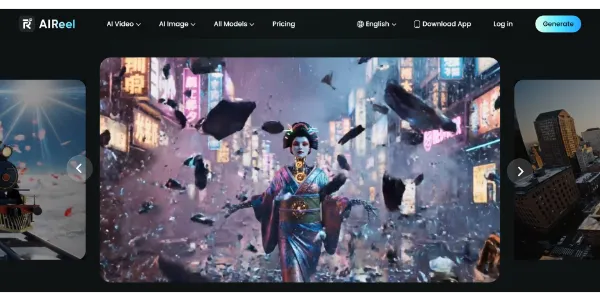
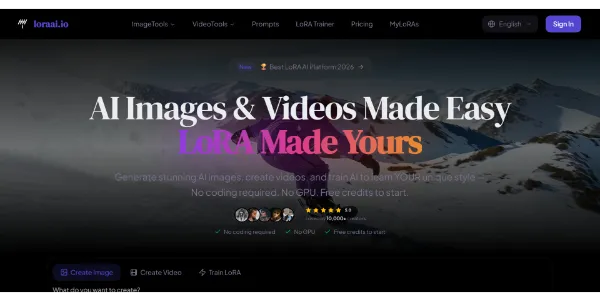
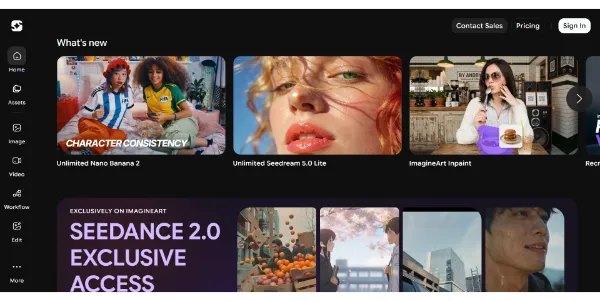
Create AI videos from text, images, or videos, and the platform automatically selects the best model (Sora 2, Kling, PixVerse, Vidu, etc.). Easily add subtitles, effects, and music tailored to Instagram, TikTok, or YouTube formats
Get published, verified, or featured at reduced founder rates.
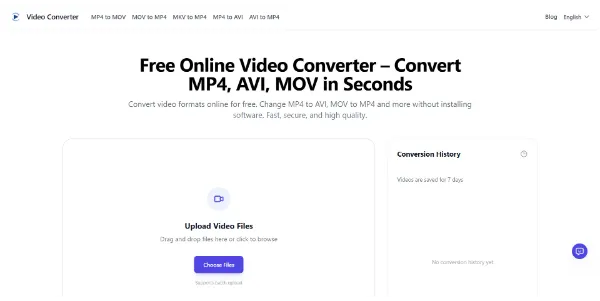
Convert your videos between all common formats (MP4, AVI, MKV, MOV, GIF, etc.) right in your browser. You can convert files in batches, export audio files, and automatically delete files
Video Converter is a browser-based utility designed for users needing quick format transitions without the overhead of installing heavy desktop software. It supports essential extensions like MP4, AVI, MKV, and MOV, and even allows for rapid GIF creation from existing footage.
A key highlight for productivity is its batch processing capability, enabling users to handle multiple files in a single session. Beyond standard video transcoding, it includes an audio extraction feature, making it a versatile choice for repurposing video content into audio-only formats.
The tool emphasizes user privacy through an automatic file deletion policy, which is a critical evaluation point for those handling sensitive or personal media. While categorized under content generation, its primary utility lies in the technical optimization and conversion of existing assets.
Buyers should evaluate the platform's performance based on their specific file sizes and internet stability, as browser tools often face limitations with high-definition or long-form content.

Compare Video Converter with alternative Content Creation & Generation tools before choosing a product.
Video Converter is listed as free on AIForest. Prospective users should check the official website to confirm if there are any current daily usage caps, file size restrictions, or if optional paid upgrades are available for higher-speed processing or larger cloud storage needs.
Explore similar AI tools from the same category and use case.
AIForest groups related AI tools so you can compare practical fit, pricing type, categories, screenshots, and official product links without starting from a blank search.
Keep comparing
Create an account to come back to this listing, bookmark useful tools, and compare nearby Content Creation & Generation options without starting over.
Use these focused AIForest guides to compare tools by workflow, pricing intent, alternatives, and practical use case.
According to the tool description, Video Converter includes an automatic file deletion feature. This is designed to remove your files from their servers after the conversion process is complete. However, users should always review the latest privacy policy on the official site to understand exactly how long data is retained and what specific security measures are in place during the upload phase.
Yes, the platform supports batch conversion, which allows you to upload several files simultaneously for processing. This is particularly useful for creators who have a library of clips that need to be standardized into a single format like MP4. You should verify on the official site if there is a specific limit on the number of files allowed per batch.
If you own Video Converter, add this badge to your site so visitors can verify the listing and discover the product from AIForest.
Submit your product to AIForest and reach visitors comparing content creation & generation AI tools, alternatives, and new software to try.