
Freemium
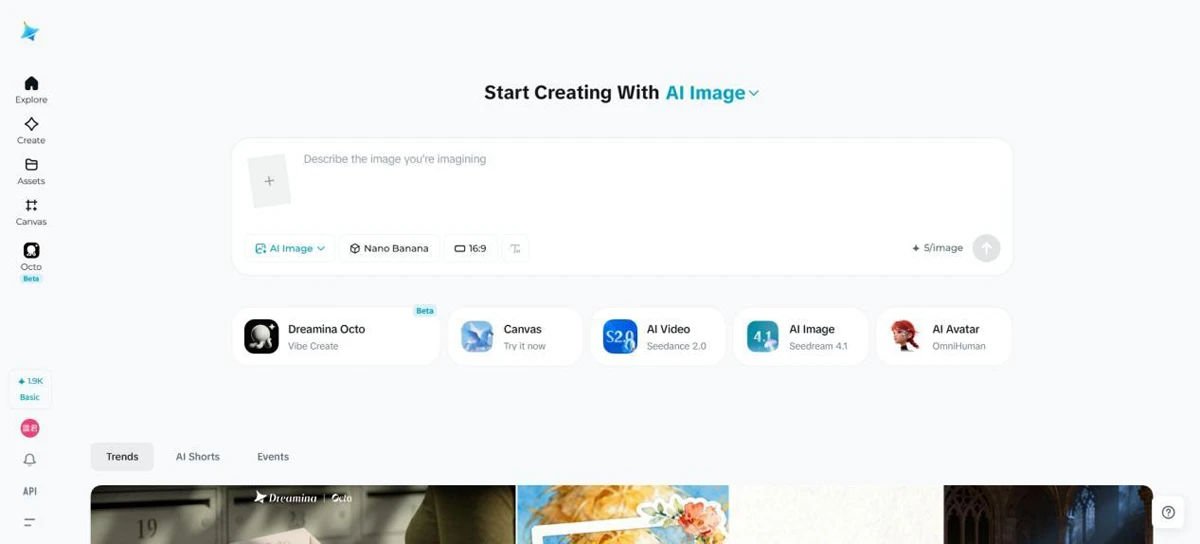
Dreamina is an all-in-one AI image generator and AI video generator built for creators, marketers, designers, and everyday users
38660 views84 clicks
Get published, verified, or featured at reduced founder rates.
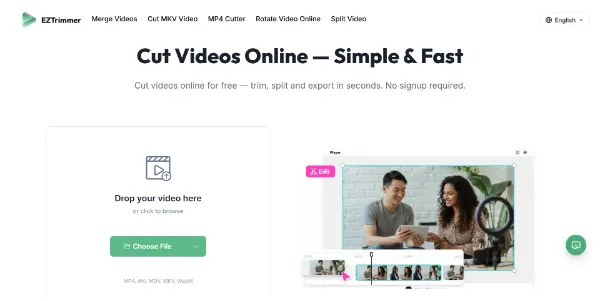
Need to trim a video for TikTok or social media? This online tool processes your files quickly without adding a watermark. It supports MP4, AVI, MOV, MKV, and WebM, with fast export while maintaining quality
EZTrimmer serves as a specialized utility for creators who need to quickly prepare video content for platforms like TikTok, Instagram, or YouTube Shorts. While categorized under text-to-video generation, its primary function is the efficient trimming of existing video files.
It supports a broad range of popular formats, including MP4, AVI, MOV, MKV, and WebM, ensuring compatibility with most modern recording devices and software. One of its most significant advantages is the ability to export processed files without an intrusive watermark, a feature often restricted in free versions of competing software.
This makes it a practical choice for social media managers and content creators who require clean, professional-looking clips for their feeds. The tool operates entirely online, prioritizing speed and ease of use over complex, multi-track editing suites.
Users should evaluate the platform based on its processing speed and the stability of its browser-based interface, especially when handling larger high-definition files for social media distribution.
Compare EZTrimmer with alternative Content Creation & Generation tools before choosing a product.
Dreamina is an all-in-one AI image generator and AI video generator built for creators, marketers, designers, and everyday users
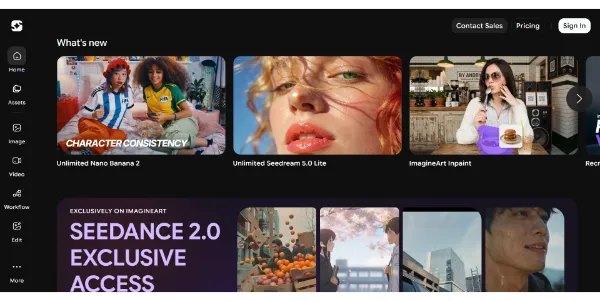
Generate HD images and videos from a single interface. Choose from 90+ artistic styles and models such as Nano Banana 2 or Kling AI. You can also train your own custom AI model to create consistent characters
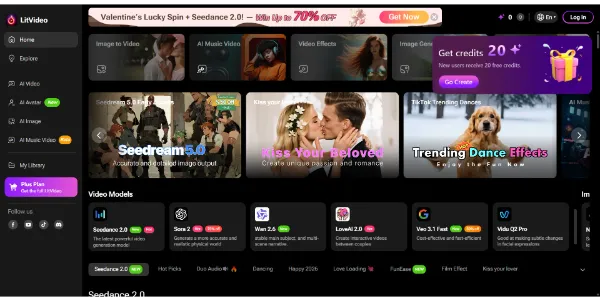
Create AI videos from text, images, or videos, and the platform automatically selects the best model (Sora 2, Kling, PixVerse, Vidu, etc.). Easily add subtitles, effects, and music tailored to Instagram, TikTok, or YouTube formats
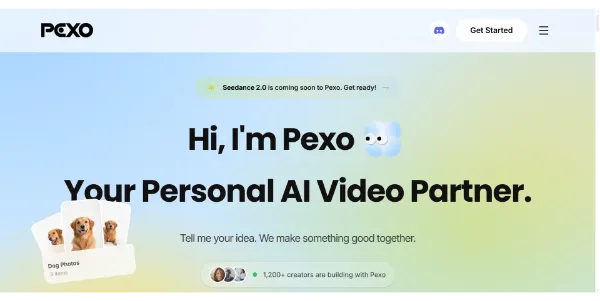
Simply describe your idea and get a complete video ready to publish. Storyboard, editing, voiceover, music, and transitions are automatically generated to create social clips or advertisements (UGC) in minutes
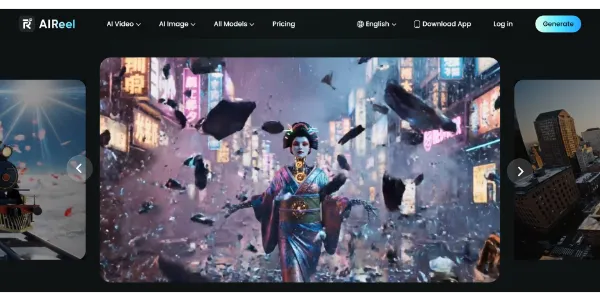
A video generator combining several models, including Veo 3.1, Seedance, Sora, and Kling, to create more varied scenes from text or images. Social media-friendly formats, cinematic rendering, and a simple workflow let you publish faster
Dreamina is an all-in-one AI image generator and AI video generator built for creators, marketers, designers, and everyday users
Generate HD images and videos from a single interface. Choose from 90+ artistic styles and models such as Nano Banana 2 or Kling AI. You can also train your own custom AI model to create consistent characters
Create AI videos from text, images, or videos, and the platform automatically selects the best model (Sora 2, Kling, PixVerse, Vidu, etc.). Easily add subtitles, effects, and music tailored to Instagram, TikTok, or YouTube formats
Simply describe your idea and get a complete video ready to publish. Storyboard, editing, voiceover, music, and transitions are automatically generated to create social clips or advertisements (UGC) in minutes
A video generator combining several models, including Veo 3.1, Seedance, Sora, and Kling, to create more varied scenes from text or images. Social media-friendly formats, cinematic rendering, and a simple workflow let you publish faster
EZTrimmer is listed as free on AIForest. This makes it a budget-friendly option for creators needing basic video adjustments. You should check the official website for any specific usage caps, daily limits, or potential paid upgrades that may have been introduced.
Explore similar AI tools from the same category and use case.
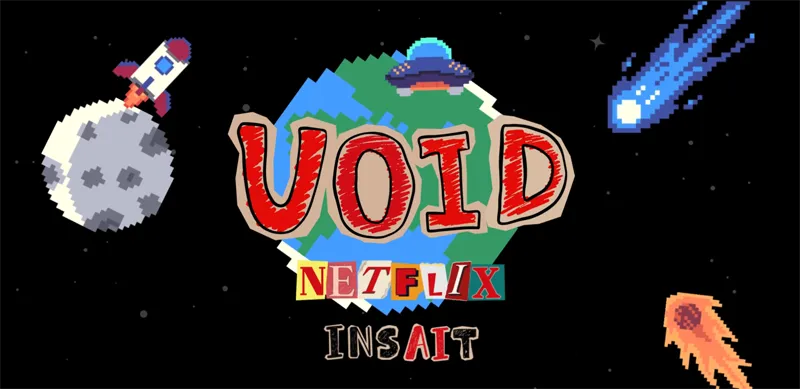
Remove an object from a video, and the AI automatically recalculates the resulting chain of physical interactions: falls, collisions, and altered trajectories. Developed by Netflix, this research model produces results that are far more consistent than current video removal tools
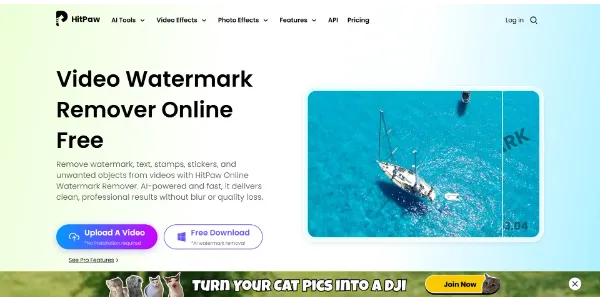
Save time by removing watermarks and logos from your videos directly in your browser. AI analyzes and reconstructs each frame to deliver professional-quality results. It can also handle distracting objects and produces a crisp, blur-free image
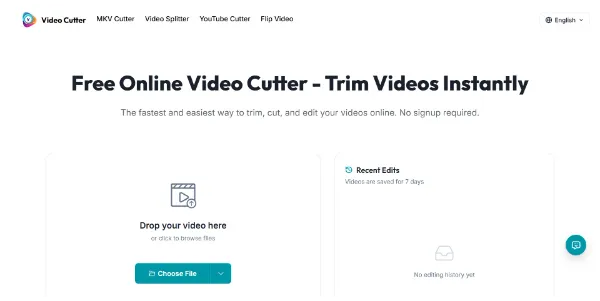
An online editor that lets you trim a video in seconds, with no account required and no watermark. Supports MP4, MOV, AVI, MKV, and WebM, with fast export and preserved quality
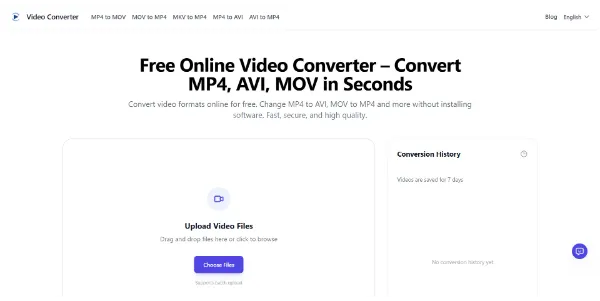
Convert your videos between all common formats (MP4, AVI, MKV, MOV, GIF, etc.) right in your browser. You can convert files in batches, export audio files, and automatically delete files
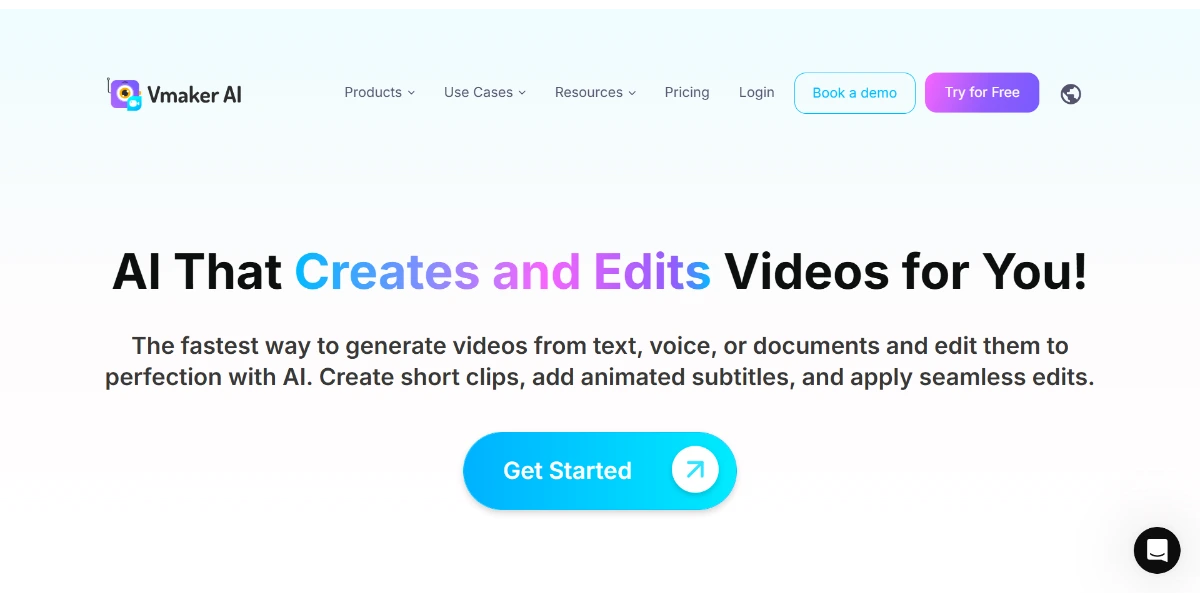
Create and edit professional-quality videos in minutes with AI. Using text, audio, or a screen recording, the tool generates videos featuring human avatars and animated captions. It can also automatically split your long videos into shorts
Remove an object from a video, and the AI automatically recalculates the resulting chain of physical interactions: falls, collisions, and altered trajectories. Developed by Netflix, this research model produces results that are far more consistent than current video removal tools
Save time by removing watermarks and logos from your videos directly in your browser. AI analyzes and reconstructs each frame to deliver professional-quality results. It can also handle distracting objects and produces a crisp, blur-free image
An online editor that lets you trim a video in seconds, with no account required and no watermark. Supports MP4, MOV, AVI, MKV, and WebM, with fast export and preserved quality
Convert your videos between all common formats (MP4, AVI, MKV, MOV, GIF, etc.) right in your browser. You can convert files in batches, export audio files, and automatically delete files
Create and edit professional-quality videos in minutes with AI. Using text, audio, or a screen recording, the tool generates videos featuring human avatars and animated captions. It can also automatically split your long videos into shorts
AIForest groups related AI tools so you can compare practical fit, pricing type, categories, screenshots, and official product links without starting from a blank search.
Keep comparing
Create an account to come back to this listing, bookmark useful tools, and compare nearby Content Creation & Generation options without starting over.
Use these focused AIForest guides to compare tools by workflow, pricing intent, alternatives, and practical use case.
EZTrimmer supports several common video formats, including MP4, AVI, MOV, MKV, and WebM. This variety allows creators to upload footage from different devices or cameras and quickly trim them into shorter segments suitable for social media platforms like TikTok or Instagram without needing complex conversion software.
Yes, one of the primary features of EZTrimmer is that it allows users to process and export their trimmed video files without adding a watermark. This is particularly useful for creators who need clean, professional-looking clips for social media distribution without paying for a premium subscription.
As an online tool, EZTrimmer is designed for speed and accessibility. It focuses on fast export times while maintaining the original quality of the footage. However, the actual processing speed may depend on your internet connection and the size of the video file you are uploading.
If you own EZTrimmer, add this badge to your site so visitors can verify the listing and discover the product from AIForest.
Badge preview

Submit your product to AIForest and reach visitors comparing content creation & generation AI tools, alternatives, and new software to try.