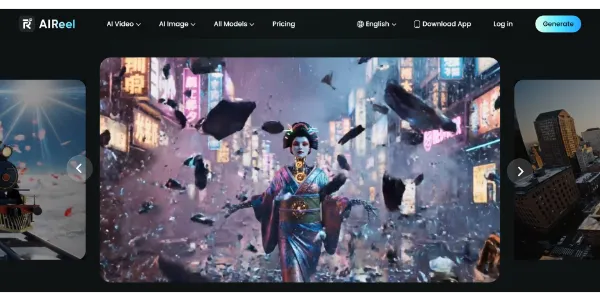
Create AI videos from text, images, or videos, and the platform automatically selects the best model (Sora 2, Kling, PixVerse, Vidu, etc.). Easily add subtitles, effects, and music tailored to Instagram, TikTok, or YouTube formats
Get published, verified, or featured at reduced founder rates.
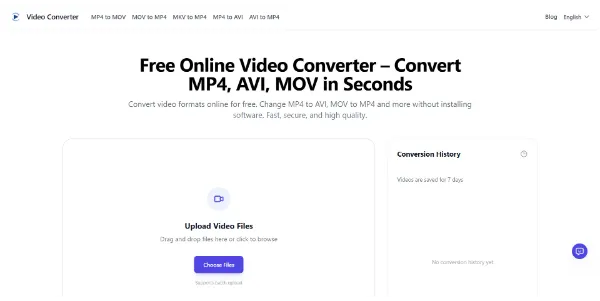
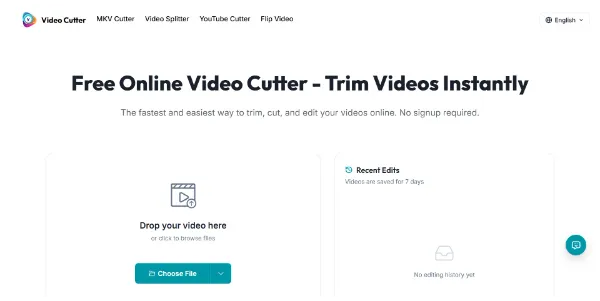
An online editor that lets you trim a video in seconds, with no account required and no watermark. Supports MP4, MOV, AVI, MKV, and WebM, with fast export and preserved quality
Video Cutter is a dedicated browser-based utility designed for users who need immediate, no-frills video trimming. Unlike complex editing suites that require steep learning curves, this tool focuses on the single task of cutting segments from video files without requiring account registration or software installation.
It supports common formats like MP4, MOV, and AVI, aiming to maintain visual quality during the export process. While categorized under content generation, it functions primarily as a post-production utility for refining existing footage.
This tool is particularly useful for creators who need to quickly remove unwanted sections from clips before uploading to social media or incorporating them into larger projects. Users should evaluate the tool's performance based on their specific file sizes and browser capabilities, as cloud-based processing speeds can vary.
It offers a watermark-free experience, making it a candidate for both professional and personal use cases.

Compare Video Cutter with alternative Content Creation & Generation tools before choosing a product.
Video Cutter is listed as free on AIForest. Check the official website for current limits, usage caps, and whether paid upgrades are available for users requiring higher processing priority or larger file support beyond the standard free offering.
Explore similar AI tools from the same category and use case.
AIForest groups related AI tools so you can compare practical fit, pricing type, categories, screenshots, and official product links without starting from a blank search.
Keep comparing
Create an account to come back to this listing, bookmark useful tools, and compare nearby Content Creation & Generation options without starting over.
Use these focused AIForest guides to compare tools by workflow, pricing intent, alternatives, and practical use case.
While Video Cutter is listed as a free tool, browser-based utilities often have technical constraints regarding file size and duration. Users should verify current upload limits on the official site, especially when working with high-resolution 4K files or long-form content, to ensure the tool can process the specific video file without encountering memory or timeout issues during the export phase.
If you own Video Cutter, add this badge to your site so visitors can verify the listing and discover the product from AIForest.
Submit your product to AIForest and reach visitors comparing content creation & generation AI tools, alternatives, and new software to try.