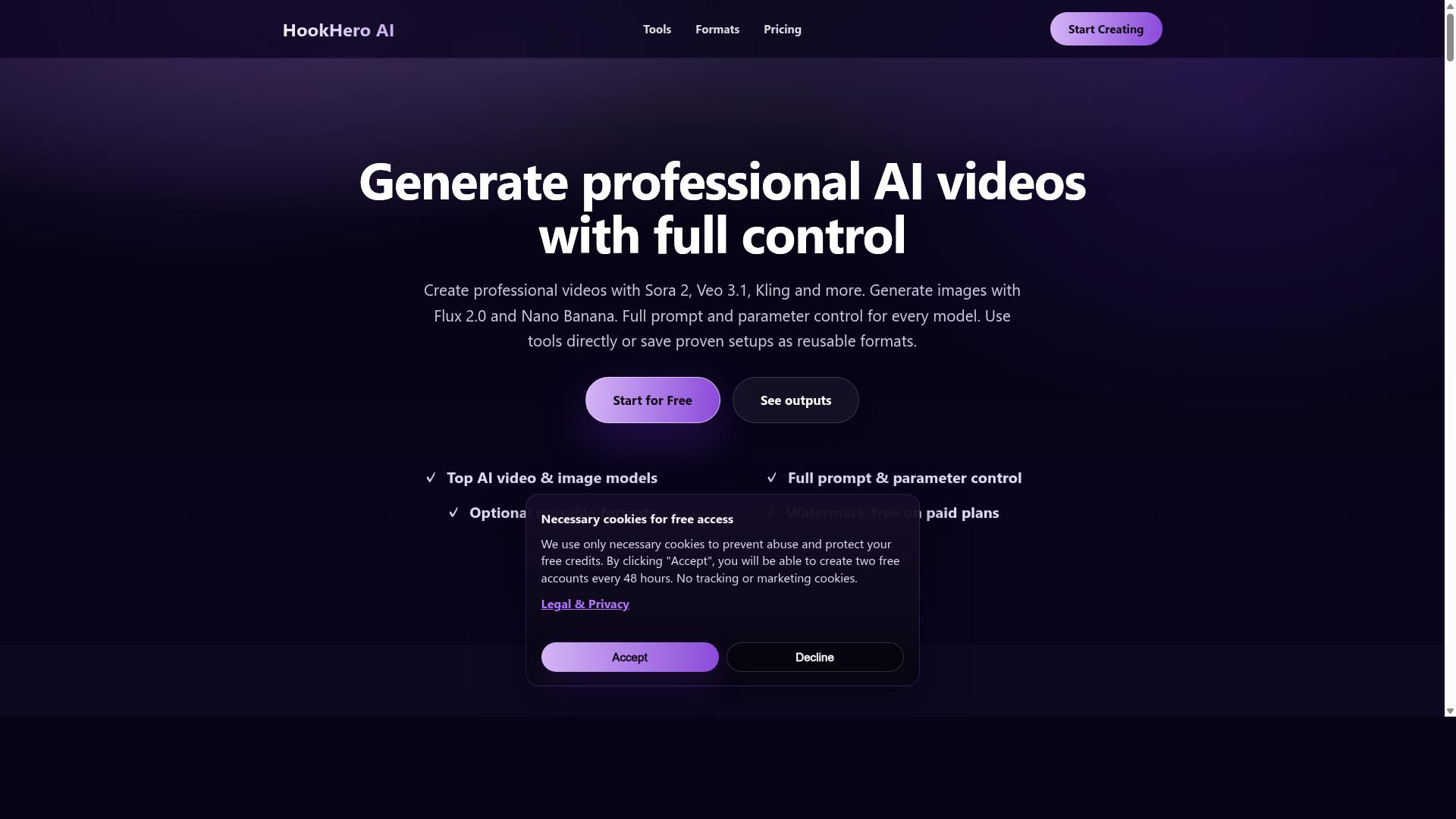
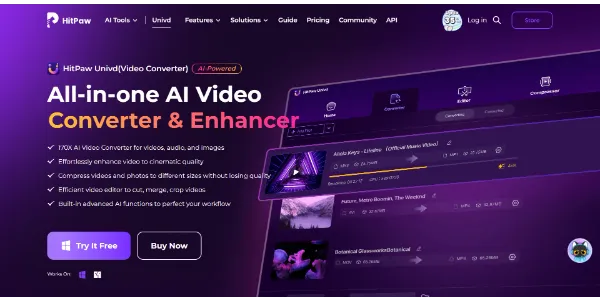
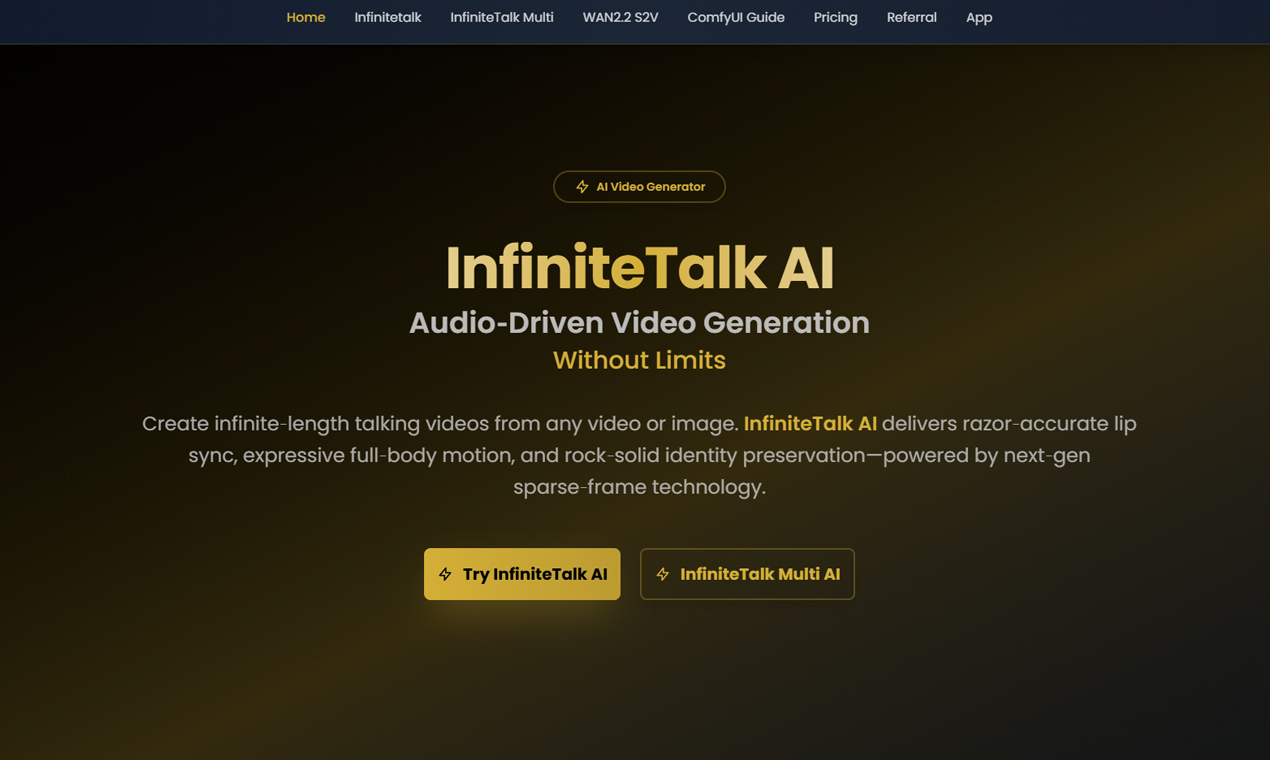
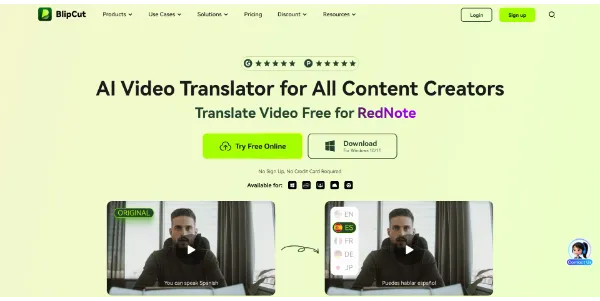
The right AI video tool with a free trial should make a repeated task easier: weekly Shorts, product updates, training videos, ads, explainers, tutorials, or webinar clips. After testing, score each tool on final quality, time saved, editing control, price, limits, and whether your team would actually use it. A cheap tool that produces inconsistent results can cost more time than it saves.
Keep a small shortlist. One tool may handle generation, another may handle captions, and another may handle repurposing. You do not need every feature in one product. Choose the stack that lets you publish useful videos consistently while protecting brand quality. A free trial is successful when it gives you enough evidence to say yes, no, or not yet.
Also test the handoff process. If a marketer creates a draft, can a founder, client, or editor review it easily? Can the exported file move into your publishing workflow without conversion problems? Can the team reuse templates and brand settings later? Trial periods are short, so evaluate the full path from idea to published video, not just generation quality.
Finally, compare trial results against your current baseline. If the tool saves thirty minutes but lowers quality, it may not be worth it. If it saves hours and creates assets your audience actually understands, it deserves a deeper paid test. The best free trial gives you practical evidence, not just excitement from a polished onboarding flow or impressive sample gallery online.
Keep the test assets and notes after the trial ends. They become a useful benchmark when another video platform launches a new model, changes pricing, or adds better editing controls. This keeps future decisions grounded in comparable evidence.