Generate and edit highly detailed images with perfectly legible text, complex layouts (posters, infographics, UI), and photorealistic rendering. Accessible via ChatGPT or the gpt-image-2 API
Hurry up — get early exposure, backlinks, traffic, and reach thousands of AI enthusiasts before slots fill up.
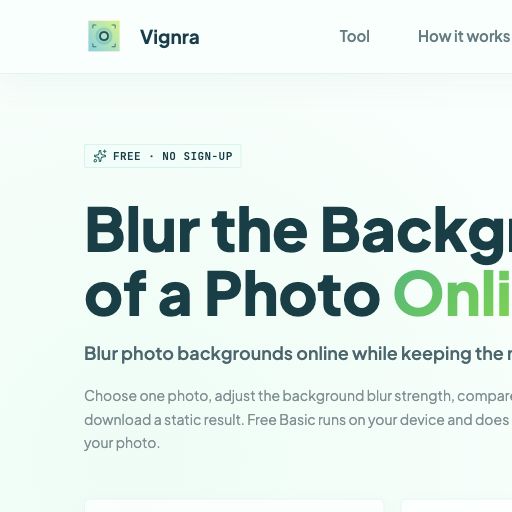
Blur Background is a free browser-based photo editing tool for creators, sellers, and everyday users who want to soften distracting backgrounds while keeping the main subject clear. Upload a JPG, PNG, WebP, or HEIC image, adjust the blur strength, compare the result, and download a polished image without creating an account. Basic processing runs locally in the browser to help protect privacy.
Blur Background is a specialized browser-based utility designed for users who need to quickly soften or obscure distracting elements in their photography. By focusing specifically on depth-of-field effects, it provides a streamlined alternative to complex photo editing software.
The tool is particularly versatile due to its support for modern file formats, including HEIC, WebP, PNG, and JPG, making it compatible with both mobile and desktop workflows. A key differentiator is its commitment to privacy; the tool performs basic image processing locally within the user's browser, reducing the need for cloud-based uploads.
Users can fine-tune the aesthetic of their images using an adjustable blur strength slider and verify the results with a built-in comparison feature. Because it requires no account creation, it serves as an efficient resource for e-commerce sellers, social media enthusiasts, and casual users who prioritize speed and data security.
Potential users should evaluate the tool's edge-detection capabilities on intricate subjects to ensure the output meets their specific quality requirements.

Compare Blur Background with alternative Computer Vision & Image Processing tools before choosing a product.
Blur Background is listed as free on AIForest. Check the official website for current limits, usage caps, and whether paid upgrades are available. Users should verify if high-resolution exports or high-volume usage remain accessible without a subscription or fee.
Explore similar AI tools from the same category and use case.
AIForest groups related AI tools so you can compare practical fit, pricing type, categories, screenshots, and official product links without starting from a blank search.
Keep comparing
Create an account to come back to this listing, bookmark useful tools, and compare nearby Computer Vision & Image Processing options without starting over.
Use these focused AIForest guides to compare tools by workflow, pricing intent, alternatives, and practical use case.
The tool is designed to perform image processing locally within your web browser. This means the blurring calculations occur on your device's hardware rather than on a remote server. This approach helps protect your privacy, as your photos are not necessarily uploaded to a cloud database for basic processing tasks, though users should always verify the latest privacy terms.
No, one of the primary features of this utility is the lack of a registration requirement. You can upload your image, adjust the blur strength, and download the final result directly to your device without providing an email address or creating a profile, making it a convenient option for quick, one-off photo edits.
If you own Blur Background, add this badge to your site so visitors can verify the listing and discover the product from AIForest.
Submit your product to AIForest and reach visitors comparing computer vision & image processing AI tools, alternatives, and new software to try.