
Freemium
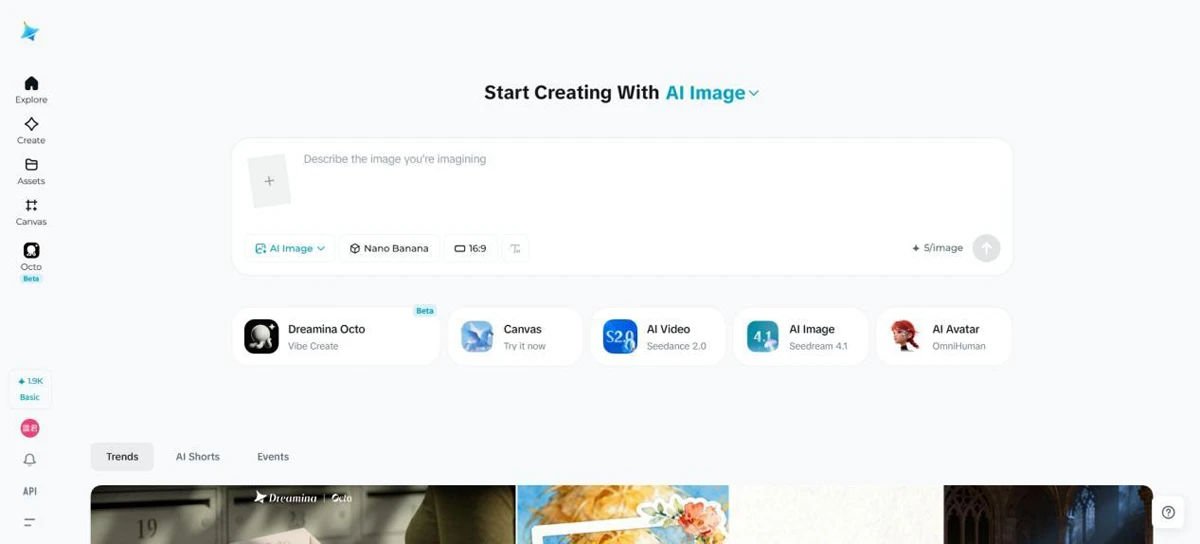
Dreamina is an all-in-one AI image generator and AI video generator built for creators, marketers, designers, and everyday users
38660 views84 clicks
Get published, verified, or featured at reduced founder rates.
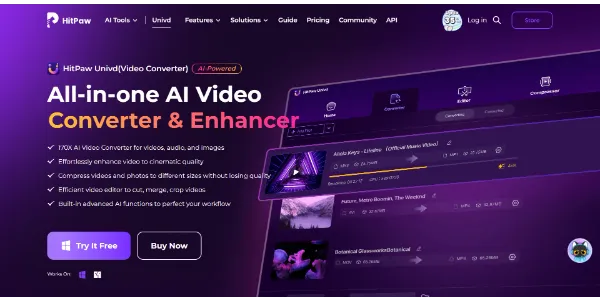
Convert, compress, and enhance your videos in over 1,000 formats up to 170 times faster than traditional tools, without any loss of quality. Built-in AI models also let you upscale videos to 4K/8K, colorize black-and-white videos, and stabilize shaky footage
HitPaw Univd is a comprehensive video utility designed for users needing high-speed conversion and AI-driven enhancements. It positions itself as a versatile toolkit for managing video files across more than 1,000 formats.
Beyond standard conversion and compression, the software integrates specialized AI models to address common post-production challenges. These include upscaling lower-resolution footage to 4K or 8K, restoring color to archival black-and-white clips, and applying stabilization to shaky handheld recordings.
The tool emphasizes performance, claiming significant speed advantages over traditional processing methods while maintaining original visual fidelity. For creators working with diverse media sources, it serves as a centralized hub for preparing content for various platforms.
Buyers should evaluate the specific hardware requirements needed to achieve the advertised processing speeds and the depth of the AI-powered restoration tools compared to professional standalone suites before committing to a full license.
Compare HitPaw Univd with alternative Content Creation & Generation tools before choosing a product.
Dreamina is an all-in-one AI image generator and AI video generator built for creators, marketers, designers, and everyday users
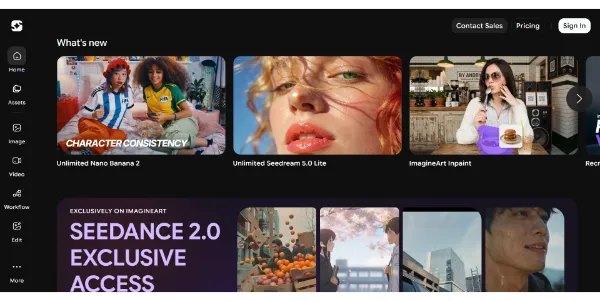
Generate HD images and videos from a single interface. Choose from 90+ artistic styles and models such as Nano Banana 2 or Kling AI. You can also train your own custom AI model to create consistent characters
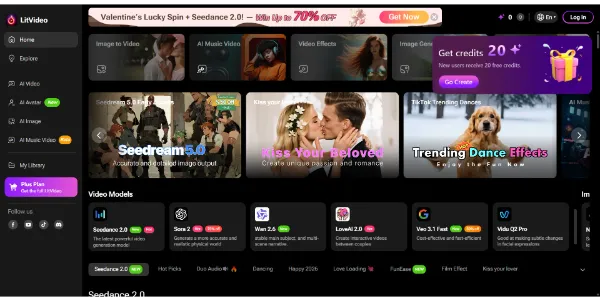
Create AI videos from text, images, or videos, and the platform automatically selects the best model (Sora 2, Kling, PixVerse, Vidu, etc.). Easily add subtitles, effects, and music tailored to Instagram, TikTok, or YouTube formats

Simply describe your idea and get a complete video ready to publish. Storyboard, editing, voiceover, music, and transitions are automatically generated to create social clips or advertisements (UGC) in minutes
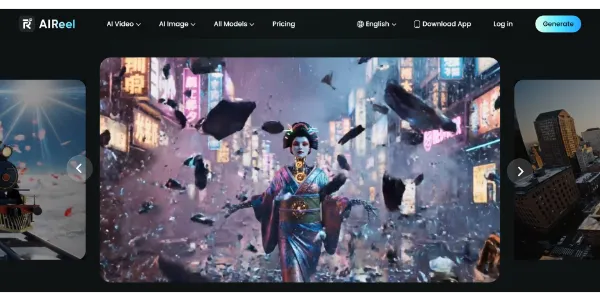
A video generator combining several models, including Veo 3.1, Seedance, Sora, and Kling, to create more varied scenes from text or images. Social media-friendly formats, cinematic rendering, and a simple workflow let you publish faster
Dreamina is an all-in-one AI image generator and AI video generator built for creators, marketers, designers, and everyday users
Generate HD images and videos from a single interface. Choose from 90+ artistic styles and models such as Nano Banana 2 or Kling AI. You can also train your own custom AI model to create consistent characters
Create AI videos from text, images, or videos, and the platform automatically selects the best model (Sora 2, Kling, PixVerse, Vidu, etc.). Easily add subtitles, effects, and music tailored to Instagram, TikTok, or YouTube formats
Simply describe your idea and get a complete video ready to publish. Storyboard, editing, voiceover, music, and transitions are automatically generated to create social clips or advertisements (UGC) in minutes
A video generator combining several models, including Veo 3.1, Seedance, Sora, and Kling, to create more varied scenes from text or images. Social media-friendly formats, cinematic rendering, and a simple workflow let you publish faster
HitPaw Univd is listed with a Free trial pricing model. Check the official website for current plan details and limits. Prospective buyers should verify if the trial includes full access to AI upscaling and stabilization features or if exports are restricted by watermarks and file size limits.
Explore similar AI tools from the same category and use case.
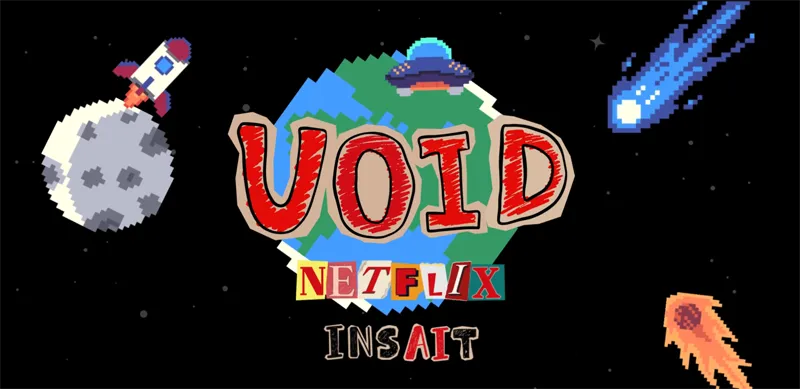
Remove an object from a video, and the AI automatically recalculates the resulting chain of physical interactions: falls, collisions, and altered trajectories. Developed by Netflix, this research model produces results that are far more consistent than current video removal tools
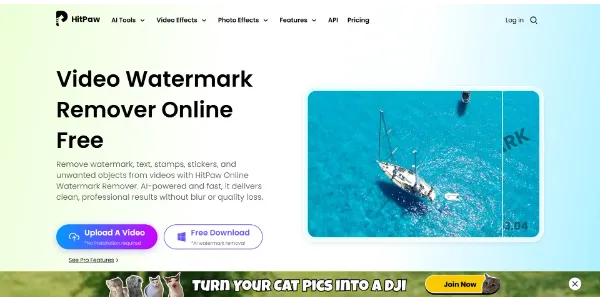
Save time by removing watermarks and logos from your videos directly in your browser. AI analyzes and reconstructs each frame to deliver professional-quality results. It can also handle distracting objects and produces a crisp, blur-free image
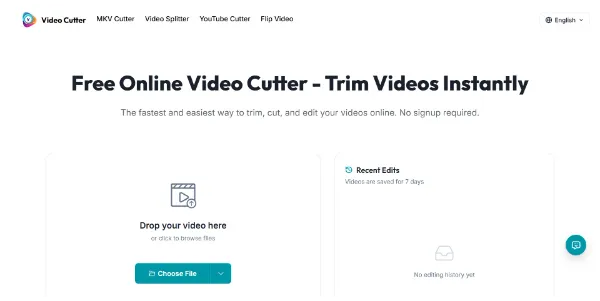
An online editor that lets you trim a video in seconds, with no account required and no watermark. Supports MP4, MOV, AVI, MKV, and WebM, with fast export and preserved quality
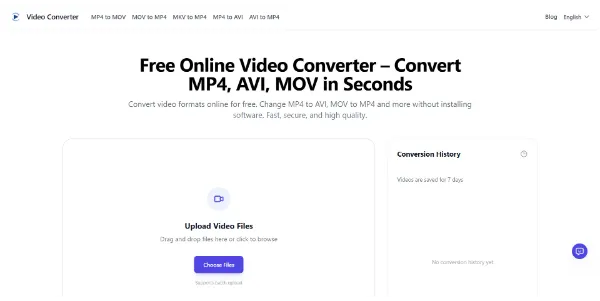
Convert your videos between all common formats (MP4, AVI, MKV, MOV, GIF, etc.) right in your browser. You can convert files in batches, export audio files, and automatically delete files
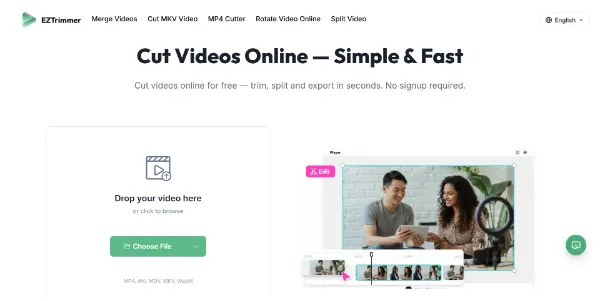
Need to trim a video for TikTok or social media? This online tool processes your files quickly without adding a watermark. It supports MP4, AVI, MOV, MKV, and WebM, with fast export while maintaining quality
Remove an object from a video, and the AI automatically recalculates the resulting chain of physical interactions: falls, collisions, and altered trajectories. Developed by Netflix, this research model produces results that are far more consistent than current video removal tools
Save time by removing watermarks and logos from your videos directly in your browser. AI analyzes and reconstructs each frame to deliver professional-quality results. It can also handle distracting objects and produces a crisp, blur-free image
An online editor that lets you trim a video in seconds, with no account required and no watermark. Supports MP4, MOV, AVI, MKV, and WebM, with fast export and preserved quality
Convert your videos between all common formats (MP4, AVI, MKV, MOV, GIF, etc.) right in your browser. You can convert files in batches, export audio files, and automatically delete files
Need to trim a video for TikTok or social media? This online tool processes your files quickly without adding a watermark. It supports MP4, AVI, MOV, MKV, and WebM, with fast export while maintaining quality
AIForest groups related AI tools so you can compare practical fit, pricing type, categories, screenshots, and official product links without starting from a blank search.
Keep comparing
Create an account to come back to this listing, bookmark useful tools, and compare nearby Content Creation & Generation options without starting over.
Use these focused AIForest guides to compare tools by workflow, pricing intent, alternatives, and practical use case.
HitPaw Univd combines traditional conversion and compression with advanced AI enhancement tools. While standard converters simply change file types, this software allows users to upscale footage to 4K/8K, stabilize shaky videos, and colorize old content within the same interface. It also focuses on high-speed performance, aiming to process files significantly faster than conventional software without sacrificing the output's original visual quality.
HitPaw Univd offers a free trial, which typically allows users to explore the interface and test the AI-driven features like upscaling and stabilization. However, users should check for specific trial limitations, such as watermarks on exported videos or restricted output lengths. Full access to the 1,000+ format support and high-speed processing usually requires a transition to a paid license after the initial evaluation.
If you own HitPaw Univd, add this badge to your site so visitors can verify the listing and discover the product from AIForest.
Badge preview

Submit your product to AIForest and reach visitors comparing content creation & generation AI tools, alternatives, and new software to try.