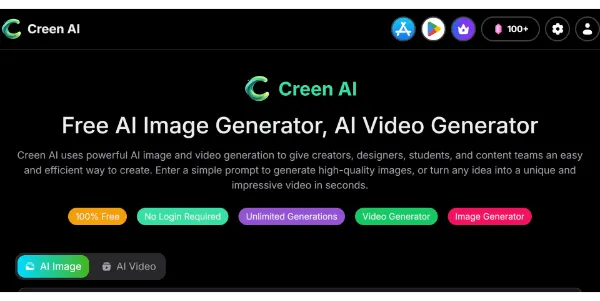
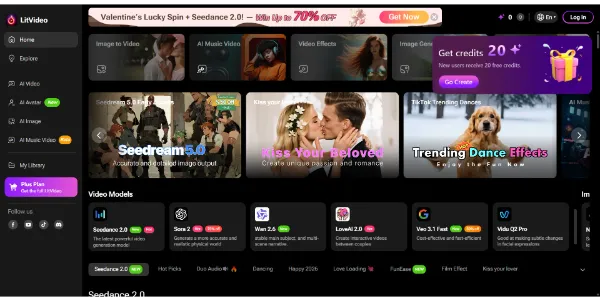
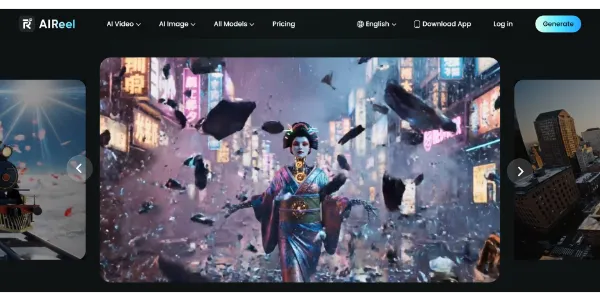
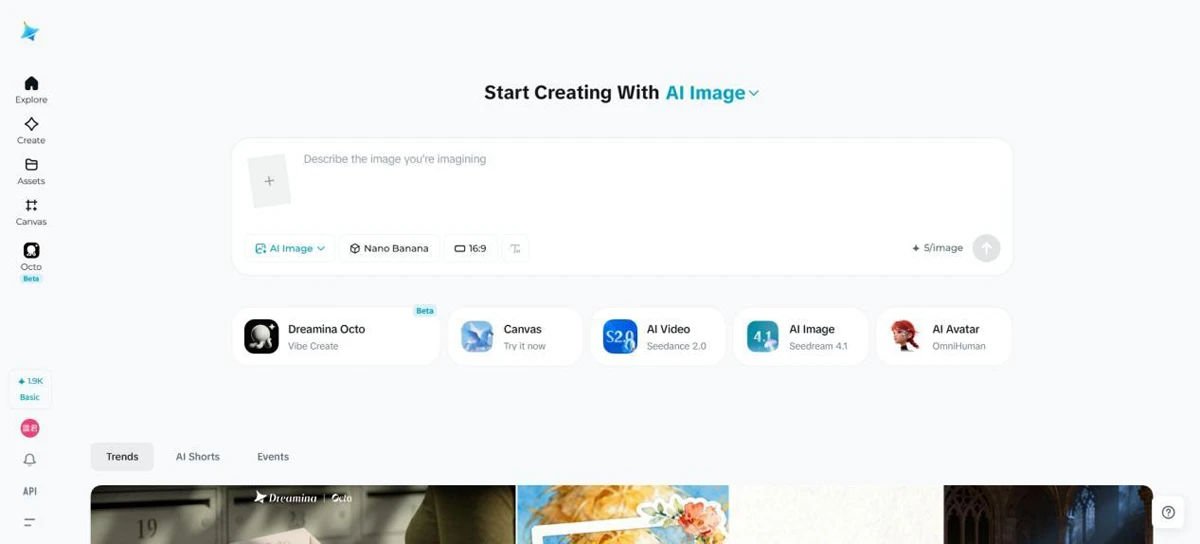
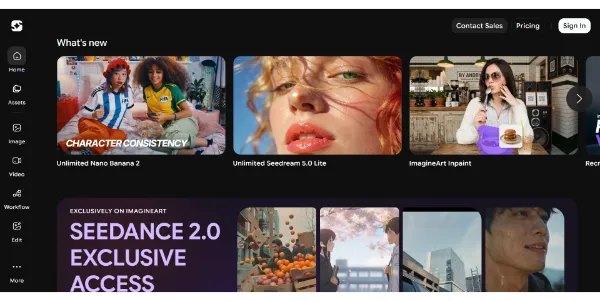
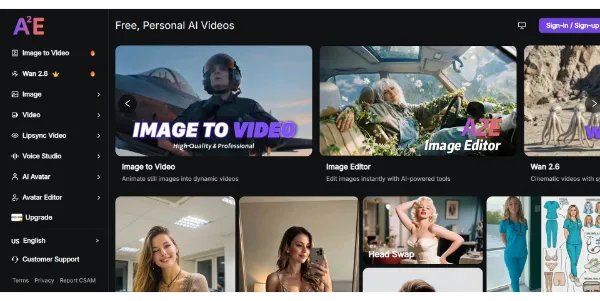
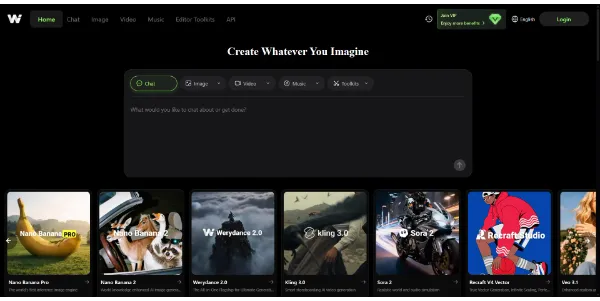
Creen AI positions itself as a versatile hub for high-resolution content generation, leveraging a variety of advanced models like Wan, Seedream, Sora, and Veo3. It addresses the needs of creators who require both static imagery and dynamic video from a single interface.
Users can transition from text prompts to 1080p video or refine existing photos into cinematic sequences. The platform's support for 4K image editing suggests a focus on quality output suitable for professional or social media use.
By offering watermark-free downloads, it caters to those who need clean assets for immediate deployment across various digital channels. As a freemium service, it allows for initial exploration of its multi-model capabilities, though users should evaluate the specific limitations of the free tier regarding generation speed and model access.
This tool is particularly relevant for marketers and designers looking to experiment with the latest text-to-video architectures without managing multiple individual subscriptions.