
Freemium
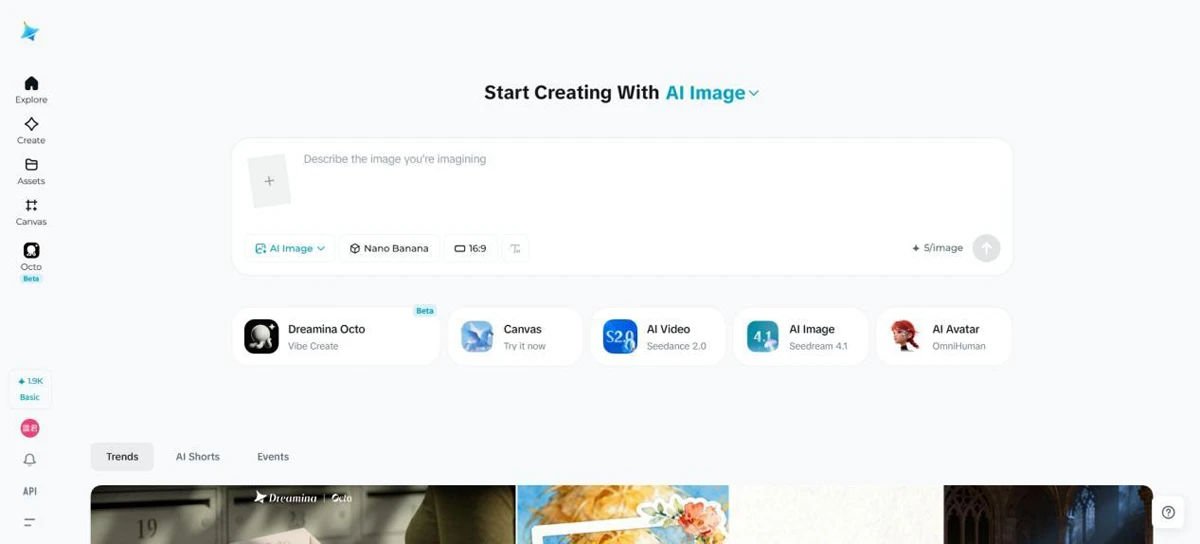
Dreamina is an all-in-one AI image generator and AI video generator built for creators, marketers, designers, and everyday users
38660 views84 clicks
Get published, verified, or featured at reduced founder rates.
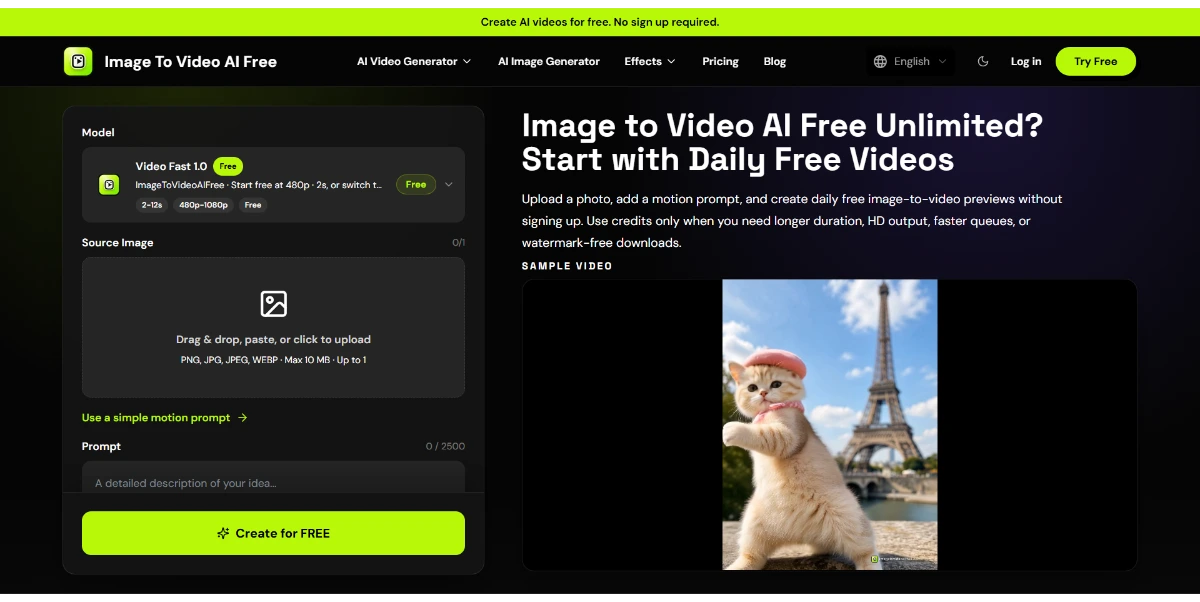
Turn a simple image into an animated video clip ready for social media. Upload a photo, describe the style you want, and the AI automatically generates a short, dynamic video with camera movements and transitions
Image To Video AI Free serves as a bridge between static photography and dynamic video content, specifically targeting the needs of modern social media creators. By leveraging generative AI, the platform allows users to upload a single photo and apply a descriptive style prompt to dictate the visual outcome.
The core value proposition lies in its ability to automate complex animation tasks, such as camera movements and transitions, which would typically require significant manual editing in traditional software. This makes it a compelling option for those looking to enhance their digital presence without a steep learning curve.
As a freemium tool, it provides an entry point for experimentation, though users should evaluate the output for consistency and motion accuracy. Whether you are looking to add subtle movement to a portrait or create a high-energy clip for a promotional post, this tool focuses on streamlining the creative workflow from a simple image input to a ready-to-share video asset.
Compare Image To Video AI Free with alternative Content Creation & Generation tools before choosing a product.
Dreamina is an all-in-one AI image generator and AI video generator built for creators, marketers, designers, and everyday users
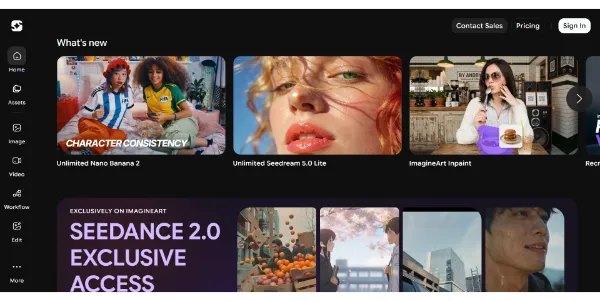
Generate HD images and videos from a single interface. Choose from 90+ artistic styles and models such as Nano Banana 2 or Kling AI. You can also train your own custom AI model to create consistent characters
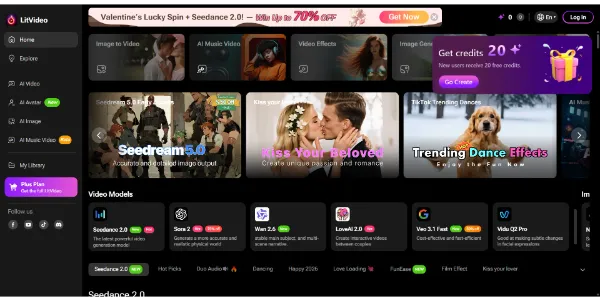
Create AI videos from text, images, or videos, and the platform automatically selects the best model (Sora 2, Kling, PixVerse, Vidu, etc.). Easily add subtitles, effects, and music tailored to Instagram, TikTok, or YouTube formats
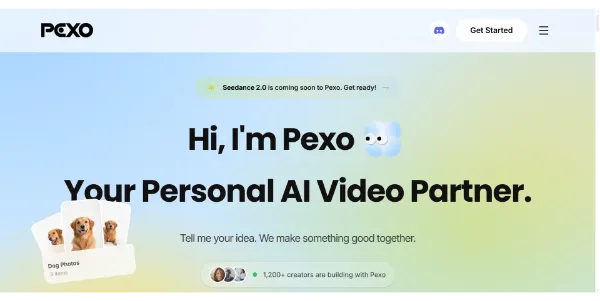
Simply describe your idea and get a complete video ready to publish. Storyboard, editing, voiceover, music, and transitions are automatically generated to create social clips or advertisements (UGC) in minutes
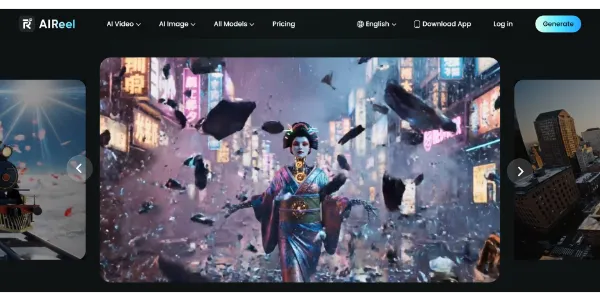
A video generator combining several models, including Veo 3.1, Seedance, Sora, and Kling, to create more varied scenes from text or images. Social media-friendly formats, cinematic rendering, and a simple workflow let you publish faster
Dreamina is an all-in-one AI image generator and AI video generator built for creators, marketers, designers, and everyday users
Generate HD images and videos from a single interface. Choose from 90+ artistic styles and models such as Nano Banana 2 or Kling AI. You can also train your own custom AI model to create consistent characters
Create AI videos from text, images, or videos, and the platform automatically selects the best model (Sora 2, Kling, PixVerse, Vidu, etc.). Easily add subtitles, effects, and music tailored to Instagram, TikTok, or YouTube formats
Simply describe your idea and get a complete video ready to publish. Storyboard, editing, voiceover, music, and transitions are automatically generated to create social clips or advertisements (UGC) in minutes
A video generator combining several models, including Veo 3.1, Seedance, Sora, and Kling, to create more varied scenes from text or images. Social media-friendly formats, cinematic rendering, and a simple workflow let you publish faster
Image To Video AI Free is listed with a Freemium pricing model. This typically allows users to explore basic features with potential limits on generation volume or quality. Check the official website for current plan details, credit systems, and premium subscription tiers.
Explore similar AI tools from the same category and use case.
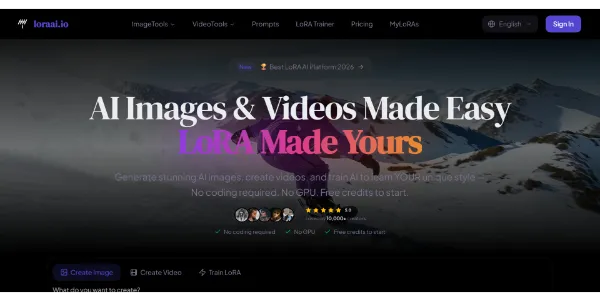
Create high-end images and cinematic videos using multiple premium templates in one place. You can also train your own model and sell your creations through an integrated marketplace
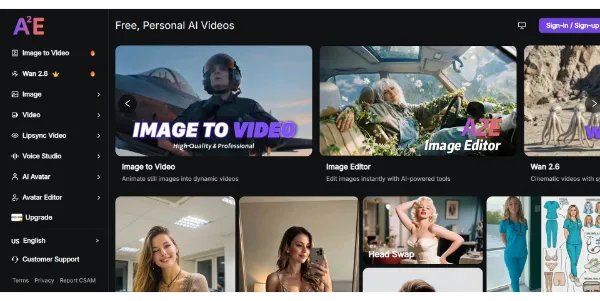
A powerful video studio that combines image-to-video generator, talking avatars, face swap, lip sync, and voice cloning all in one place. Great for testing multiple models uncensored and quickly creating a wide range of clips
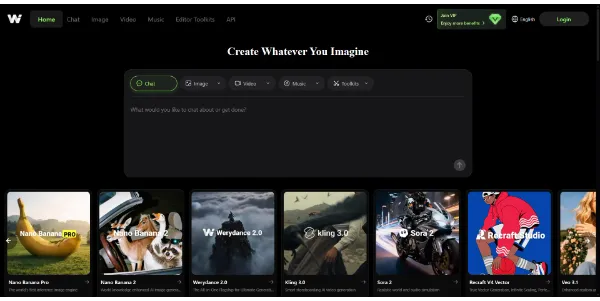
Access the best video and image models (Kling, Veo, Sora 2, FLUX) all from a single platform. You can also create consistent characters and swap faces between videos without switching tools
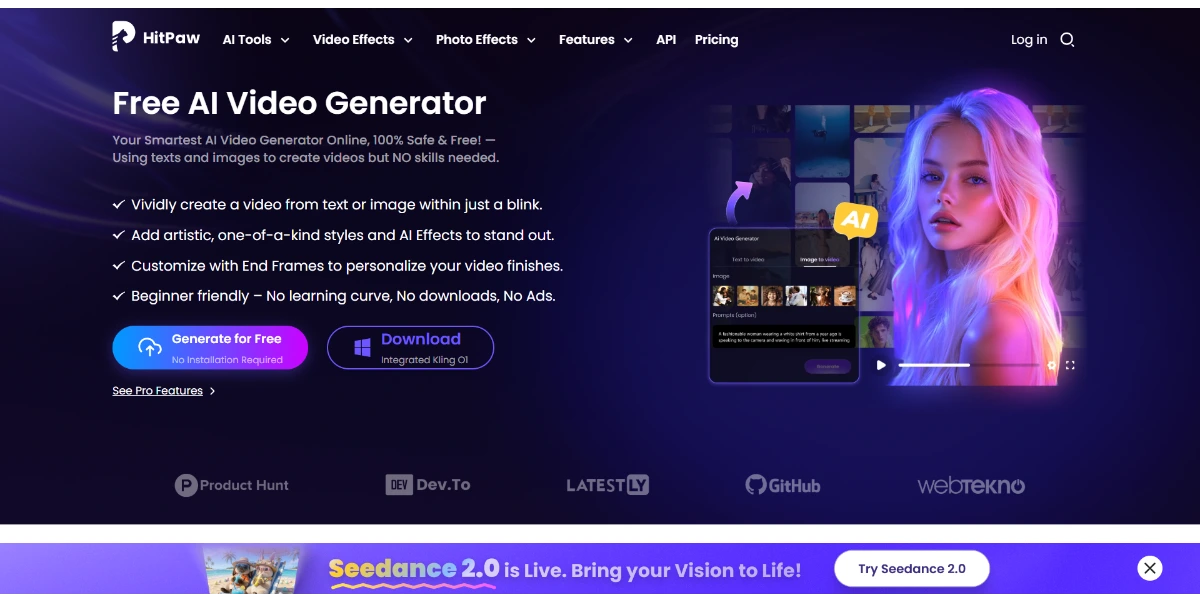
Create videos from text or images for free, online, with no sign-up or ads. AI animates your scenes, adds artistic styles and cinematic effects, and exports in up to 4K directly from your browser
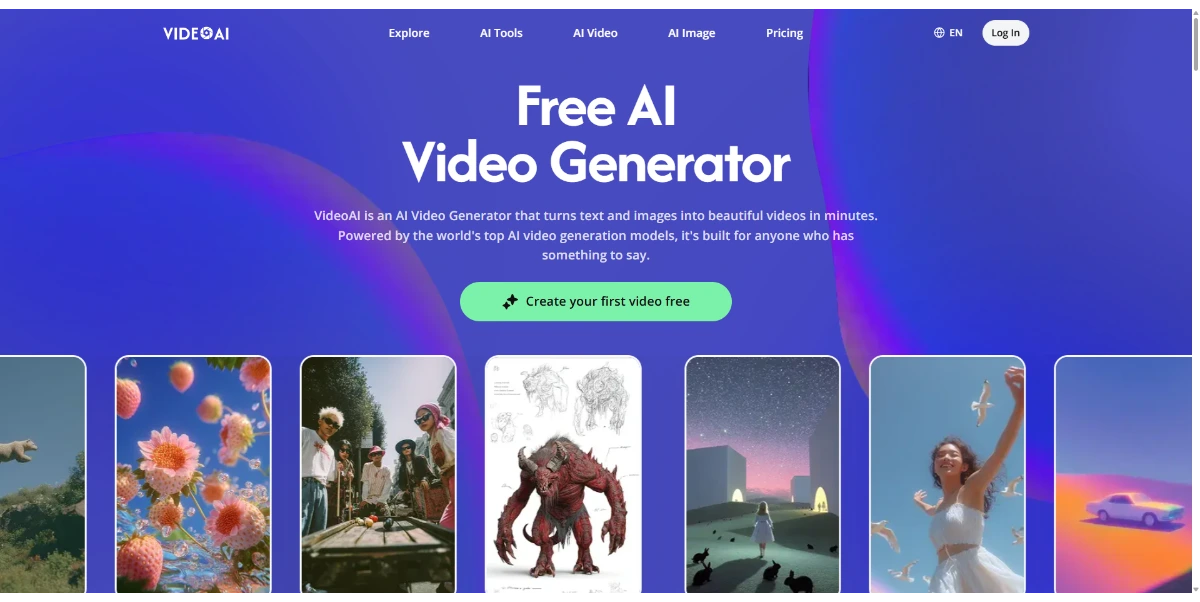
Turn text or images into HD videos featuring talking avatars, AI-generated voices in 140 languages, and automatically generated subtitles. The tool quickly generates clips for marketing, tutorials, or social media
Create high-end images and cinematic videos using multiple premium templates in one place. You can also train your own model and sell your creations through an integrated marketplace
A powerful video studio that combines image-to-video generator, talking avatars, face swap, lip sync, and voice cloning all in one place. Great for testing multiple models uncensored and quickly creating a wide range of clips
Access the best video and image models (Kling, Veo, Sora 2, FLUX) all from a single platform. You can also create consistent characters and swap faces between videos without switching tools
Create videos from text or images for free, online, with no sign-up or ads. AI animates your scenes, adds artistic styles and cinematic effects, and exports in up to 4K directly from your browser
Turn text or images into HD videos featuring talking avatars, AI-generated voices in 140 languages, and automatically generated subtitles. The tool quickly generates clips for marketing, tutorials, or social media
AIForest groups related AI tools so you can compare practical fit, pricing type, categories, screenshots, and official product links without starting from a blank search.
Keep comparing
Create an account to come back to this listing, bookmark useful tools, and compare nearby Content Creation & Generation options without starting over.
Use these focused AIForest guides to compare tools by workflow, pricing intent, alternatives, and practical use case.
Users can influence the final video by providing a text description alongside their image upload. This prompt allows you to specify the desired style, mood, or specific visual elements you want the AI to emphasize. While the AI automates the camera movements and transitions, the clarity of your description is a key factor in achieving a result that aligns with your creative vision.
The tool is designed to generate short, dynamic video clips optimized for social media engagement. It typically includes automated camera pans, zooms, and transitions based on the input image and prompt. Prospective users should evaluate the output quality for their specific use case, as the complexity of the original image can impact how realistically the AI interprets motion and depth.
Image To Video AI Free operates on a freemium model, which generally means there are usage limits or feature restrictions on the free tier. Because specific plan details can change, it is important to check the official website for current information regarding daily generation limits, video resolution, and whether watermarks are applied to the final exported content before starting a project.
If you own Image To Video AI Free, add this badge to your site so visitors can verify the listing and discover the product from AIForest.
Badge preview

Submit your product to AIForest and reach visitors comparing content creation & generation AI tools, alternatives, and new software to try.