
Advertise

VibeKnow Studio

Education & LearningEducational ContentEducation / StudiesVideo Generators

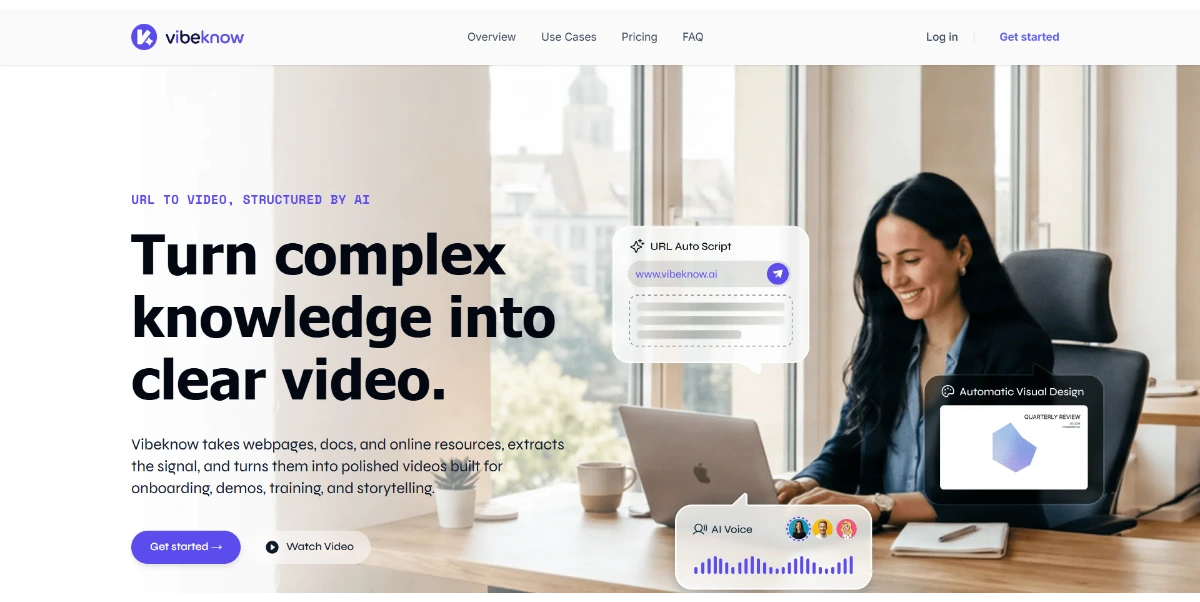
Turn your text, documents, or web links into explainer videos and dynamic presentations. AI automatically generates the script, scenes, voice-over, and subtitles, giving you a complete video draft in just a few minutes

Clicks

43

Ranked in AIForest

Impressions

5,293

Directory views

Category

Education & Learning

Educational Content

Listed

June 2026

Education & Learning, Educational Content

Screenshot

vibeknow.ai

Pros and cons

Pros

  • Automated conversion of web links and documents into video drafts
  • Integrated voice-over and subtitle generation for accessibility
  • Significant reduction in time spent on manual scriptwriting
  • Support for multiple input formats including text and PDFs

Cons

  • AI-generated scripts may require manual fact-checking for technical accuracy
  • Visual scene selection might not always align perfectly with niche educational topics
  • Potential limits on customization within the automated draft phase
  • Freemium tier likely includes usage caps or watermarking on video exports

FAQ

How does VibeKnow Studio handle different document formats?

VibeKnow Studio is designed to process various inputs including plain text, uploaded documents, and live web links. The AI analyzes the provided content to extract key information, which it then uses to structure a script and select relevant visual scenes. Users should check the platform for specific file type compatibility, such as PDF or Word, to ensure seamless conversion.

Can I edit the video after the AI generates the initial draft?

Yes, the platform provides a complete video draft in just a few minutes, which serves as a foundation for further refinement. While the AI automates the script, scenes, and voice-over, users typically have the opportunity to review and adjust these elements. Evaluating the depth of the built-in editor is recommended for those requiring specific branding or layout adjustments.