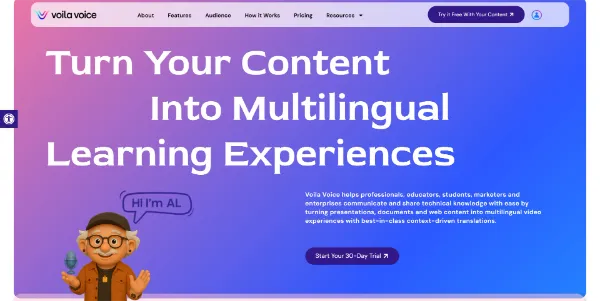
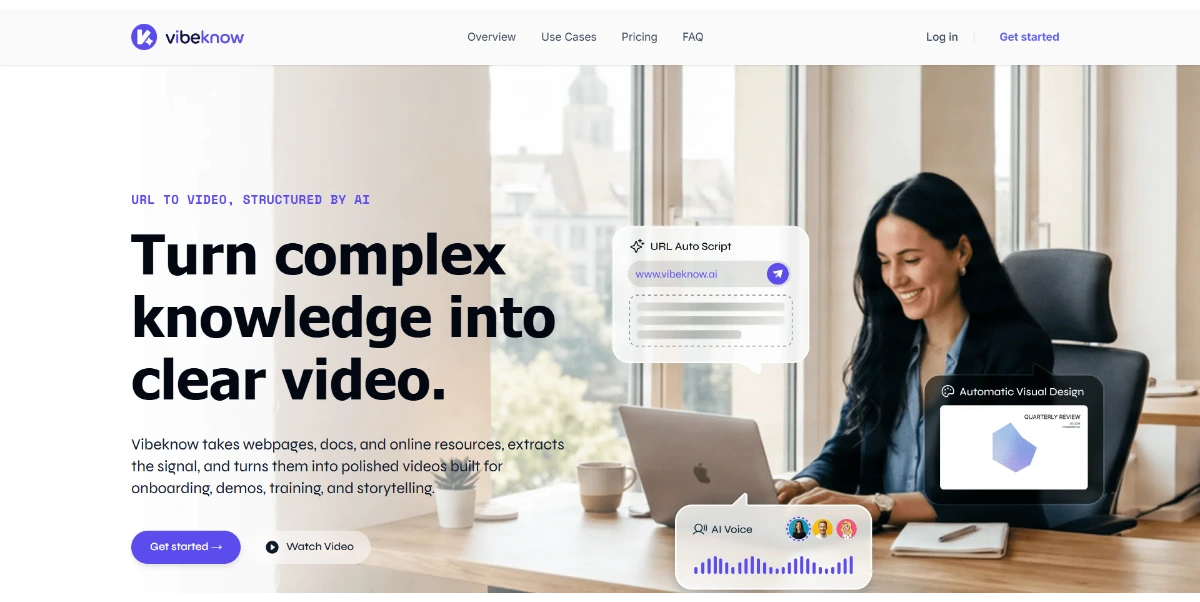
You import a PDF, slides, or a web page, and the platform automatically creates a lesson with voice-overs, avatars, quizzes, and content translated into more than 30 languages. You can adjust the tone and speed and easily export the result
Get published, verified, or featured at reduced founder rates.
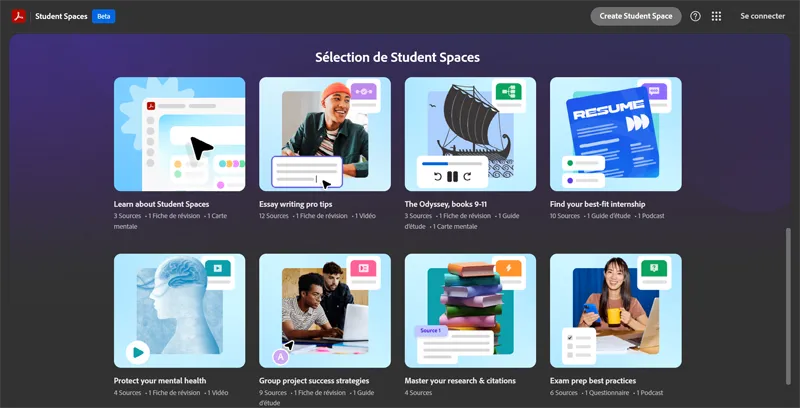
Turn your lectures, PDFs, and notes into flashcards, quizzes, mind maps, videos, and podcasts with the help of a built-in AI tutor. The tool automatically cites your sources to prevent errors and centralizes all your group work in one place
Adobe Acrobat Student Spaces is a specialized educational platform designed to transform traditional study materials into dynamic, AI-enhanced learning assets. By processing lectures, PDFs, and personal notes, the tool allows students to generate a variety of study aids including flashcards, quizzes, and mind maps.
For those who prefer non-textual learning, it can even produce podcasts and videos based on the provided content. A key differentiator is the built-in AI tutor, which emphasizes academic rigor by automatically citing sources to ensure that generated information is traceable to the original documents.
Additionally, the platform serves as a collaborative hub, centralizing group work and shared resources in one location. This tool is particularly relevant for students seeking to streamline their exam preparation and organize complex research materials within the familiar Adobe ecosystem, moving beyond simple PDF viewing into active, AI-assisted learning and content synthesis.

Compare Adobe Acrobat Student Spaces with alternative Education & Learning tools before choosing a product.
Adobe Acrobat Student Spaces is listed as free on AIForest. Check the official website for current limits, usage caps, and whether paid upgrades are available. Users should verify if a standard Adobe account or Creative Cloud subscription is required for full access.
Explore similar AI tools from the same category and use case.
AIForest groups related AI tools so you can compare practical fit, pricing type, categories, screenshots, and official product links without starting from a blank search.
Keep comparing
Create an account to come back to this listing, bookmark useful tools, and compare nearby Education & Learning options without starting over.
Use these focused AIForest guides to compare tools by workflow, pricing intent, alternatives, and practical use case.
The platform includes a built-in AI tutor that automatically cites sources from your uploaded PDFs and notes. This feature is designed to help students verify information and maintain academic integrity by linking AI-generated summaries and answers directly back to the original course materials provided by their instructors.
Beyond standard text summaries, this tool can transform static notes into interactive flashcards, practice quizzes, visual mind maps, and even audio-visual formats like podcasts and videos. This variety allows students to choose the study medium that best fits their personal learning style or specific exam preparation needs.
If you own Adobe Acrobat Student Spaces, add this badge to your site so visitors can verify the listing and discover the product from AIForest.
Submit your product to AIForest and reach visitors comparing education & learning AI tools, alternatives, and new software to try.