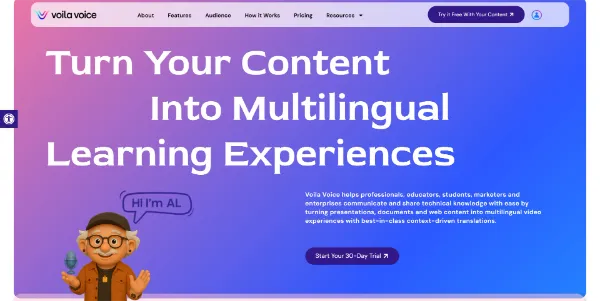
Voila Voice io is an AI-powered educational content platform designed to transform static documents into interactive, multimedia lessons. By importing common formats such as PDFs, presentation slides, or web pages, users can automatically generate structured educational modules.
The tool distinguishes itself by integrating digital avatars and voice-overs to deliver content, moving beyond simple text-based summaries. It also features an automated quiz generator to help educators assess learner retention and supports translation into more than 30 languages for global reach.
Users have the ability to fine-tune the delivery by adjusting the speed and tone of the AI voices. This tool is positioned for those looking to rapidly digitize curriculum or training materials without extensive manual video production.
Before full implementation, buyers should evaluate the export compatibility with their existing learning management systems and the accuracy of the automated assessments generated from their specific source files.