Summarize your texts and get quick answers with easy-to-use AI. This website offers tools for condensing articles and documents, as well as an Ask AI feature that provides a single, clear answer to your question (without a conversation)
Get published, verified, or featured at reduced founder rates.
Directory guide
Use AIForest as a practical AI tools directory: search for a product, compare nearby alternatives, browse focused guides, or submit a founder-built tool that deserves a complete listing.
Founder resources
Strong submissions include a specific use case, official product links, screenshots, pricing context, and keywords that match how buyers search.
Start with a workflow search, browse by category, or use curated guides such as free AI tools, developer AI tools, and trending AI tools. Each listing links to the official product page and nearby alternatives.
Yes. Founders can submit an AI app or startup with a clear description, screenshots, pricing details, keywords, and official links so the product can be reviewed for discovery.
AIForest prioritizes quality listings and founder-submitted tools instead of relying on low-value scraped directory entries.
Search by tool name, idea, or close spelling. AIForest surfaces the closest matches first, then suggests similar tools worth exploring.
Discovery shortcuts
Browse categories, list a missing tool, or improve a listing with stronger screenshots, keywords, and trust signals.
Shortlist this search
Create an account to return to this search, bookmark promising listings, and submit a missing tool if the perfect match is not here yet.

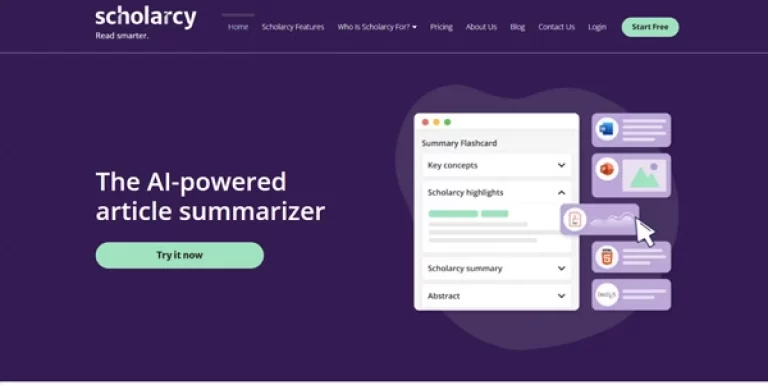
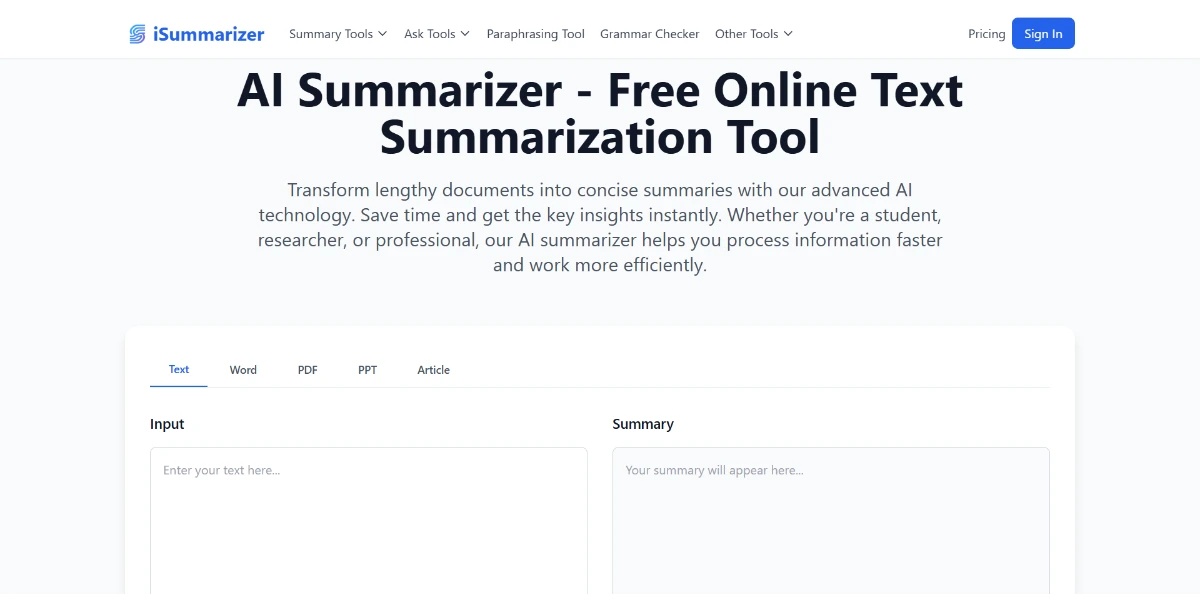
Summarize your texts and get quick answers with easy-to-use AI. This website offers tools for condensing articles and documents, as well as an Ask AI feature that provides a single, clear answer to your question (without a conversation)

Instantly summarize your long texts into key points with AI that analyzes content in depth. Paste your text or upload a file, then ask follow-up questions via integrated chat

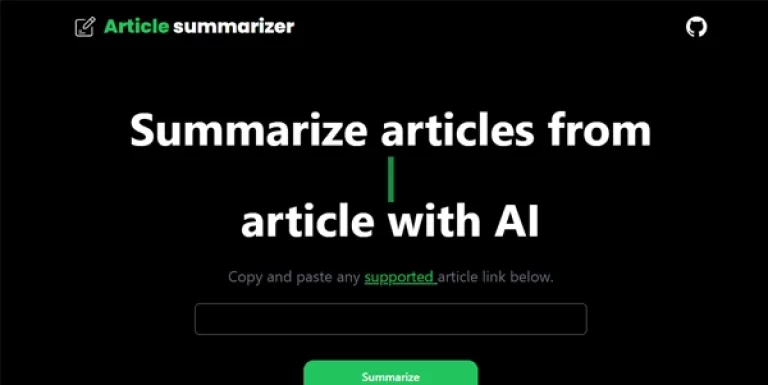
Tool that automatically summarizes even very long articles. Compatible with Medium, TechCrunch, etc.

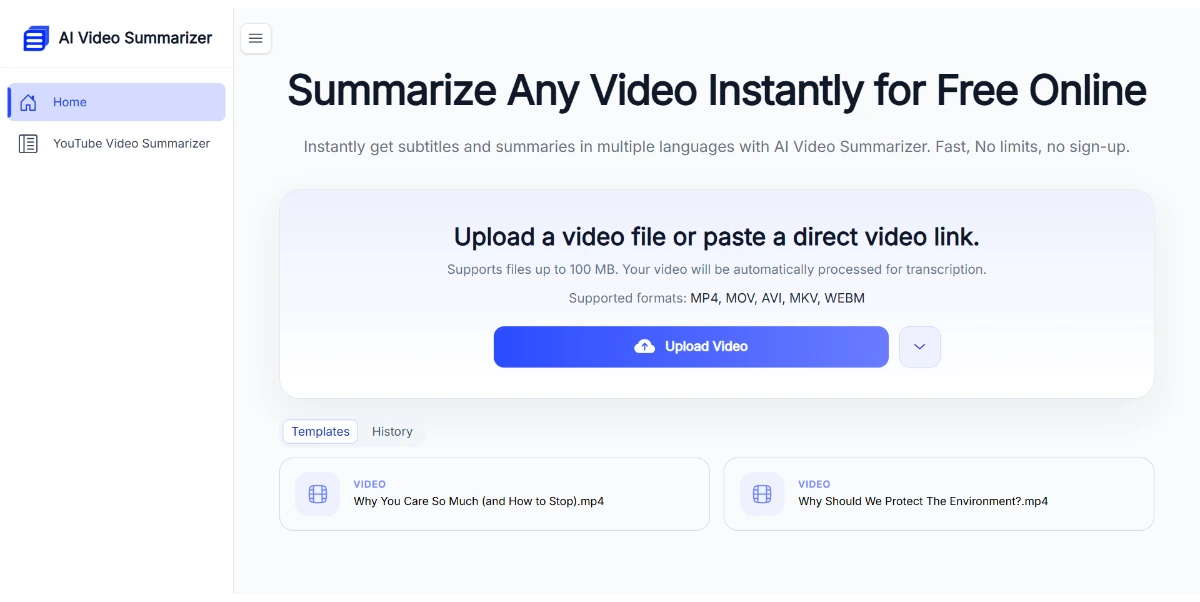
Paste a YouTube link or upload your video file to get a structured summary, a full transcript, subtitles, and clickable chapters in seconds. Nine different summary styles cover lectures, meetings, podcasts, and interviews

Summarize articles, studies, and more in seconds. This free AI Article Summarizer supports 80+ languages, works on any content length, and answers your questions

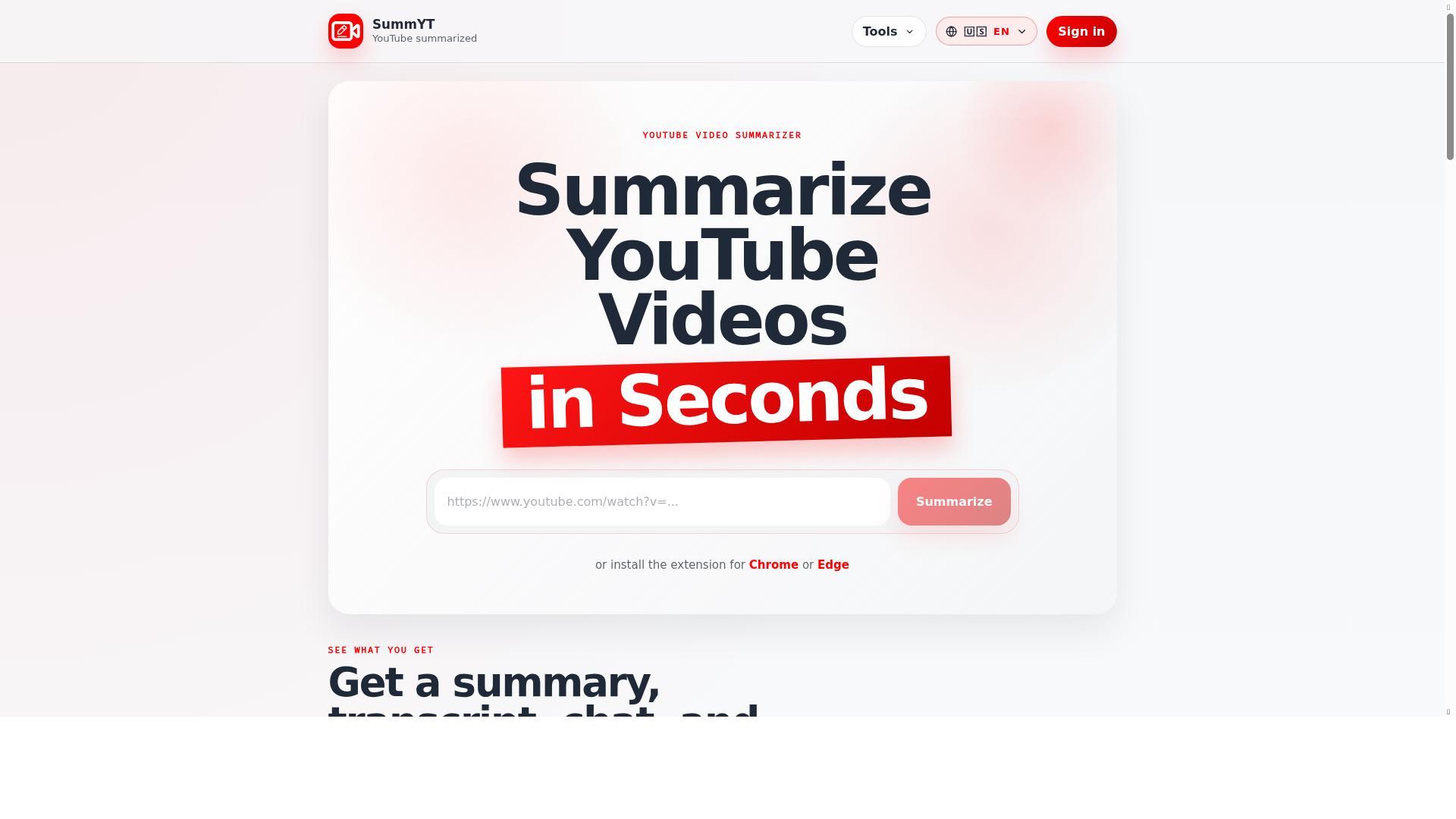
SummYT is a YouTube video summarizer that allows users to paste a YouTube video link and quickly get the key points. It helps users understand long YouTube videos in less time by providing summaries, transcripts, chat features, and a personal video library.

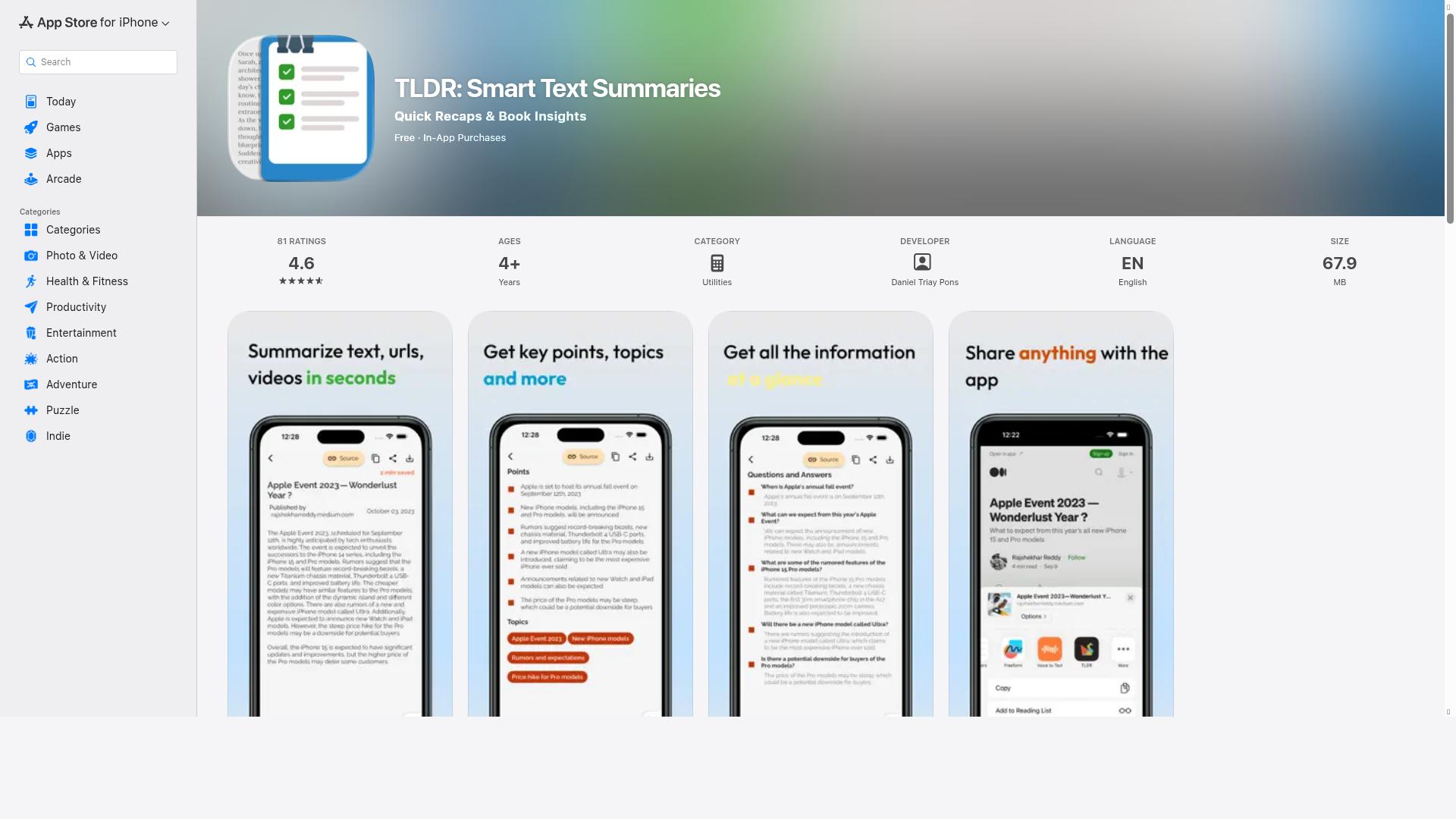
TLDR: Smart Text Summaries is an iOS app designed to efficiently summarize text, articles, and even YouTube videos using advanced AI technology. It extracts the most relevant information, key points, solved questions, and answers from any content, enabling users to quickly grasp essential insights without reading lengthy materials. The app supports brief article summaries, TLDR versions for instant insights, and easy sharing of summarized content, making it ideal for busy individuals seeking to stay informed and maximize productivity.

Paste your AI-generated text (ChatGPT, Claude) and the tool will instantly rewrite it to give it a more natural style, without changing the meaning. It bypasses the main AI detectors and supports documents of up to 50,000 words at a time

This tool analyzes and rewrites AI-generated text to give it a natural, fluid, and human-like style. Make your AI text undetectable by ZeroGPT, GPTZero, Originality.ai, or Turnitin using a rewriter that transforms robotic-sounding text into natural language

AI-powered content creation, minus the hassle. Pros include Web-based tool Minimal formatting effort Customizable templates No coding required Efficient process Works on any device Embed various media formats Collaboration and feedback features Quick reactions Commenting feature Publishing tools Built-in analytics Transforms text into bite-sized pieces Optimizes engagement measuring One-click templates On-brand design No template lock-in Ability to re-style entire deck Flexible templates Nested cards Publishing and analytics Concise and visual content Interactive content Share across different devices Bite-sized content for comprehension Adaptable design tools Narrations and recodings Gamma memos can stand alone More visual than a doc More interactive than a video. Considerations include No offline capability No mentioned security features Limited device compatibility Lack of integration with other tools No version control for edits Requires strong Internet connection Depends on existing templates No accessibility information provided Collaboration features may be limited Analytics possibly lacking depth.

Combine studying, work, and creativity in a multi-model assistant (GPT, Gemini, Claude, DeepSeek, Nano Banana). This assistant can summarize PDFs and YouTube videos, solve math problems, and generate images, videos, and talking avatars in 17 languages

An AI that summarizes very large texts or articles and extracts the data of your choice

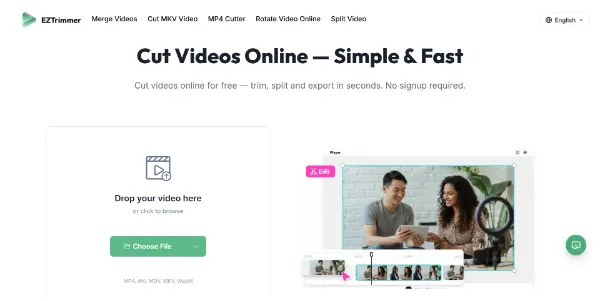
Need to trim a video for TikTok or social media? This online tool processes your files quickly without adding a watermark. It supports MP4, AVI, MOV, MKV, and WebM, with fast export while maintaining quality

Take advantage of enhanced audio and visual understanding to create comprehensive multimodal applications, ranging from image analysis to audio interpretation. The open-source E2B and E4B models offer optimal memory capacity and computational efficiency. Perfect for inference on devices with limited resources

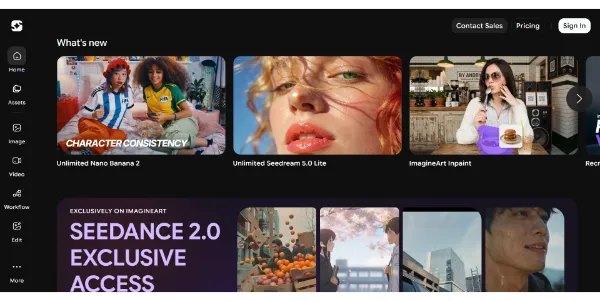
Generate HD images and videos from a single interface. Choose from 90+ artistic styles and models such as Nano Banana 2 or Kling AI. You can also train your own custom AI model to create consistent characters

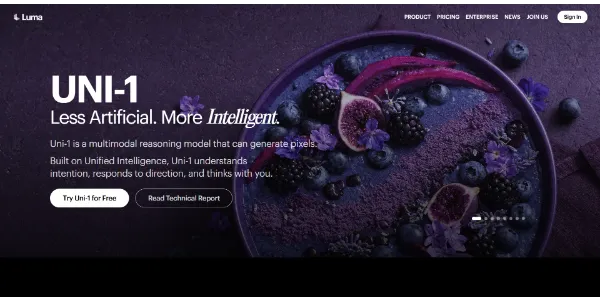
A visual generator capable of thinking before creating, producing images that are more coherent and easier to direct. Multiple references, guided editing, and excellent style control make it more precise than many alternatives

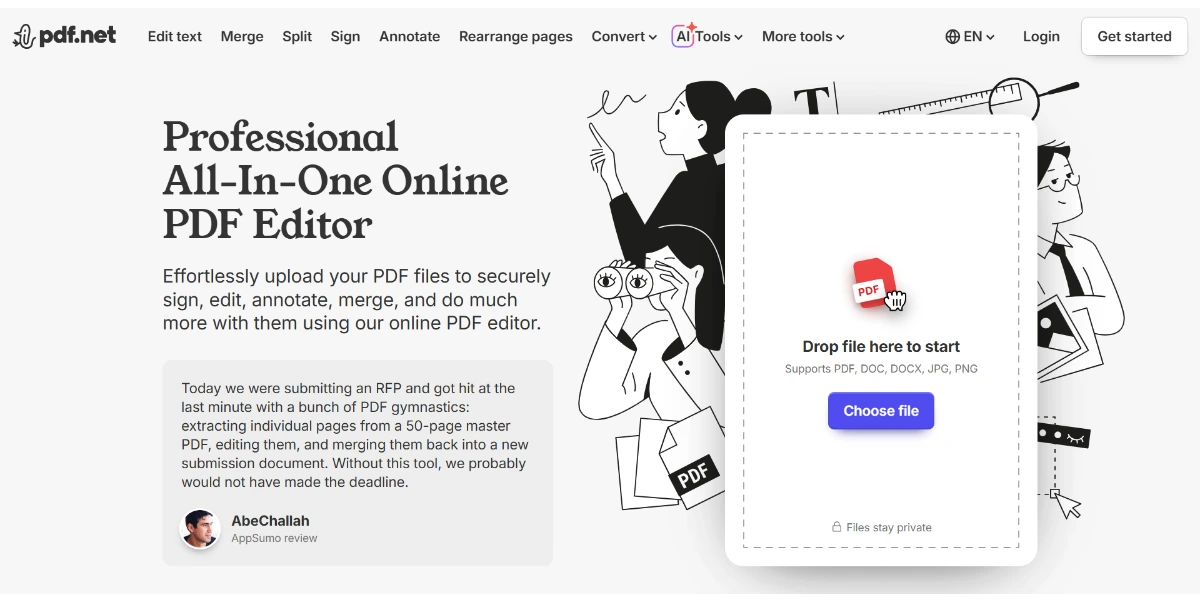
Create, summarize, and search your PDFs in seconds with AI. Generate professional documents (invoices, resumes, contracts) and get summaries or translations simply by entering a text prompt. The tool also supports annotation, page reorganization, and secure sharing

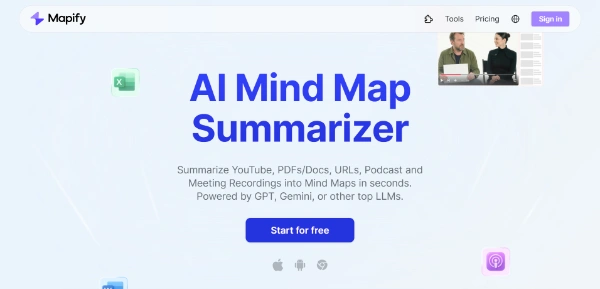
An AI mind map summarizer that converts any content—including PDFs, YouTube videos, Podcasts into structured mind maps in seconds.


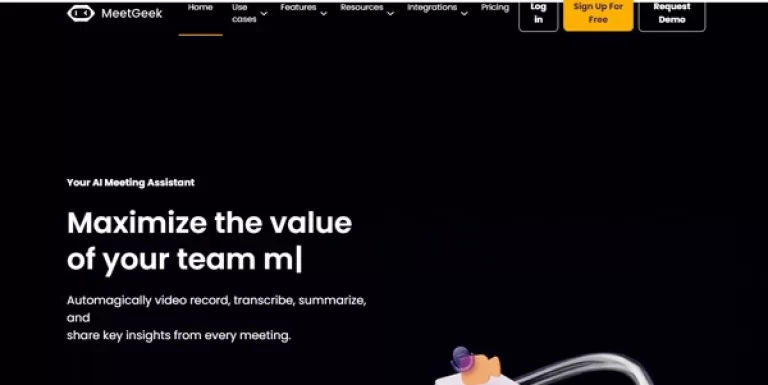
Transcribe, record and summarize your business meetings in real time

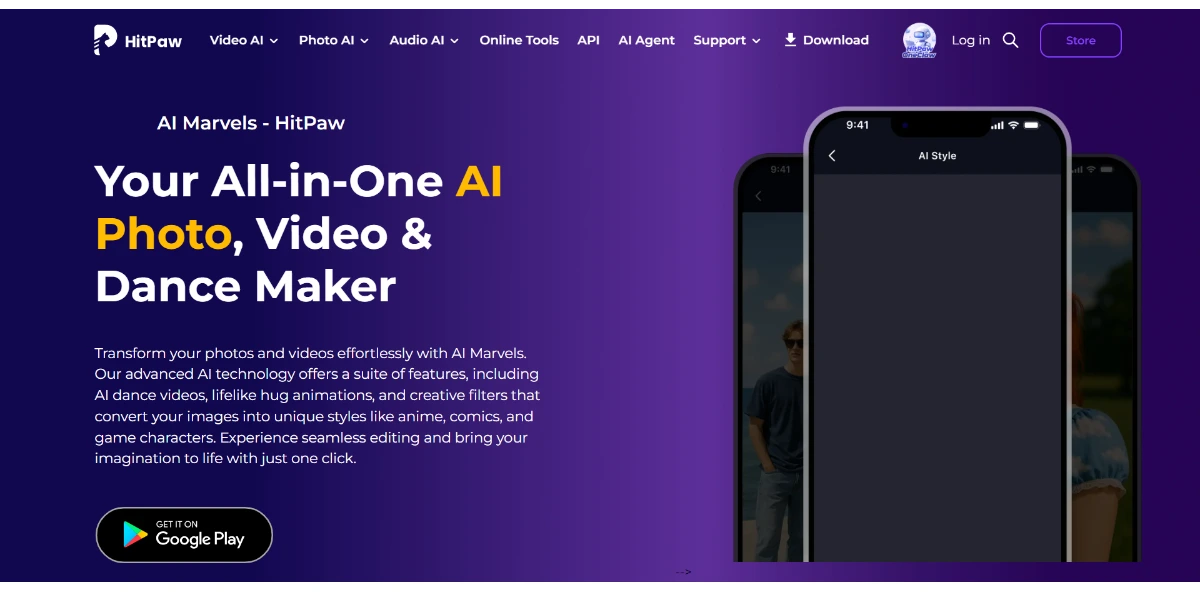
Edit your photos and animate your videos right from your phone: make your pets dance, change their outfits, and apply anime, cartoon, or retro filters. Easily turn your portraits into stylized avatars

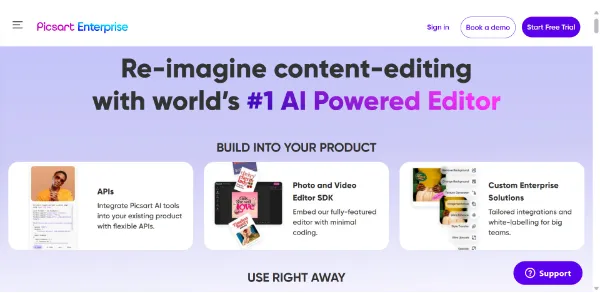
Integrate Picsart's creative APIs directly into your applications to remove backgrounds, upscaling, enhance, or generate AI-powered visuals at scale. The tool connects to Google Drive, OpenAI, and Gemini to automate your creative workflows

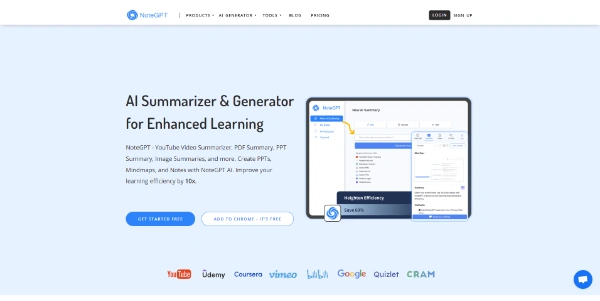
Optimize your learning with this multifunctional AI assistant. Summarize YouTube videos, PDFs, articles, generate mind maps and organize your notes more intelligently

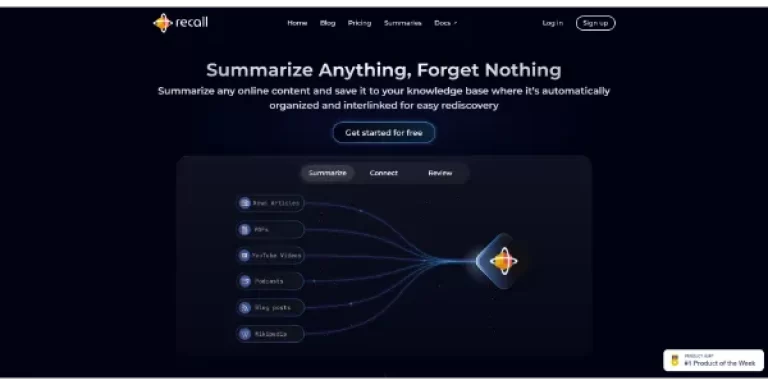
Summarize and save any online content: articles, PDFs, podcasts, Wikipedia, etc. Artificial intelligence automatically categorizes and links your notes for easy searching

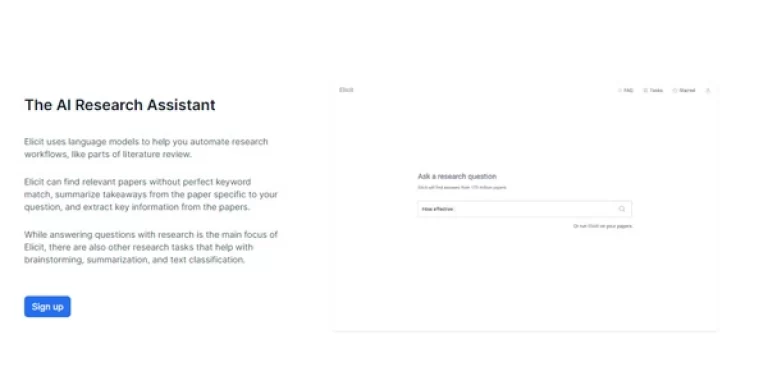
Classify, summarize, analyze or automate your searches with the power of AI

An AI assistant based on ChatGPT that extracts and summarizes information from your PDF files

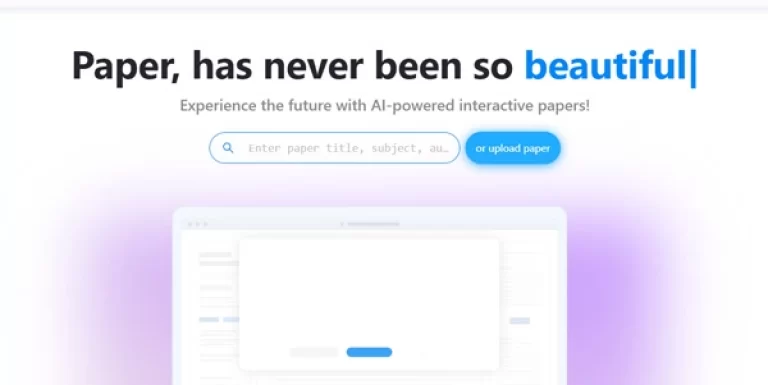
An AI-based tool that extracts, summarizes and analyzes any academic document or scientific paper

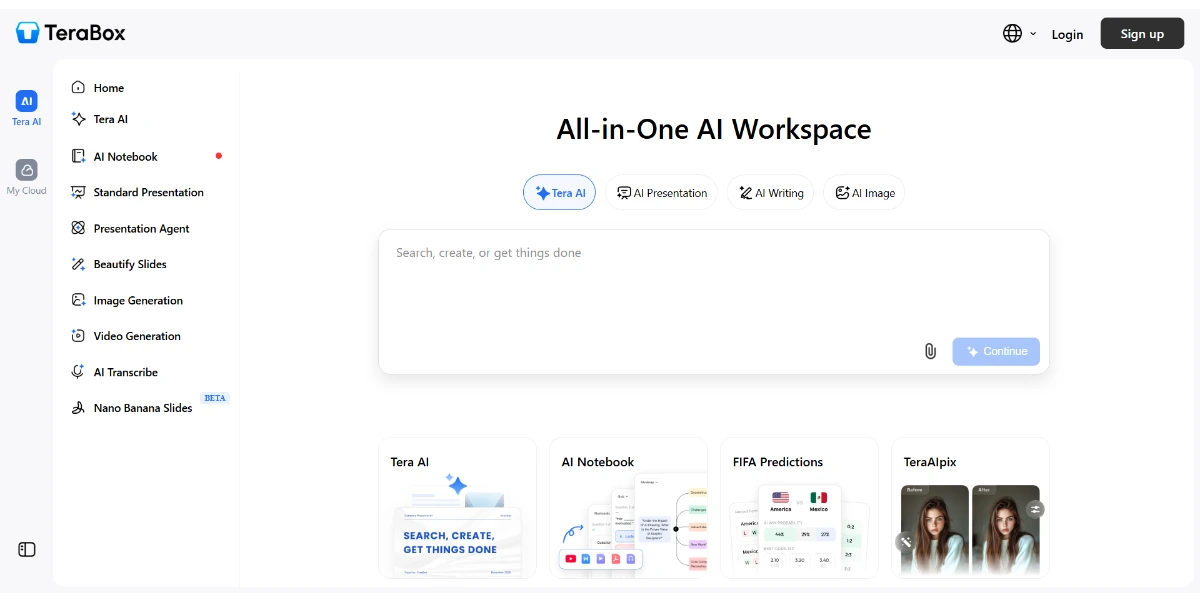
An all-in-one AI workspace that lets you create presentations, text, images, videos, transcripts, and research, while keeping your files centralized and accessible

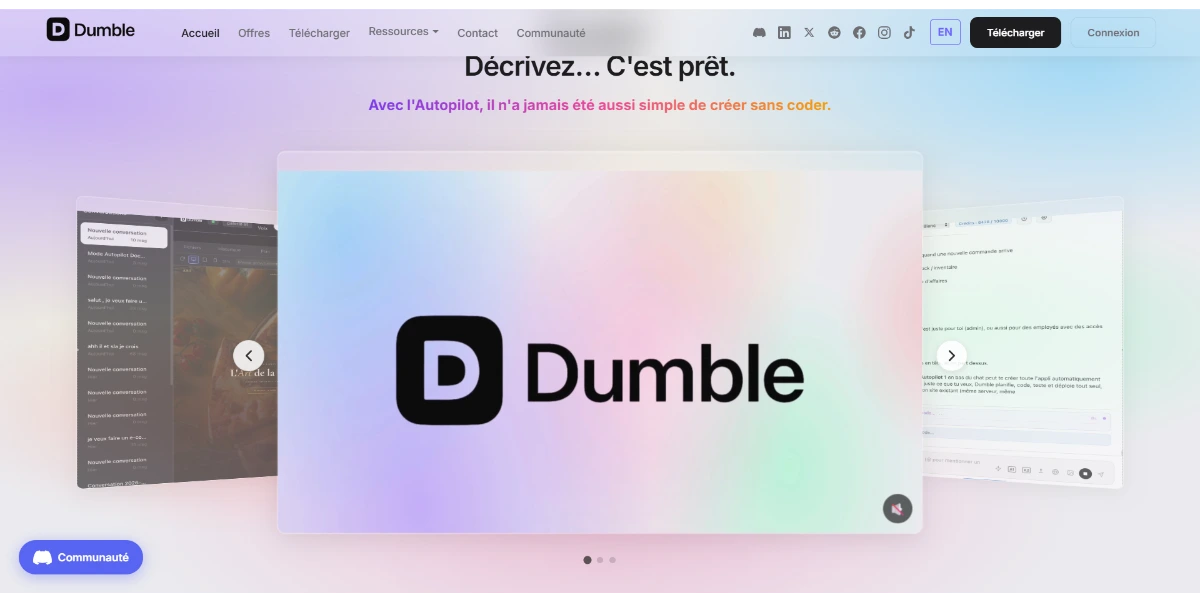
Create websites, apps, and documents using a no-code development environment. Powered by AI that acts as a co-pilot to guide you from concept to finished product

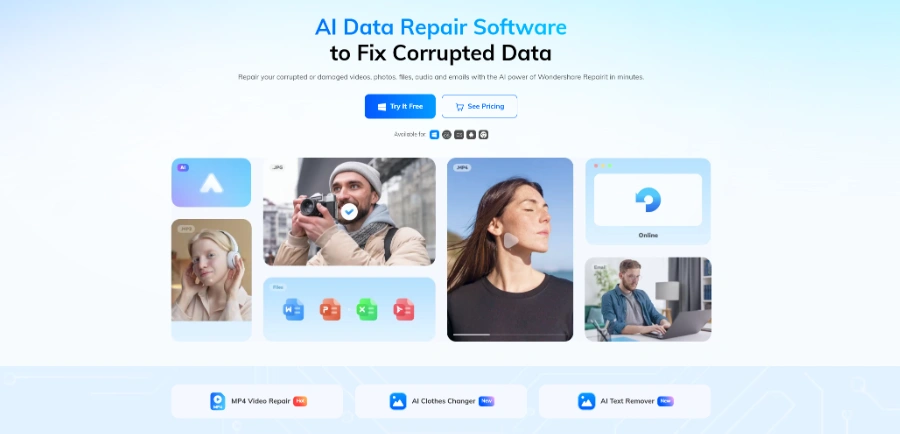
Easily repair your corrupted videos, photos, audio files, and documents with this AI tool. Whether online or using the desktop software, you can also restore damaged files, colorize old black-and-white photos, and upscaling the quality of your media
No more tools to load.