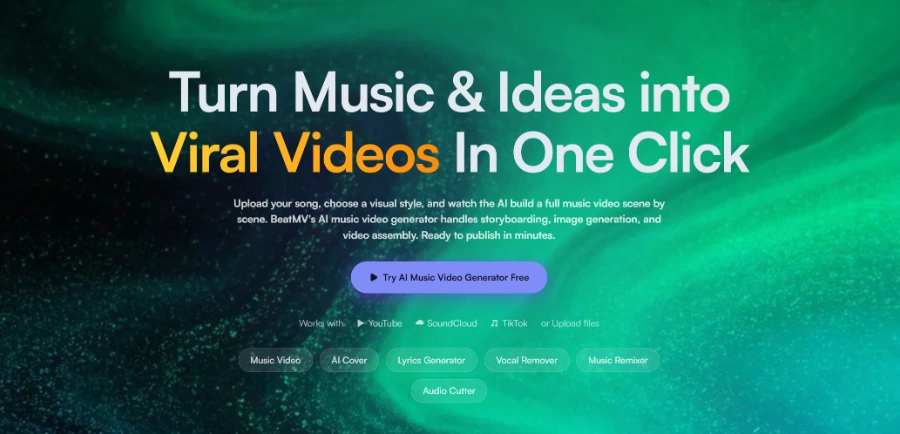
Turn any song into a music video in minutes: AI analyzes BPM, breaks, and vocals, generates a scene-by-scene storyboard, and syncs lip-sync with the beats. You can export in vertical, square, or landscape formats, ready for social media
Get published, verified, or featured at reduced founder rates.
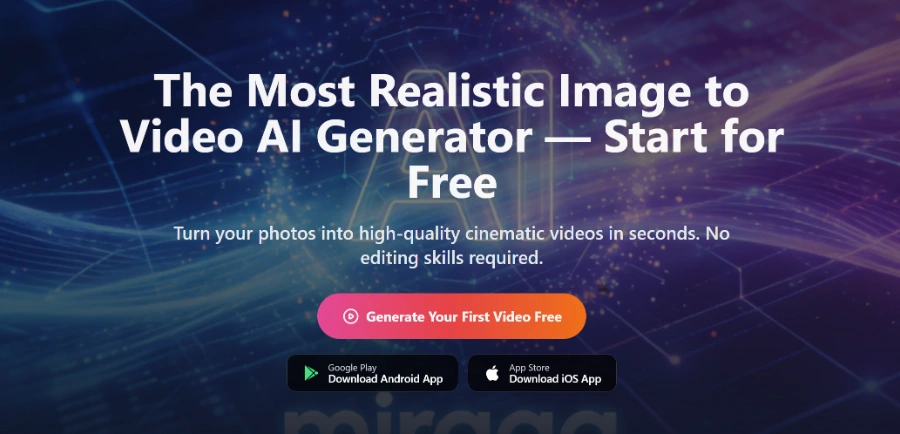
Turn your photos into realistic, cinematic videos in just a few seconds. Upload an image, choose a motion style, and get a smooth video that’s ready to share or add to your projects
Miraga AI positions itself as a streamlined solution for transforming static photography into dynamic, cinematic video content. By leveraging AI-driven motion interpretation, the platform allows users to upload an image and apply specific motion styles to create short, high-quality clips in a matter of seconds.
This approach caters to the growing demand for living photos and atmospheric video snippets that are often used in social media marketing, digital storytelling, and creative presentations. Instead of requiring complex manual animation or video editing skills, the tool focuses on automated transitions and smooth motion rendering.
Potential buyers should evaluate the tool based on its ability to maintain visual consistency from the original image while introducing realistic movement. As a video generation utility, it serves as a bridge for creators who need quick, professional-looking assets without the overhead of traditional production.
The platform's emphasis on speed and cinematic output suggests a focus on aesthetic quality, making it a candidate for those looking to enhance their visual portfolio with minimal technical friction.

Compare Miraga AI with alternative Other tools before choosing a product.
Miraga AI is listed with a Free trial pricing model. Check the official website for current plan details and limits. Prospective users should investigate if the trial includes watermarks or resolution restrictions and whether the paid tiers offer additional credits or advanced motion customization features for professional projects.
Explore similar AI tools from the same category and use case.
AIForest groups related AI tools so you can compare practical fit, pricing type, categories, screenshots, and official product links without starting from a blank search.
Keep comparing
Create an account to come back to this listing, bookmark useful tools, and compare nearby Other options without starting over.
Use these focused AIForest guides to compare tools by workflow, pricing intent, alternatives, and practical use case.
Users should verify which file types, such as JPEG or PNG, are supported during the upload process. The tool typically processes standard image formats to generate motion, but the final output quality often depends on the resolution and clarity of the original file provided for the cinematic transformation.
Miraga AI offers predefined motion styles to simplify the animation process. Buyers should check if the platform allows for manual keyframing or if it relies primarily on AI-driven motion interpretation based on the selected style, which is common for rapid, automated video generation tools in this category.
If you own Miraga AI, add this badge to your site so visitors can verify the listing and discover the product from AIForest.
Submit your product to AIForest and reach visitors comparing other AI tools, alternatives, and new software to try.