
Free trial
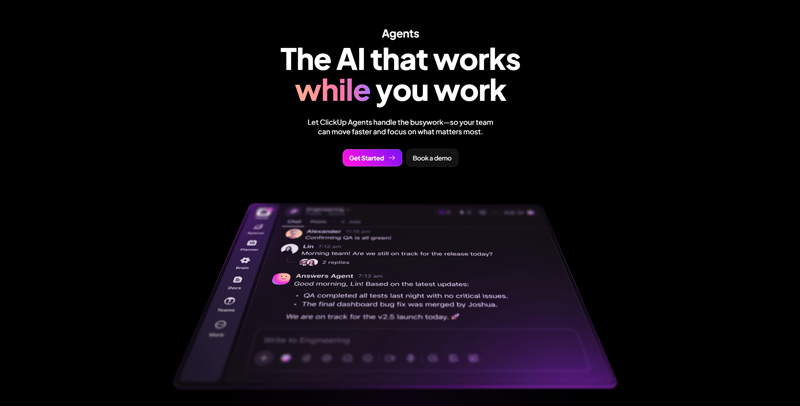
Automate your work with AI agents that answer questions, generate weekly reports, and provide real-time insights. Benefit from integrations with Google Drive, GitHub, Salesforce, and over 20 other applications.
17637 views1 clicks
Get published, verified, or featured at reduced founder rates.
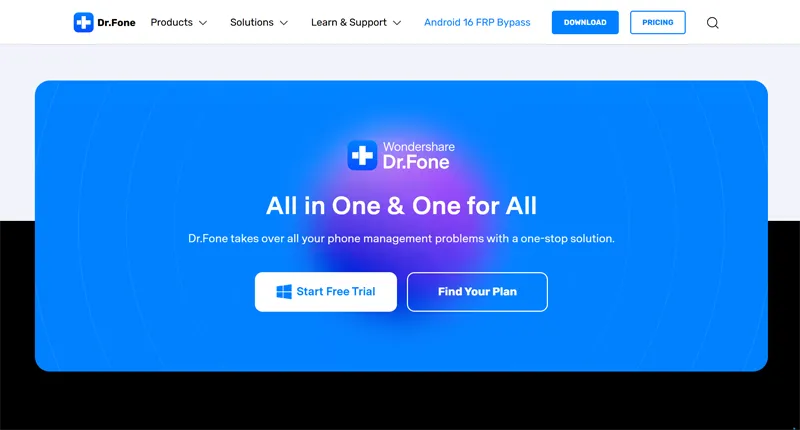
A toolkit for recovering data, transferring a phone, repairing iOS or Android, and unlocking certain smartphones. WhatsApp, backups, and changing phones are also supported
Fone serves as a comprehensive mobile device management suite designed for users facing data loss, system malfunctions, or the need for seamless device transitions. The platform provides a variety of modules tailored to both iOS and Android ecosystems, focusing on critical tasks like recovering deleted files, repairing operating system errors, and bypassing lock screens.
Beyond emergency repairs, it facilitates routine maintenance through WhatsApp message backups and direct phone-to-phone data transfers, which is particularly useful when upgrading hardware. While the toolkit aims to simplify complex technical processes, users should evaluate the specific compatibility of their device model and operating system version before proceeding.
As a freemium offering, it allows for initial exploration of its interface and basic scanning capabilities, though advanced recovery and repair functions typically require a subscription or one-time purchase. It acts as a bridge between technical mobile troubleshooting and everyday user needs, providing a centralized dashboard for managing smartphone health and data integrity.
Compare Wondershare Dr.Fone with alternative Productivity & Automation tools before choosing a product.
Automate your work with AI agents that answer questions, generate weekly reports, and provide real-time insights. Benefit from integrations with Google Drive, GitHub, Salesforce, and over 20 other applications.
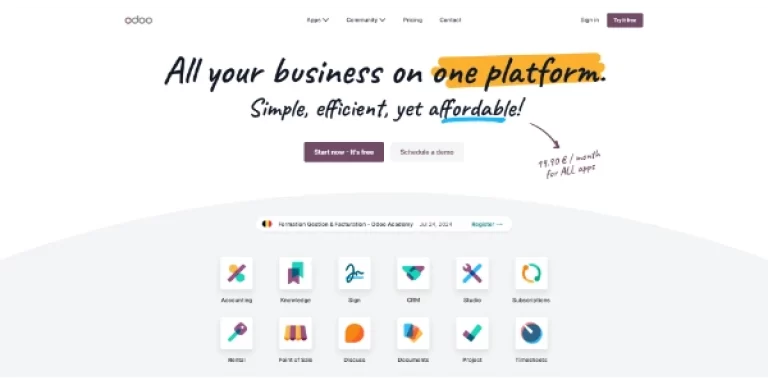
Open-source, customizable, all-in-one CRM and ERP management software. Over 40,000 applications are available on the platform, including AI assistants
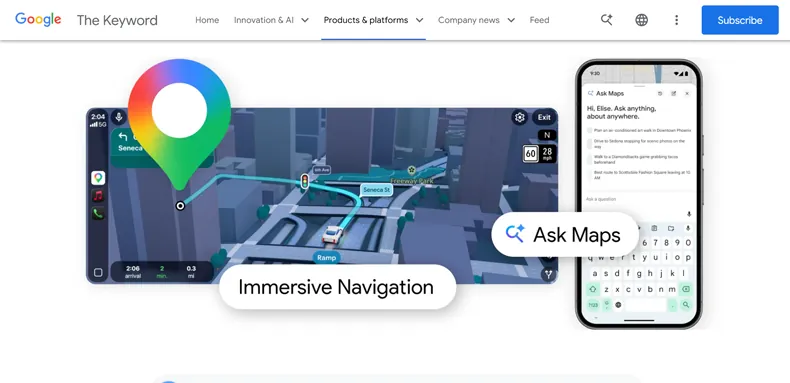
Ask questions in natural language directly in Google Maps to plan a route or find a place that suits your needs. Navigation now displays a realistic 3D view featuring buildings, roads, traffic lights, and crosswalks

This open-weight model, with 754 billion parameters, is designed for long and complex engineering tasks: it can operate autonomously for up to 8 hours straight, from planning through to final delivery. As the world’s first open-source model on WE-Bench Pro and NL2Repo, it rivals Claude Opus 4.6 in code quality

This 15-billion-parameter video model (developed by Alibaba) took first place in the Artificial Analysis rankings for video generation, ahead of Seedance 2.0. It generates text-to-video and image-to-video clips in 1080p with lip-sync in seven languages, all within a single unified pipeline
Automate your work with AI agents that answer questions, generate weekly reports, and provide real-time insights. Benefit from integrations with Google Drive, GitHub, Salesforce, and over 20 other applications.
Open-source, customizable, all-in-one CRM and ERP management software. Over 40,000 applications are available on the platform, including AI assistants
Ask questions in natural language directly in Google Maps to plan a route or find a place that suits your needs. Navigation now displays a realistic 3D view featuring buildings, roads, traffic lights, and crosswalks
This open-weight model, with 754 billion parameters, is designed for long and complex engineering tasks: it can operate autonomously for up to 8 hours straight, from planning through to final delivery. As the world’s first open-source model on WE-Bench Pro and NL2Repo, it rivals Claude Opus 4.6 in code quality
This 15-billion-parameter video model (developed by Alibaba) took first place in the Artificial Analysis rankings for video generation, ahead of Seedance 2.0. It generates text-to-video and image-to-video clips in 1080p with lip-sync in seven languages, all within a single unified pipeline
Wondershare Dr.Fone is listed with a Freemium pricing model. This typically means users can download the software and scan for recoverable data or preview certain features for free. However, full data restoration, system repairs, or unlocking tools usually require purchasing a specific module or a full toolkit license. Check the official website for current plan details.
Explore similar AI tools from the same category and use case.

AI wizard transforms instructions into code snippets. Pros include Instant Python code generation Additional toolkit features On-demand coding assistance Language conversion capabilities Automated comment generation Automated unit test generation Code quality improvement suggestions Personal Python expert model Efficient instruction-based coding Multi-language support Specific language Code Assistants Detailed code explanations Advanced code enhancement Code readability maintenance Deep learning libraries support Supports web scraping libraries Supports various databases Supports web programming Effortlessly produces Python code Improves coding productivity Innovative tech in coding Automated code production Software development tool facilitation Code explanation provision Supports efficient workflow Database specific coding solutions Web scraping specific coding Web programming specific coding Instruction based Web scraping Instruction based Web programming Strong community and documentation Deep learning application instructions. Considerations include Over-reliance on user instructions No offline use May not understand complex instructions Lacks multi-language support Limited free usage.
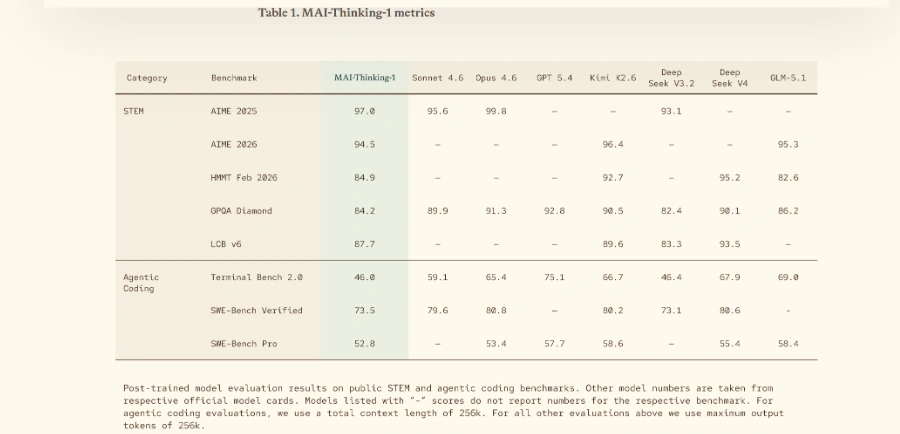
Microsoft’s new reasoning model, trained from scratch and optimized for code. It rivals the best models on SWE-Bench Pro and AIME 2025, while remaining medium-sized and computationally efficient

Take a photo of your fridge and get three recipe ideas based on the ingredients inside. AI detects the items, suggests dishes you can cook right away, and adds a generated image for each recipe
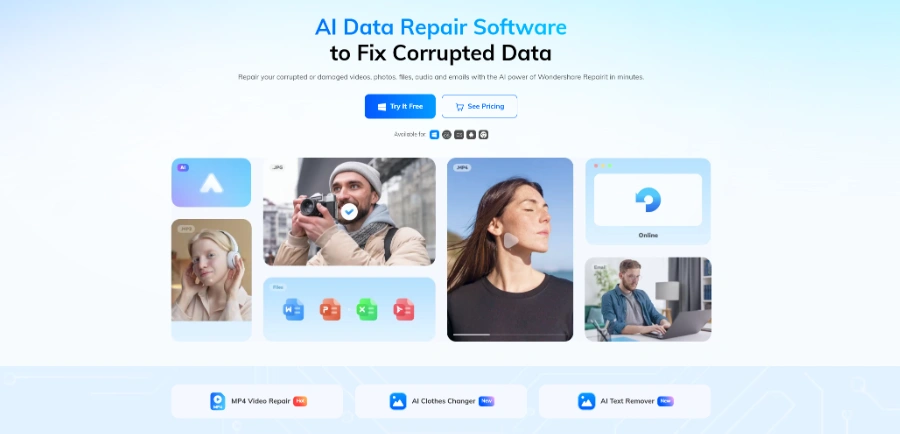
Easily repair your corrupted videos, photos, audio files, and documents with this AI tool. Whether online or using the desktop software, you can also restore damaged files, colorize old black-and-white photos, and upscaling the quality of your media
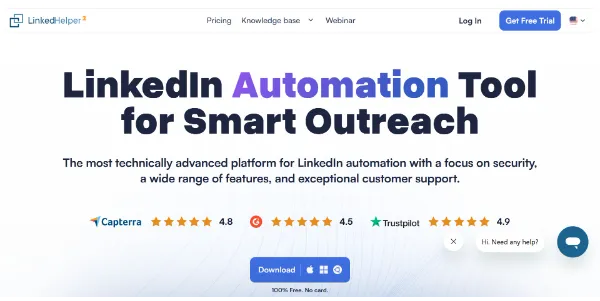
Automate your LinkedIn outreach with personalized message sequences, profile visits, and bulk invitations via a discreet desktop app. The tool detects responses and stops the automation as soon as a conversation turns into a human interaction
AI wizard transforms instructions into code snippets. Pros include Instant Python code generation Additional toolkit features On-demand coding assistance Language conversion capabilities Automated comment generation Automated unit test generation Code quality improvement suggestions Personal Python expert model Efficient instruction-based coding Multi-language support Specific language Code Assistants Detailed code explanations Advanced code enhancement Code readability maintenance Deep learning libraries support Supports web scraping libraries Supports various databases Supports web programming Effortlessly produces Python code Improves coding productivity Innovative tech in coding Automated code production Software development tool facilitation Code explanation provision Supports efficient workflow Database specific coding solutions Web scraping specific coding Web programming specific coding Instruction based Web scraping Instruction based Web programming Strong community and documentation Deep learning application instructions. Considerations include Over-reliance on user instructions No offline use May not understand complex instructions Lacks multi-language support Limited free usage.
Microsoft’s new reasoning model, trained from scratch and optimized for code. It rivals the best models on SWE-Bench Pro and AIME 2025, while remaining medium-sized and computationally efficient
Take a photo of your fridge and get three recipe ideas based on the ingredients inside. AI detects the items, suggests dishes you can cook right away, and adds a generated image for each recipe
Easily repair your corrupted videos, photos, audio files, and documents with this AI tool. Whether online or using the desktop software, you can also restore damaged files, colorize old black-and-white photos, and upscaling the quality of your media
Automate your LinkedIn outreach with personalized message sequences, profile visits, and bulk invitations via a discreet desktop app. The tool detects responses and stops the automation as soon as a conversation turns into a human interaction
AIForest groups related AI tools so you can compare practical fit, pricing type, categories, screenshots, and official product links without starting from a blank search.
Keep comparing
Create an account to come back to this listing, bookmark useful tools, and compare nearby Productivity & Automation options without starting over.
Use these focused AIForest guides to compare tools by workflow, pricing intent, alternatives, and practical use case.
The software is designed to scan for various file types, including photos, videos, contacts, messages, and call logs. Success depends heavily on whether the data has been overwritten and the physical state of the device. Users should verify if their specific file formats and storage locations are supported by the recovery module before committing to a paid plan.
Yes, the toolkit provides specific modules for both major mobile operating systems. However, the available features may differ between iOS and Android due to platform restrictions. For instance, system repair and unlocking procedures vary significantly. Buyers should check the compatibility list on the official website to ensure their specific model and OS version are currently supported.
If you own Wondershare Dr.Fone, add this badge to your site so visitors can verify the listing and discover the product from AIForest.
Badge preview

Submit your product to AIForest and reach visitors comparing productivity & automation AI tools, alternatives, and new software to try.