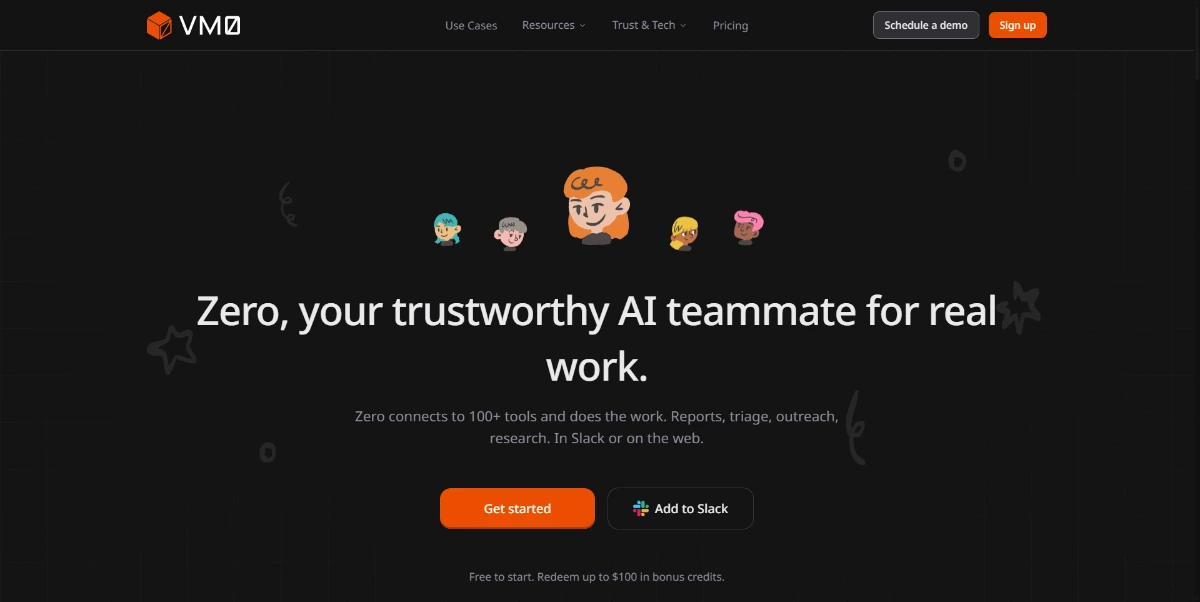
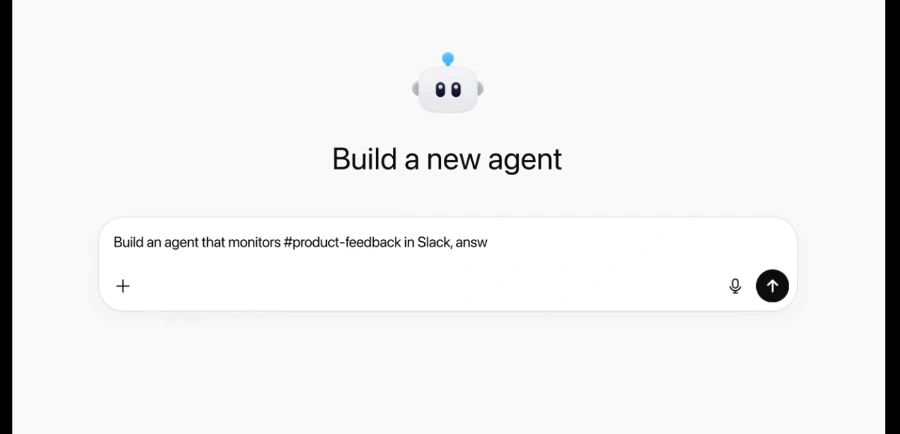
ai introduces Zero, an autonomous AI agent designed to streamline project coordination by reducing the manual overhead of tracking progress across multiple platforms. By connecting directly to essential communication and productivity tools like Slack, Gmail, Notion, and Linear, the platform enables Zero to gather real-time context from ongoing discussions and documentation.
This allows the agent to maintain a high-level view of project health without constant human intervention. Users can evaluate how Zero interprets these data streams to draft meeting minutes and assign tasks in a way that remains fully traceable.
This approach aims to bridge the gap between messy communication channels and structured project management systems. ai offers a way to centralize coordination tasks, ensuring that action items are captured and assigned based on the actual context of team interactions.
Potential users should assess the agent's accuracy in task delegation and its ability to handle nuanced project requirements before full deployment.