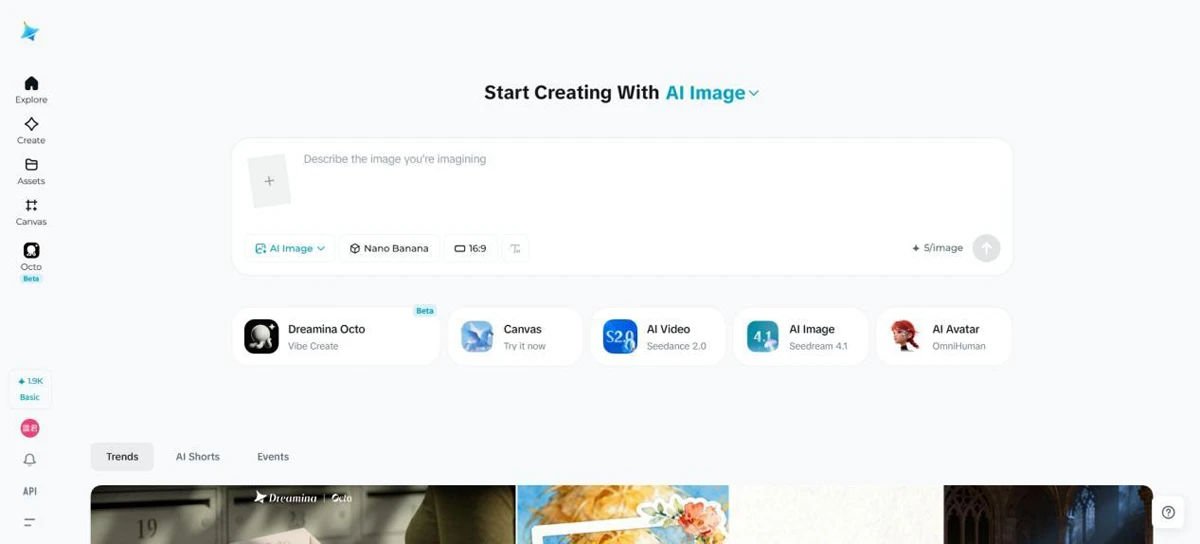
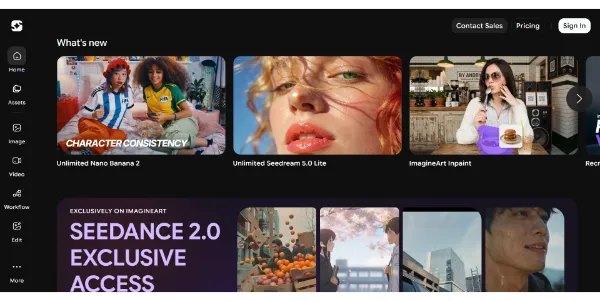
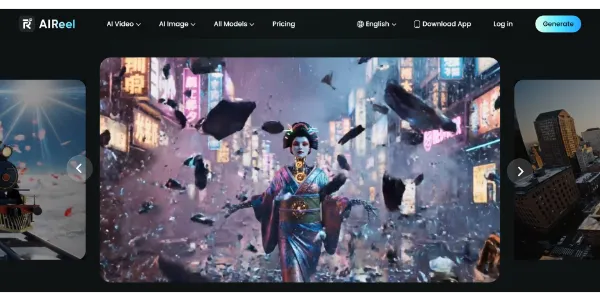
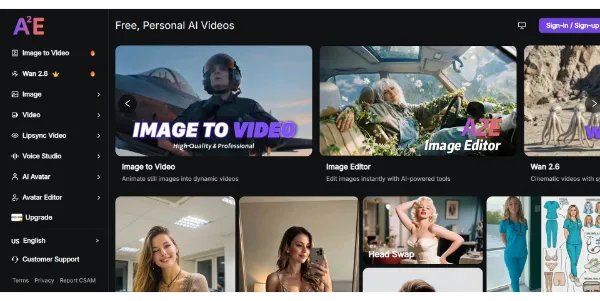
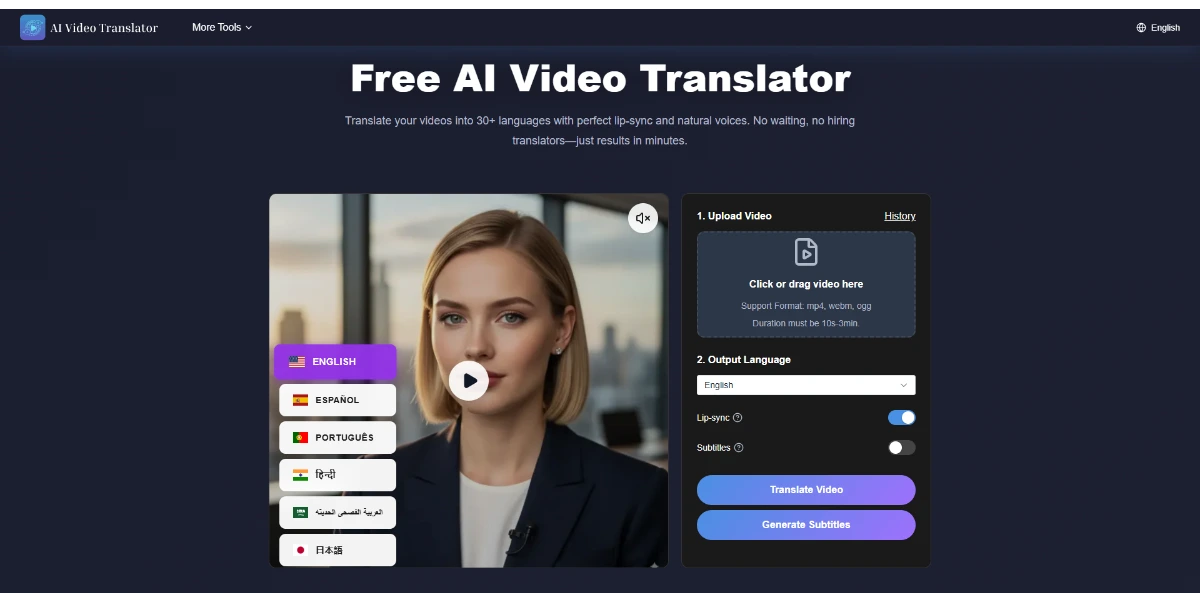
Create AI videos from text, images, or videos, and the platform automatically selects the best model (Sora 2, Kling, PixVerse, Vidu, etc.). Easily add subtitles, effects, and music tailored to Instagram, TikTok, or YouTube formats
Get published, verified, or featured at reduced founder rates.
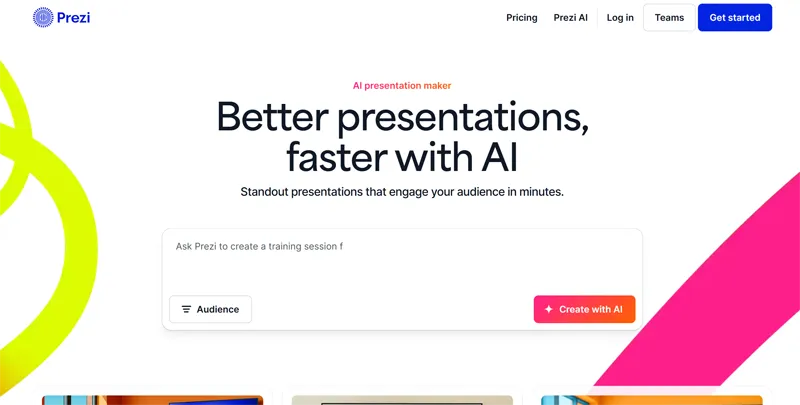
Create dynamic presentations from a simple text description or by importing a file. Prezi stands out from traditional slides thanks to a zoomable canvas that brings content to life, with text editing, tone adjustment, and integrated AI images
Prezi AI represents a shift in presentation design, moving away from the traditional linear slide deck toward a more fluid, zoomable canvas. By utilizing artificial intelligence, users can generate entire presentation structures from simple text descriptions or by importing existing files.
This tool is particularly useful for those who want to visualize the relationship between ideas rather than just listing bullet points. The AI capabilities extend to text editing and tone adjustment, allowing users to refine their messaging to suit specific audiences.
Additionally, the integration of AI-generated images helps maintain visual consistency without requiring external stock photo searches. While the non-linear format offers a unique storytelling perspective, it requires a different design mindset compared to standard presentation software.
Potential users should evaluate how the zoomable interface aligns with their specific presentation style and audience expectations. Prezi’s approach focuses on engagement through movement, making it a distinct choice in the crowded field of AI-assisted content creation tools.

Compare Prezi with alternative Content Creation & Generation tools before choosing a product.
Prezi operates on a Freemium pricing model, allowing users to explore basic features and the zoomable canvas at no initial cost. For advanced AI capabilities, higher export quality, and privacy controls, users should check the official website for current subscription plan details and specific usage limits.
Explore similar AI tools from the same category and use case.
AIForest groups related AI tools so you can compare practical fit, pricing type, categories, screenshots, and official product links without starting from a blank search.
Keep comparing
Create an account to come back to this listing, bookmark useful tools, and compare nearby Content Creation & Generation options without starting over.
Use these focused AIForest guides to compare tools by workflow, pricing intent, alternatives, and practical use case.
Unlike traditional linear slide decks, Prezi AI utilizes a zoomable canvas that allows presenters to navigate between overview and detail dynamically. The AI helps automate the creation of this non-linear structure by interpreting text prompts or imported documents, suggesting layouts that emphasize the relationships between different concepts rather than just sequential pages.
Yes, Prezi AI includes integrated image generation features. This allows users to create custom visuals directly within the presentation editor based on their content requirements. It is an effective way to maintain a consistent aesthetic without needing to browse external stock libraries or manage separate image licensing for every graphic used in the deck.
Prezi AI supports importing files to jumpstart the design process. The system analyzes the provided content to suggest a structured, zoomable presentation layout. Users should evaluate how well the AI interprets complex documents, as some manual adjustment of the spatial arrangement on the canvas may be necessary for optimal visual flow.
If you own Prezi, add this badge to your site so visitors can verify the listing and discover the product from AIForest.
Submit your product to AIForest and reach visitors comparing content creation & generation AI tools, alternatives, and new software to try.