Clicks
0Ranked in AIForest
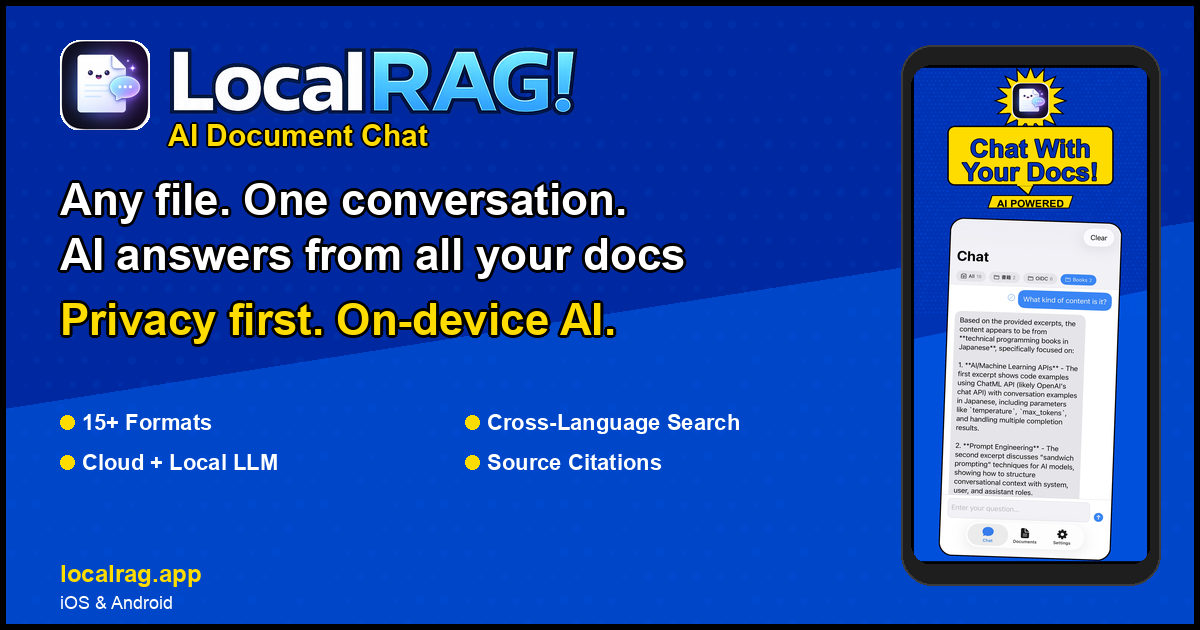
LocalRAG! is an AI-powered document chat application that allows users to interact with PDFs, Excel, Word, PowerPoint, and over 15 other document formats using on-device language models. It ensures complete privacy by processing documents locally on the device without uploading files to the cloud. The app supports cross-language search, source citations with highlights, and includes a built-in offline AI model for secure and private document querying on iPhone, iPad, and Android devices.
Ranked in AIForest
Directory views
Task Management
AI assistant, Documents
LocalRAG! processes all data directly on your iPhone, iPad, or Android device. By utilizing on-device language models, it eliminates the need to upload sensitive files to external servers or cloud providers. This architecture ensures that your documents remain under your physical control, which is a critical requirement for users handling confidential or proprietary information.
The application is designed to handle a wide variety of professional and academic file types. It supports over 15 formats, including standard PDFs, Microsoft Word documents, Excel spreadsheets, and PowerPoint presentations. This versatility allows users to create a unified searchable knowledge base from diverse sources without needing to convert files to a single format first.