
Freemium
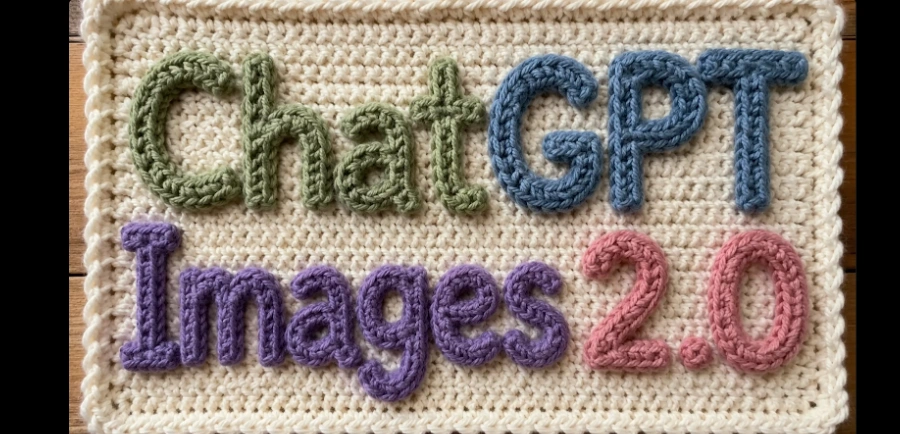
Generate and edit highly detailed images with perfectly legible text, complex layouts (posters, infographics, UI), and photorealistic rendering. Accessible via ChatGPT or the gpt-image-2 API
463972 views414 clicks
Get published, verified, or featured at reduced founder rates.
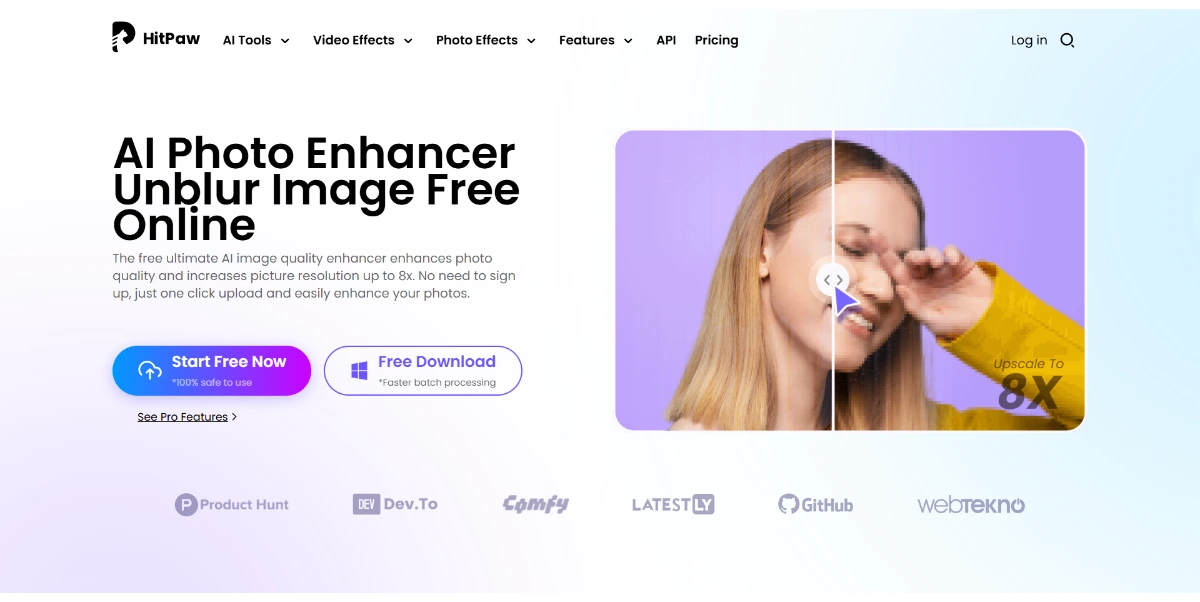
Make your photos sharp, detailed, and high-resolution right in your browser: sharpening, noise reduction, colorization, and restoration of old images up to 8×, free for small upscales
HitPaw AI Photo Enhancer provides a suite of automated tools designed to improve image quality through a web-based interface. The platform focuses on four primary enhancement pillars: sharpening blurry images, reducing digital noise, colorizing black-and-white photography, and restoring damaged historical photos.
One of its most notable technical capabilities is the ability to upscale images by up to 8x their original size, which is useful for preparing low-resolution assets for print or high-definition displays. Because it operates directly in the browser, users can evaluate its performance without downloading heavy software.
While the tool offers free processing for smaller upscales, more intensive tasks or high-resolution exports typically fall under its trial or paid structures. Potential buyers should evaluate how the AI handles complex textures and fine details, as results can vary based on the original image's quality.
This tool serves as a convenient bridge for users who need professional-grade enhancement results without the learning curve of traditional, manual editing software.
Compare HitPaw AI Photo Enhancer with alternative Computer Vision & Image Processing tools before choosing a product.
Generate and edit highly detailed images with perfectly legible text, complex layouts (posters, infographics, UI), and photorealistic rendering. Accessible via ChatGPT or the gpt-image-2 API
This AI image technology from Google DeepMind generates or edits images from 512 px up to 4K from text, images, or both. You can create accurate illustrations with readable text, infographics, multi-image montages, and more
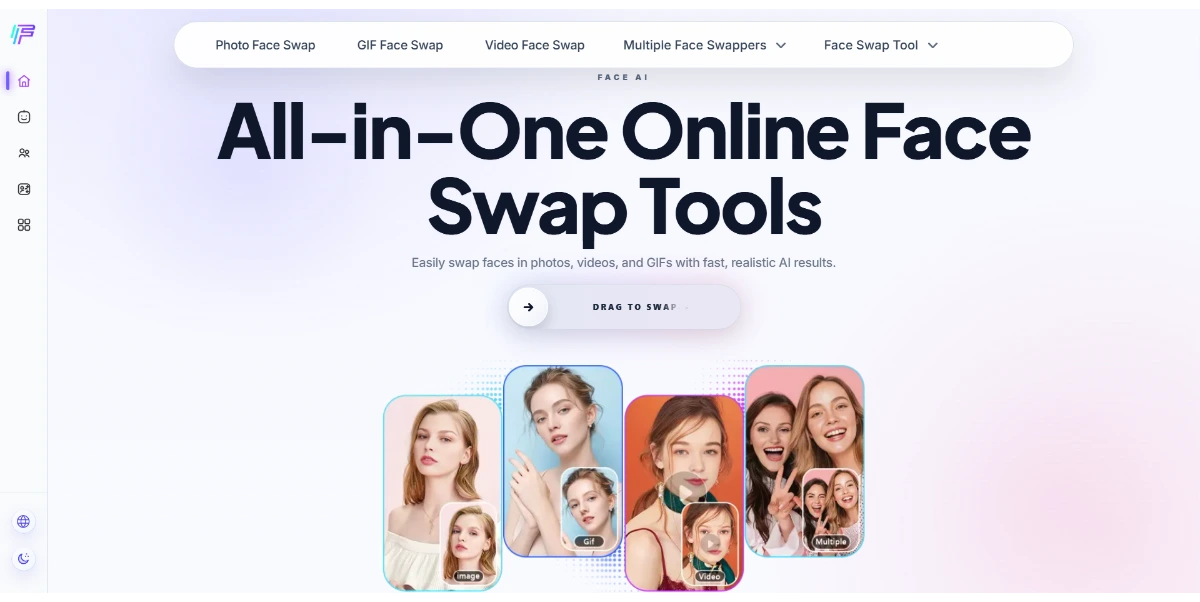
Have fun with ultra-realistic face swaps on photos, videos, or GIFs. You can swap, merge, or transform faces online quickly, with no watermarks or registration required
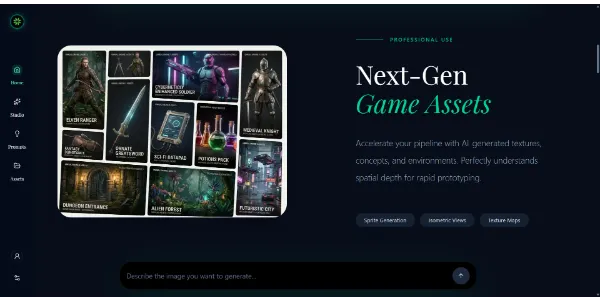
An image generator capable of producing all types of content, from video game assets to marketing and social media images. Its real advantage is the choice between several engines, including Seedream and Nano Banana
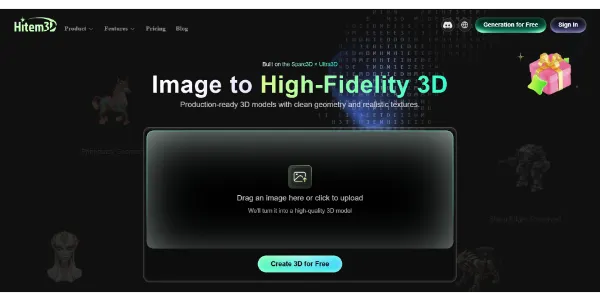
A 3D generator that converts an image into a detailed model with custom textures and production-ready geometry. Export to FBX, GLB, OBJ, or STL for 3D printing, gaming, AR, or VFX
Generate and edit highly detailed images with perfectly legible text, complex layouts (posters, infographics, UI), and photorealistic rendering. Accessible via ChatGPT or the gpt-image-2 API
This AI image technology from Google DeepMind generates or edits images from 512 px up to 4K from text, images, or both. You can create accurate illustrations with readable text, infographics, multi-image montages, and more
Have fun with ultra-realistic face swaps on photos, videos, or GIFs. You can swap, merge, or transform faces online quickly, with no watermarks or registration required
An image generator capable of producing all types of content, from video game assets to marketing and social media images. Its real advantage is the choice between several engines, including Seedream and Nano Banana
A 3D generator that converts an image into a detailed model with custom textures and production-ready geometry. Export to FBX, GLB, OBJ, or STL for 3D printing, gaming, AR, or VFX
HitPaw AI Photo Enhancer is listed with a Free trial pricing model. Users can typically access basic sharpening and small upscales at no cost, but advanced features or high-resolution exports may require a subscription. Check the official website for current plan details, export limits, and specific trial conditions.
Explore similar AI tools from the same category and use case.
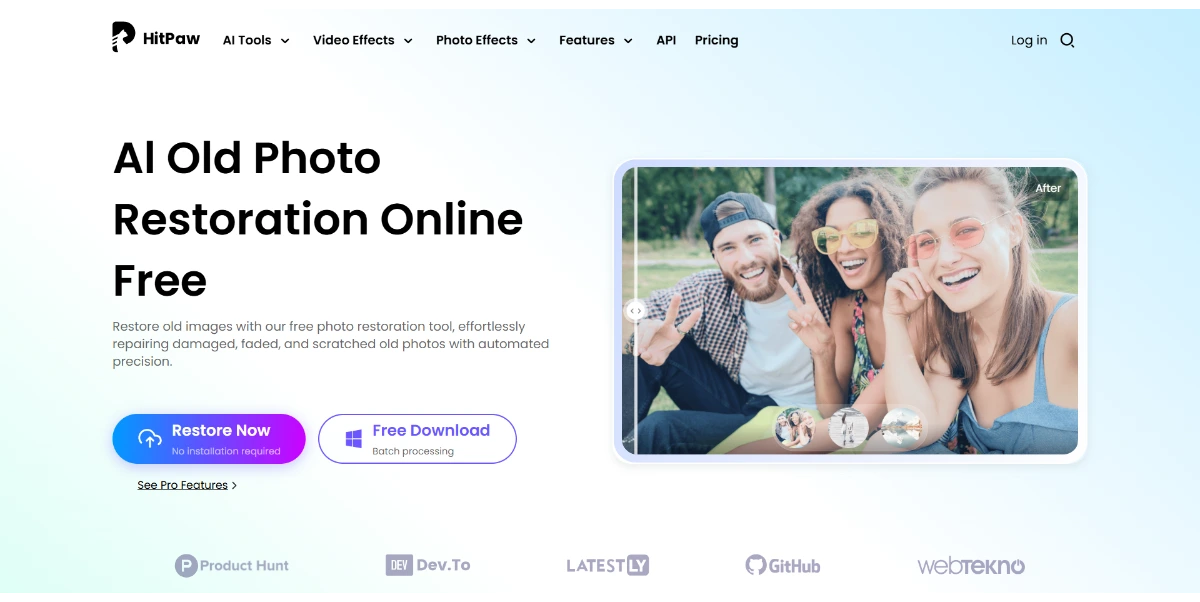
Bring your old, damaged photos back to life right from your browser. This AI tool removes scratches, noise, and blur, restores damaged faces, restores color to black-and-white photos, and converts them to 4K
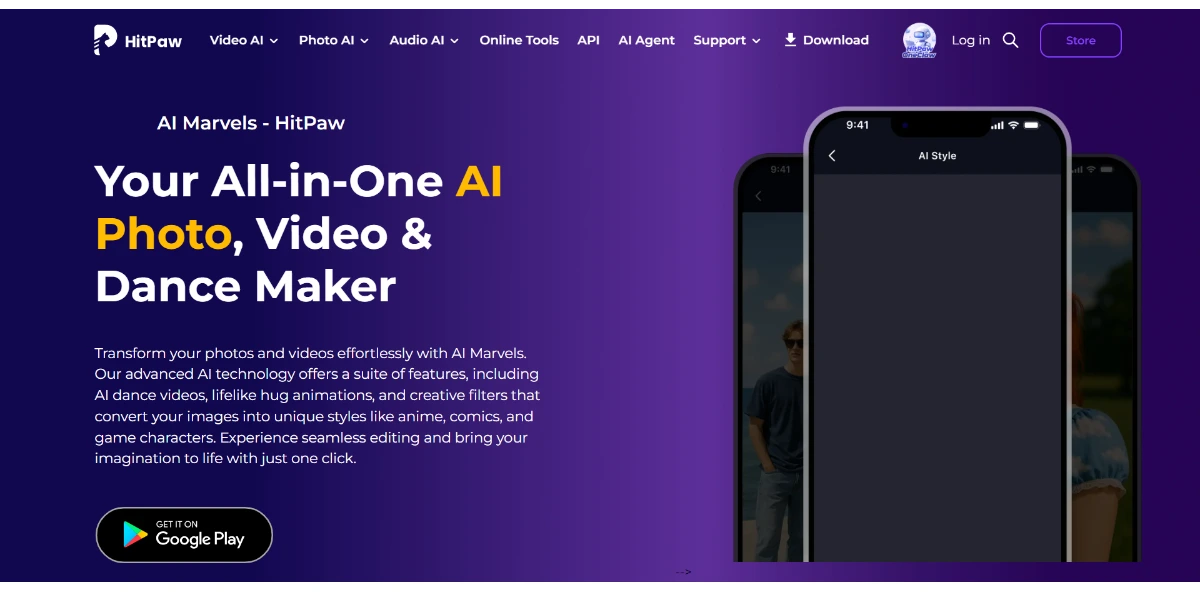
Edit your photos and animate your videos right from your phone: make your pets dance, change their outfits, and apply anime, cartoon, or retro filters. Easily turn your portraits into stylized avatars
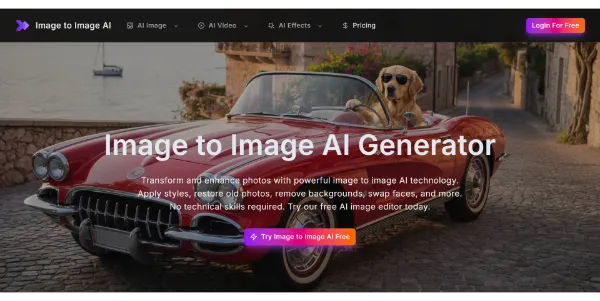
This online editor combines 12 AI tools to easily transform your photos. You can apply artistic styles, restore old photos, remove backgrounds, swap faces, or even improve sharpness in high resolution
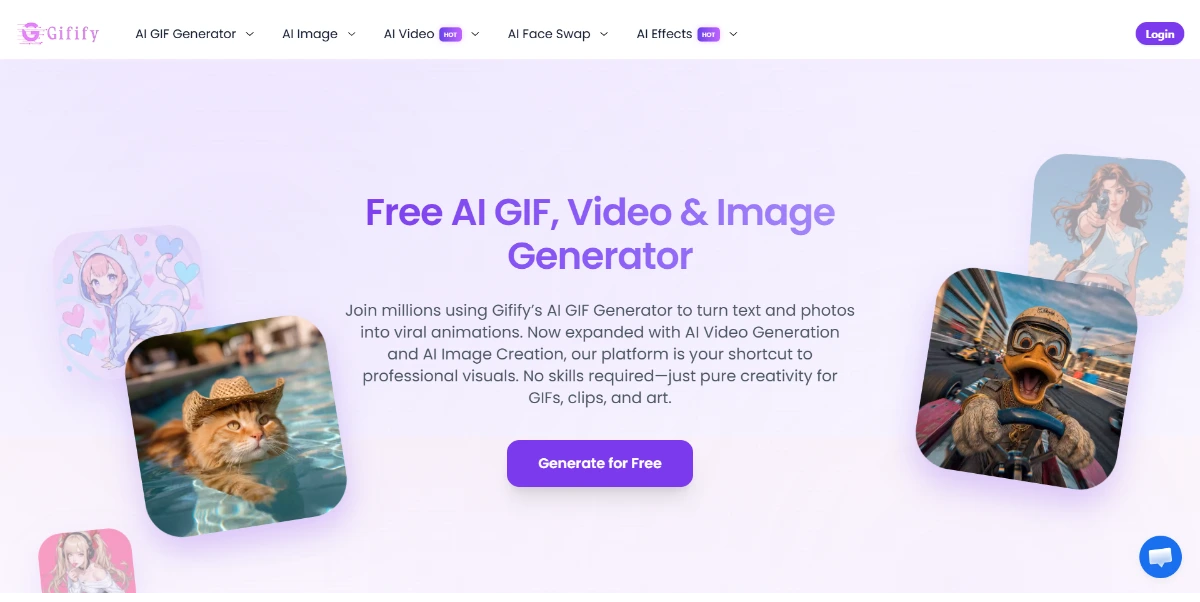
Create animated GIFs from text or an image, then adjust the style, pace, and format to create a short, unique, and easy-to-share animation

Create eye-catching YouTube thumbnails from text or an image. Compare multiple versions ready for A/B testing and boost your click-through rate without any design skills
Bring your old, damaged photos back to life right from your browser. This AI tool removes scratches, noise, and blur, restores damaged faces, restores color to black-and-white photos, and converts them to 4K
Edit your photos and animate your videos right from your phone: make your pets dance, change their outfits, and apply anime, cartoon, or retro filters. Easily turn your portraits into stylized avatars
This online editor combines 12 AI tools to easily transform your photos. You can apply artistic styles, restore old photos, remove backgrounds, swap faces, or even improve sharpness in high resolution
Create animated GIFs from text or an image, then adjust the style, pace, and format to create a short, unique, and easy-to-share animation
Create eye-catching YouTube thumbnails from text or an image. Compare multiple versions ready for A/B testing and boost your click-through rate without any design skills
AIForest groups related AI tools so you can compare practical fit, pricing type, categories, screenshots, and official product links without starting from a blank search.
Keep comparing
Create an account to come back to this listing, bookmark useful tools, and compare nearby Computer Vision & Image Processing options without starting over.
Use these focused AIForest guides to compare tools by workflow, pricing intent, alternatives, and practical use case.
The 8x upscaling feature uses AI models to predict and fill in missing pixels, increasing the resolution of small images for better clarity. While effective for many subjects, users should evaluate the results for potential smoothing or artifacts, especially when enlarging very low-quality originals. Performance may also depend on your browser's memory and internet connection speed.
The tool includes specific restoration models designed to address common issues in old photography, such as scratches, fading, and graininess. It also offers a colorization feature to add realistic hues to monochrome images. For best results, users should ensure the original scan is as clear as possible before applying the AI-driven restoration and colorization filters.
Yes, HitPaw AI Photo Enhancer is currently offered as a free trial. While small upscales and basic enhancements might be accessible for free, larger 8x enlargements or batch processing often require a paid plan. We recommend visiting the official HitPaw website to verify current usage limits and see which specific features are included in the trial.
If you own HitPaw AI Photo Enhancer, add this badge to your site so visitors can verify the listing and discover the product from AIForest.
Badge preview

Submit your product to AIForest and reach visitors comparing computer vision & image processing AI tools, alternatives, and new software to try.