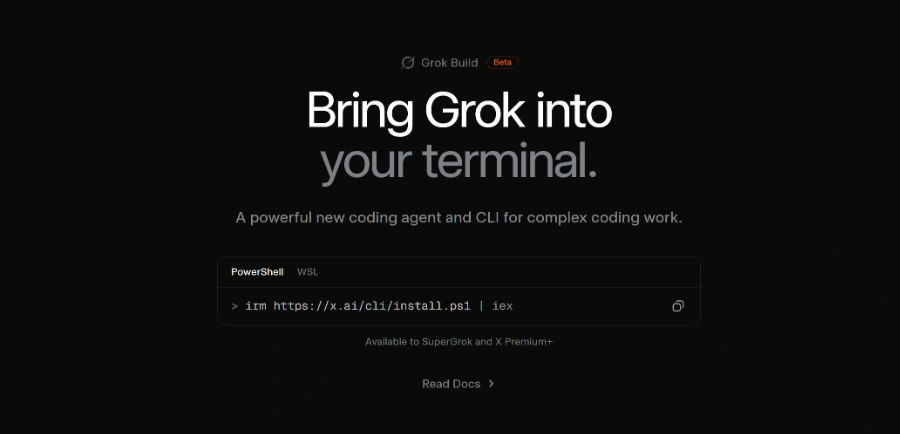
Grok Build is an open-source command-line interface (CLI) designed specifically for developers who want to integrate Grok’s language models directly into their local terminal environment. By removing the need for a web-based GUI, this tool allows engineers to maintain their focus within the IDE and terminal, facilitating a more seamless workflow for code generation, debugging, and general AI-assisted conversation.
As an open-source project, it provides transparency into how the tool interacts with the underlying models, making it a preferred choice for those who value auditability and customization. Users should evaluate the tool based on its ability to handle complex automation tasks and its responsiveness during high-demand coding sessions.
While it streamlines the interaction with Grok, developers should verify the specific model versions supported and any necessary API configurations required for local deployment. It serves as a bridge between powerful LLM capabilities and the standard developer toolkit, prioritizing efficiency and direct access for technical users who prefer command-line interactions over traditional browser interfaces.