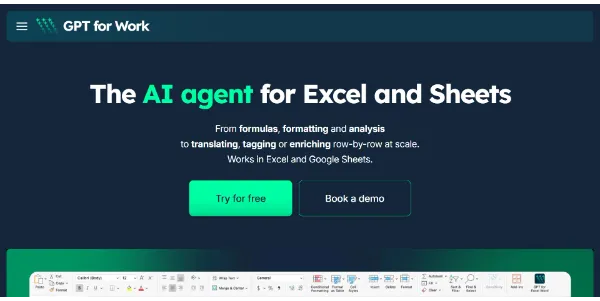
GPT for Work serves as a bridge between advanced large language models and ubiquitous productivity software like Google Sheets, Excel, and Word. By embedding AI capabilities directly into spreadsheets and documents, it allows users to perform complex data cleaning, formula generation, and pivot table creation using natural language commands.
A standout feature is its ability to handle bulk processing tasks for up to 500,000 rows in a single run, making it a potential solution for large-scale data manipulation. The tool is notable for its model flexibility, supporting integrations with GPT, Claude, Gemini, DeepSeek, and Mistral.
This allows users to select the specific intelligence engine that best fits their task requirements. Rather than switching between browser tabs, users can automate repetitive workflows within their existing environment.
Buyers should evaluate the tool's performance across different models and check how it handles specific formatting requirements in varied spreadsheet environments.