
Freemium
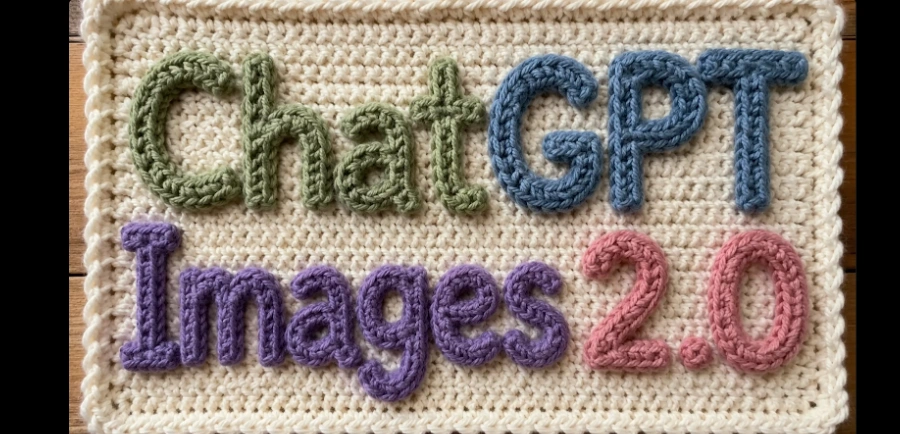
Generate and edit highly detailed images with perfectly legible text, complex layouts (posters, infographics, UI), and photorealistic rendering. Accessible via ChatGPT or the gpt-image-2 API
463972 views414 clicks
Get published, verified, or featured at reduced founder rates.
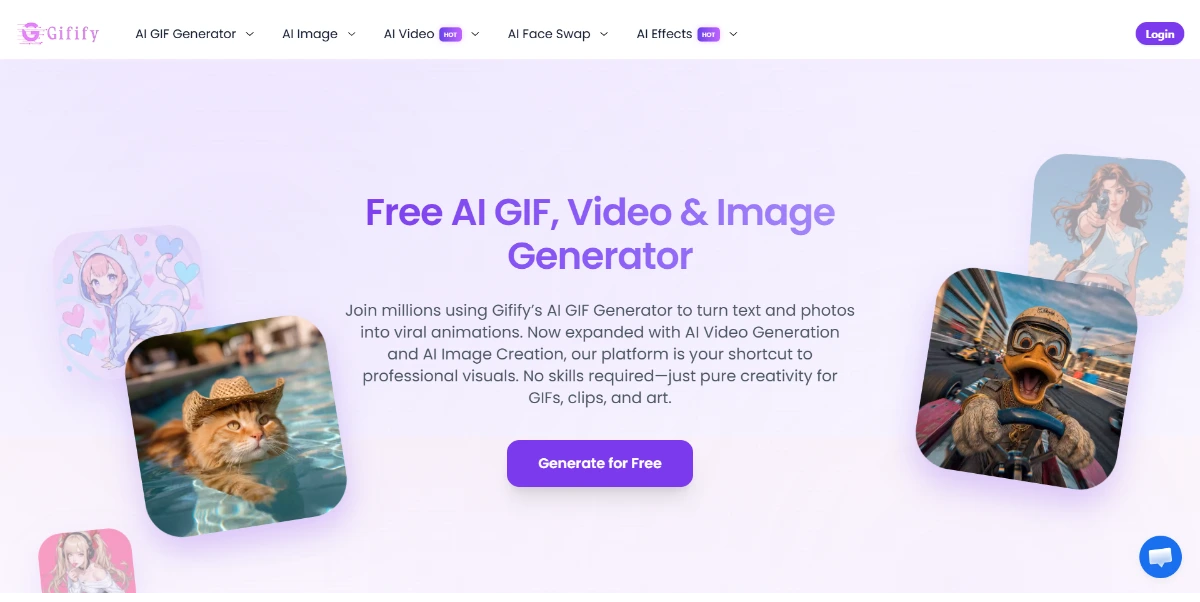
Create animated GIFs from text or an image, then adjust the style, pace, and format to create a short, unique, and easy-to-share animation
Create animated GIFs from text or an image, then adjust the style, pace, and format to create a short, unique, and easy-to-share animation This Gifify review page is designed to help buyers understand what the tool does, where it fits, and how it compares with alternatives in Computer Vision & Image Processing and Image Editing & Enhancement. AIForest focuses each tool page on practical buying signals: the core use case, feature coverage, pricing model, pros, cons, screenshots, video availability, FAQs, and similar tools.
That structure makes it easier to evaluate Gifify without relying only on a short vendor description. Gifify includes screenshots on AIForest, so users can inspect the interface, product flow, and visual presentation before opening the official website.
Gifify does not currently include a demo video, so a hands-on trial or official walkthrough is still worth checking before purchase. 0 and review the official website for the latest plan limits, product updates, and terms.
Compare Gifify with alternative Computer Vision & Image Processing tools before choosing a product.
Generate and edit highly detailed images with perfectly legible text, complex layouts (posters, infographics, UI), and photorealistic rendering. Accessible via ChatGPT or the gpt-image-2 API
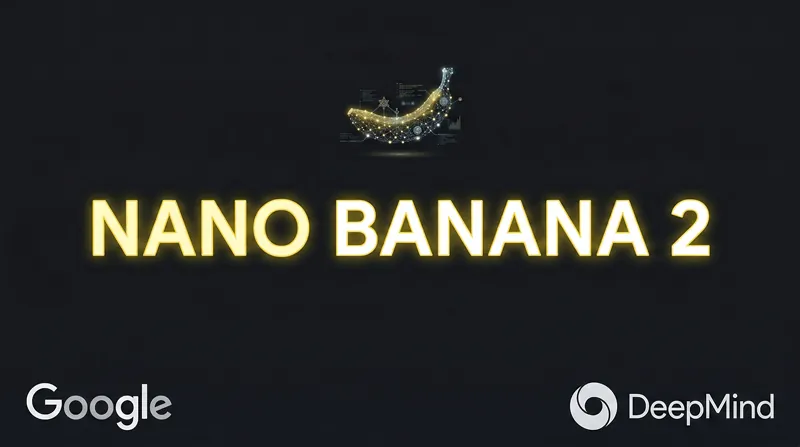
This AI image technology from Google DeepMind generates or edits images from 512 px up to 4K from text, images, or both. You can create accurate illustrations with readable text, infographics, multi-image montages, and more
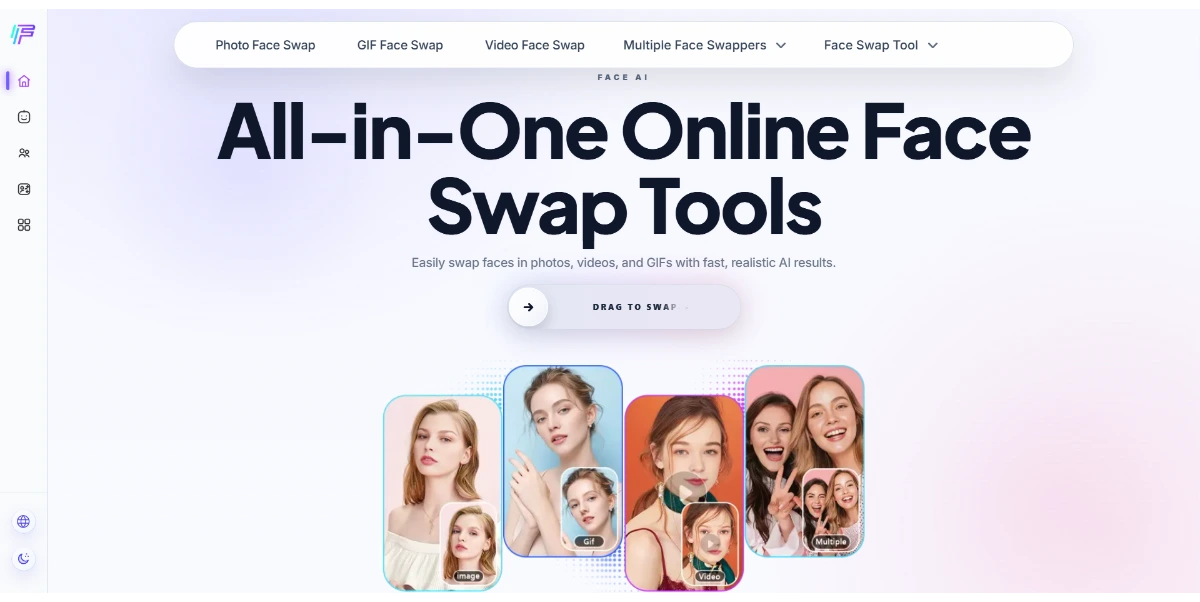
Have fun with ultra-realistic face swaps on photos, videos, or GIFs. You can swap, merge, or transform faces online quickly, with no watermarks or registration required
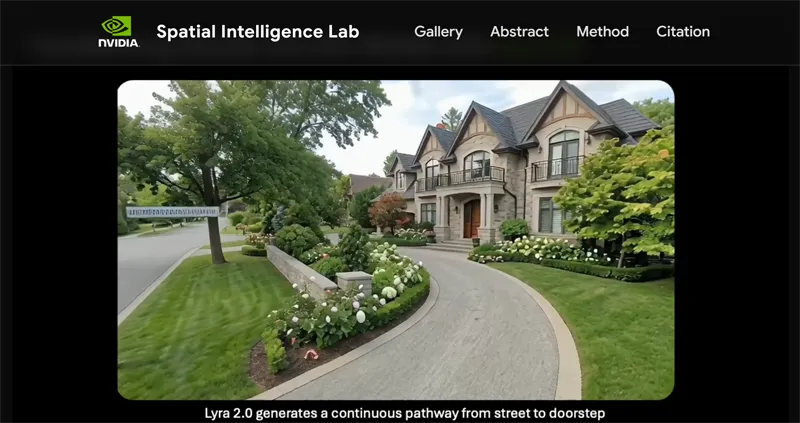
Turn a single image or video into a persistent 3D world that can be explored endlessly, without the AI “forgetting” areas it has already visited. The generated scenes can be easily exported as Gaussian Splats or meshes directly into NVIDIA Isaac Sim for robotic simulation
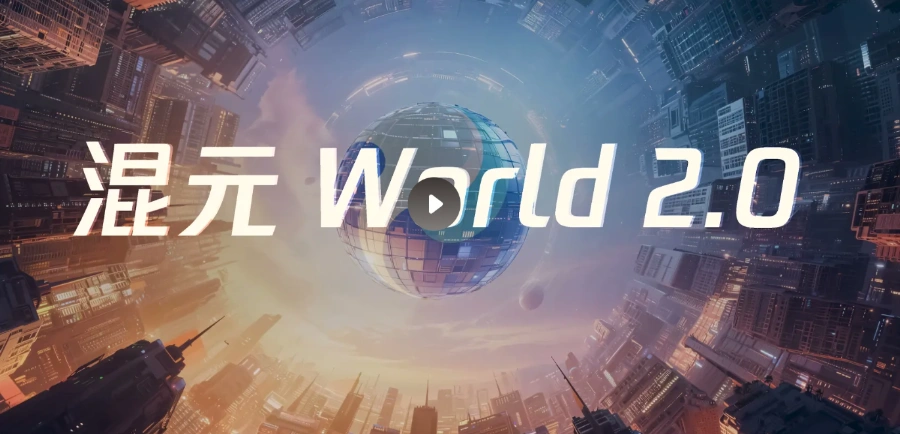
Generate interactive 3D environments from text, images, or videos using this open-source model from Tencent. Unlike simple videos, it produces true editable 3D assets (meshes, point clouds) that are directly compatible with Unity and Unreal Engine
Generate and edit highly detailed images with perfectly legible text, complex layouts (posters, infographics, UI), and photorealistic rendering. Accessible via ChatGPT or the gpt-image-2 API
This AI image technology from Google DeepMind generates or edits images from 512 px up to 4K from text, images, or both. You can create accurate illustrations with readable text, infographics, multi-image montages, and more
Have fun with ultra-realistic face swaps on photos, videos, or GIFs. You can swap, merge, or transform faces online quickly, with no watermarks or registration required
Turn a single image or video into a persistent 3D world that can be explored endlessly, without the AI “forgetting” areas it has already visited. The generated scenes can be easily exported as Gaussian Splats or meshes directly into NVIDIA Isaac Sim for robotic simulation
Generate interactive 3D environments from text, images, or videos using this open-source model from Tencent. Unlike simple videos, it produces true editable 3D assets (meshes, point clouds) that are directly compatible with Unity and Unreal Engine
Gifify is listed with a Freemium pricing model. Check the official website for current plan details and limits.
Explore similar AI tools from the same category and use case.
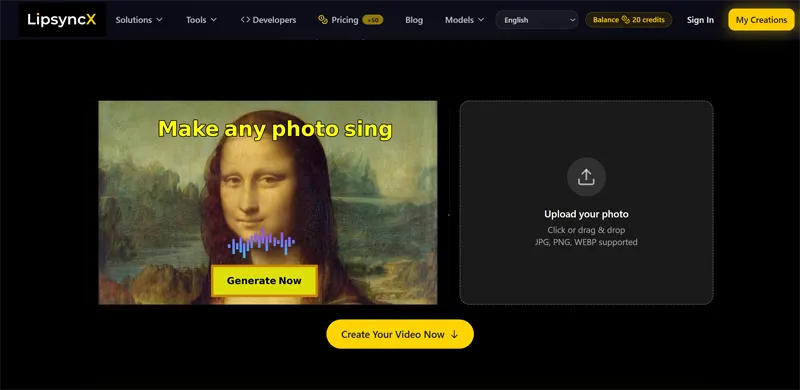
Generate talking videos from a photo and audio with realistic lip synchronization. Ideal for podcasts, training, and marketing. Video dubbing available in over 40 languages
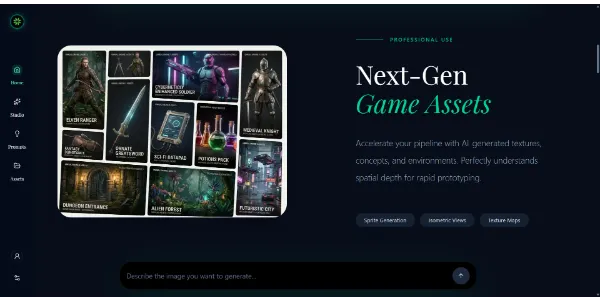
An image generator capable of producing all types of content, from video game assets to marketing and social media images. Its real advantage is the choice between several engines, including Seedream and Nano Banana
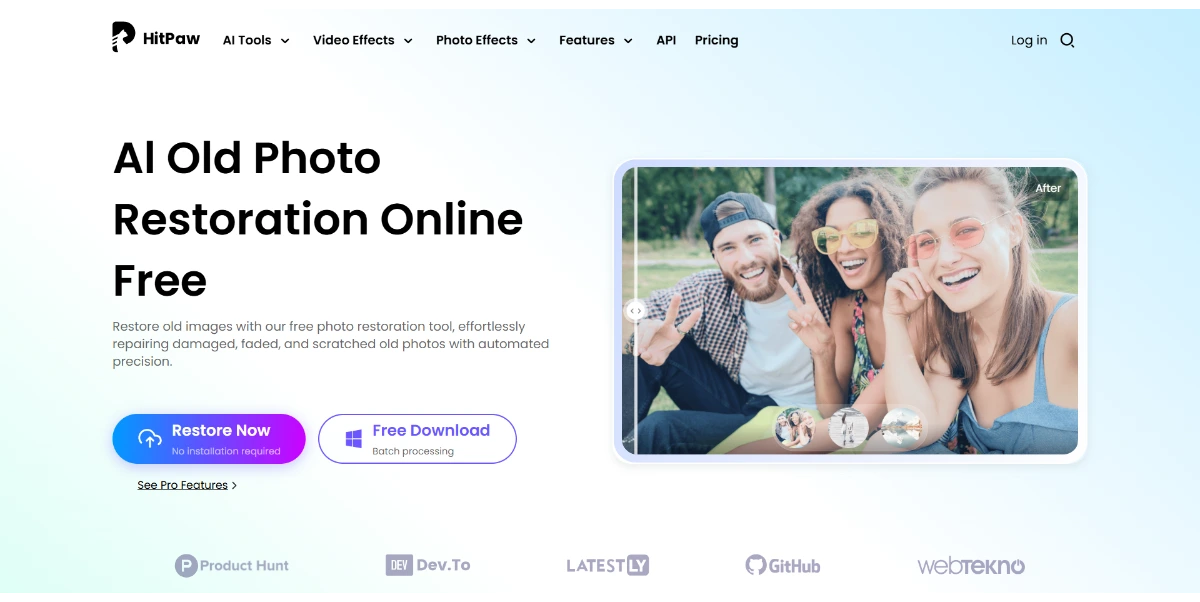
Bring your old, damaged photos back to life right from your browser. This AI tool removes scratches, noise, and blur, restores damaged faces, restores color to black-and-white photos, and converts them to 4K
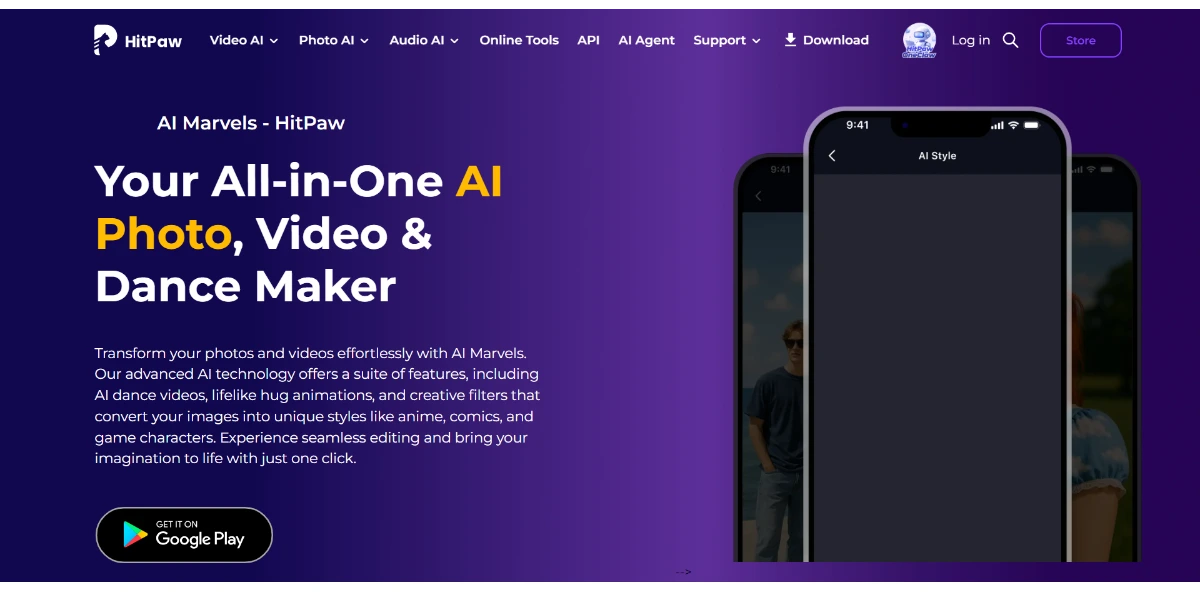
Edit your photos and animate your videos right from your phone: make your pets dance, change their outfits, and apply anime, cartoon, or retro filters. Easily turn your portraits into stylized avatars
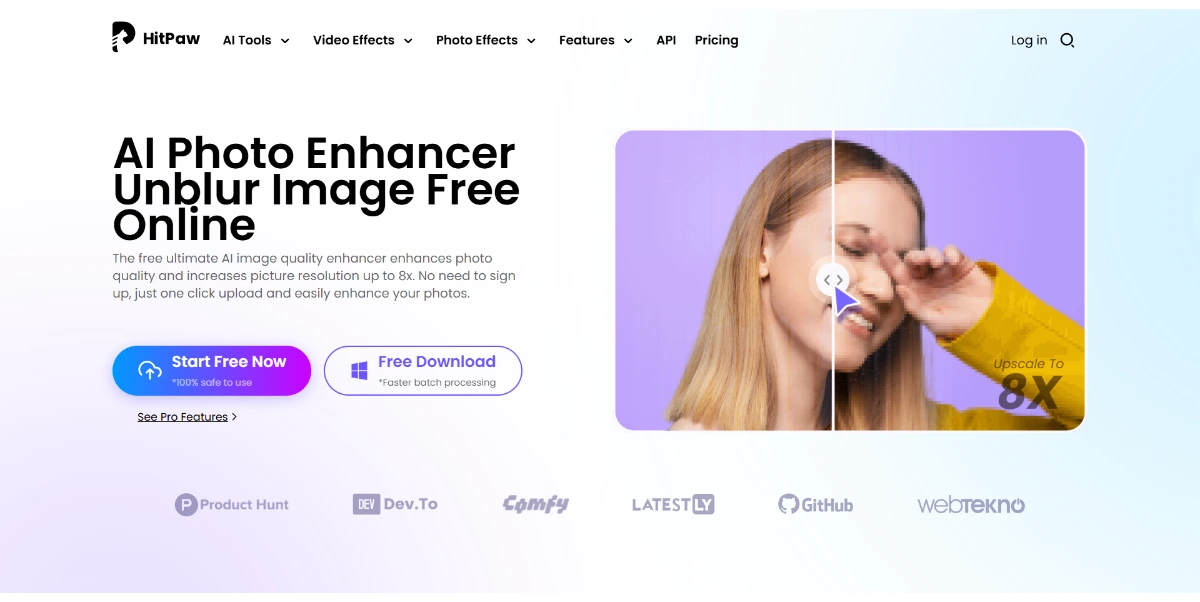
Make your photos sharp, detailed, and high-resolution right in your browser: sharpening, noise reduction, colorization, and restoration of old images up to 8×, free for small upscales
Generate talking videos from a photo and audio with realistic lip synchronization. Ideal for podcasts, training, and marketing. Video dubbing available in over 40 languages
An image generator capable of producing all types of content, from video game assets to marketing and social media images. Its real advantage is the choice between several engines, including Seedream and Nano Banana
Bring your old, damaged photos back to life right from your browser. This AI tool removes scratches, noise, and blur, restores damaged faces, restores color to black-and-white photos, and converts them to 4K
Edit your photos and animate your videos right from your phone: make your pets dance, change their outfits, and apply anime, cartoon, or retro filters. Easily turn your portraits into stylized avatars
Make your photos sharp, detailed, and high-resolution right in your browser: sharpening, noise reduction, colorization, and restoration of old images up to 8×, free for small upscales
AIForest groups related AI tools so you can compare practical fit, pricing type, categories, screenshots, and official product links without starting from a blank search.
Keep comparing
Create an account to come back to this listing, bookmark useful tools, and compare nearby Computer Vision & Image Processing options without starting over.
Use these focused AIForest guides to compare tools by workflow, pricing intent, alternatives, and practical use case.
Gifify is an AI tool listed on AIForest. Create animated GIFs from text or an image, then adjust the style, pace, and format to create a short, unique, and easy-to-share animation The page is structured as a review-style listing so users can understand the overview, features, pricing, pros, cons, screenshots, alternatives, similar tools, and practical fit before visiting the official website.
Gifify is positioned for Computer Vision & Image Processing workflows. The main feature signals on AIForest include the product description, category fit, pricing model, screenshots, video availability, official links, keyword tags, and comparison paths to alternatives.
Gifify is listed with a Freemium pricing model. Check the official website for current plan details and limits.
Comparable tools include ChatGPT Images 2.0, Nano Banana 2, Face AI, Lyra 2.0 Nvidia, and HY World 2.0. Review each tool page to compare fit, pricing, screenshots, and official links.
Gifify is best for users comparing Computer Vision & Image Processing tools and deciding whether Gifify or ChatGPT Images 2.0 better fits their workflow. It is especially useful to review when building a shortlist and checking pricing, screenshots, and similar tools side by side.
If you own Gifify, add this badge to your site so visitors can verify the listing and discover the product from AIForest.
Badge preview

Submit your product to AIForest and reach visitors comparing computer vision & image processing AI tools, alternatives, and new software to try.