Quickly check your text with this AI-powered spell checker This Corrector App review page is designed to help buyers understand what the tool does, where it fits, and how it compares with alternatives in Education & Learning and Educational Content. AIForest focuses each tool page on practical buying signals: the core use case, feature coverage, pricing model, pros, cons, screenshots, video availability, FAQs, and similar tools.
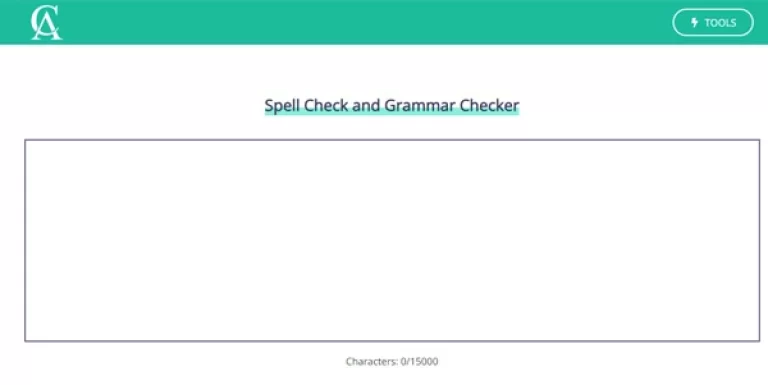
That structure makes it easier to evaluate Corrector App without relying only on a short vendor description. Corrector App includes screenshots on AIForest, so users can inspect the interface, product flow, and visual presentation before opening the official website.
Corrector App does not currently include a demo video, so a hands-on trial or official walkthrough is still worth checking before purchase. Before choosing Corrector App, compare it with PokaMind, Adobe Acrobat Student Spaces, LingoLooper, Voila Voice io, and Make infographic AI and review the official website for the latest plan limits, product updates, and terms.
 PokaMindFreemiumYour Journey Towards Exceptional Leadership Starts Here Pros include Increases mental care accessibility Supports traditional care methods Bridges gaps in services Focuses on mental wellness Focuses on cognitive health Incorporates machine learning Incorporates natural language processing JavaScript enabled User-friendly interface Spreads mental health awareness Educates on mental health Provides mental health guidance Democratizes mental health services. Considerations include JavaScript must be enabled Does not replace professionals Variable feature set Only complements traditional care Democratization may vary Not a standalone solution.