
Freemium
Generate images with precise color control using hex codes and up to 9 reference photos. This Alibaba template ensures consistent faces and legible text directly in your images
65736 views107 clicks
Get published, verified, or featured at reduced founder rates.
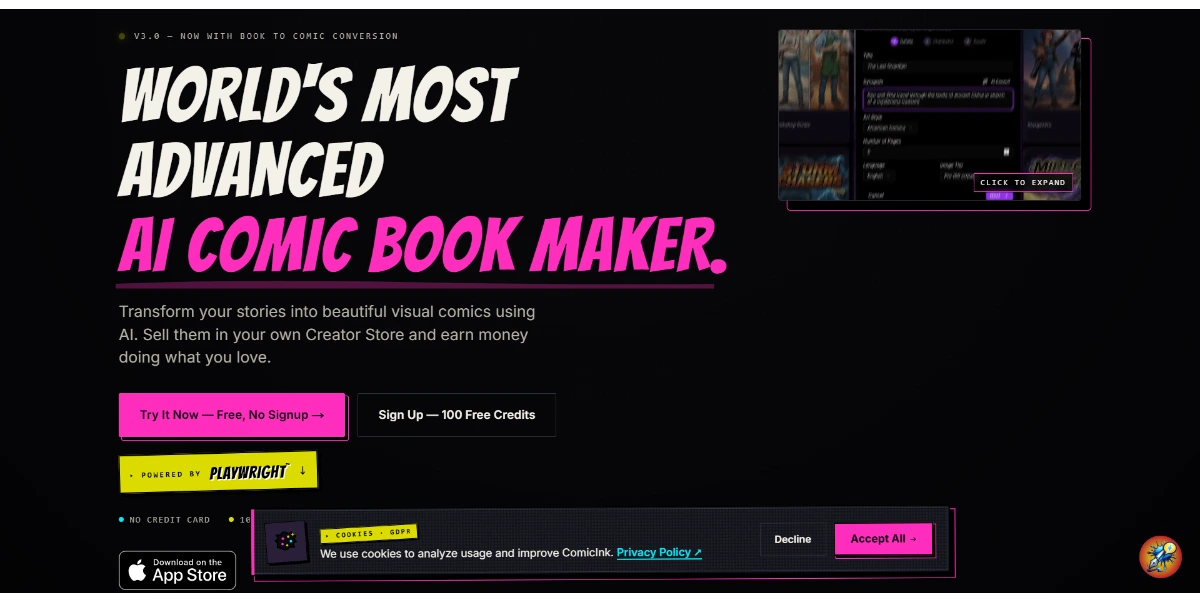
Create a complete comic book from a simple idea or script. The AI generates characters with consistent visuals from page to page, draws speech bubbles, panels, and the cover. You can export the entire project in various formats
ComicInk is a specialized AI-driven platform designed to transform scripts and narrative ideas into fully realized comic books. Unlike general image generators, this tool focuses on the sequential nature of storytelling, offering features that address the specific needs of comic creators, such as paneling and speech bubble integration.
A key highlight of the platform is its approach to character consistency, aiming to keep visual elements stable from the first page to the last. Users can manage the entire creative process within the tool, from designing a compelling cover to exporting the final project for distribution.
By automating the technical aspects of illustration and layout, ComicInk serves as a bridge for writers and creators who want to produce visual narratives without requiring traditional drawing skills. The platform's workflow is structured to handle the transition from text to image while maintaining the structural integrity of a comic book format.
Compare ComicInk with alternative Content Creation & Generation tools before choosing a product.
Generate images with precise color control using hex codes and up to 9 reference photos. This Alibaba template ensures consistent faces and legible text directly in your images
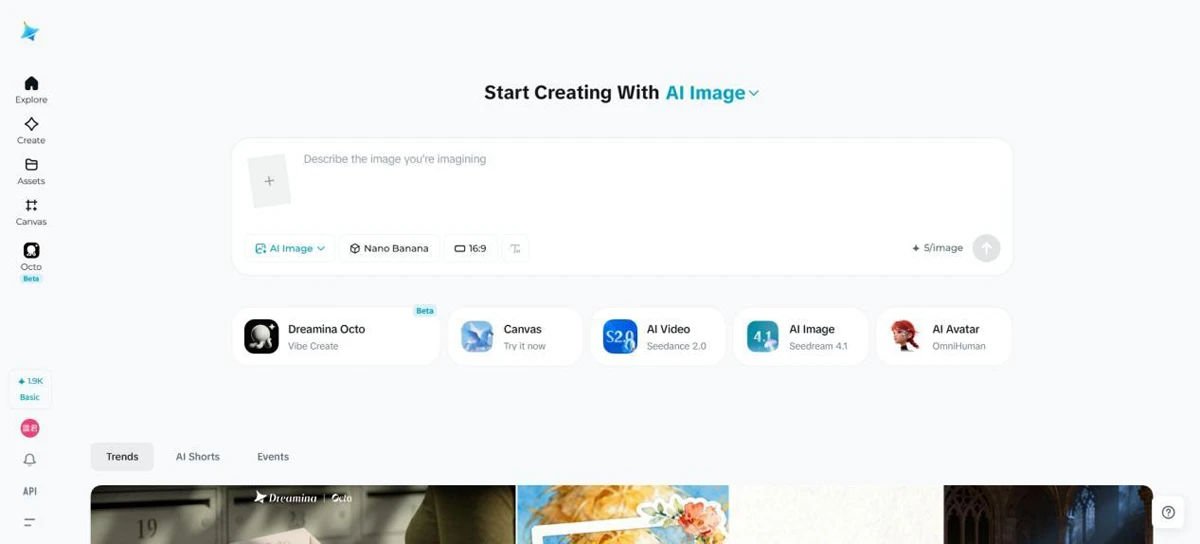
Dreamina is an all-in-one AI image generator and AI video generator built for creators, marketers, designers, and everyday users
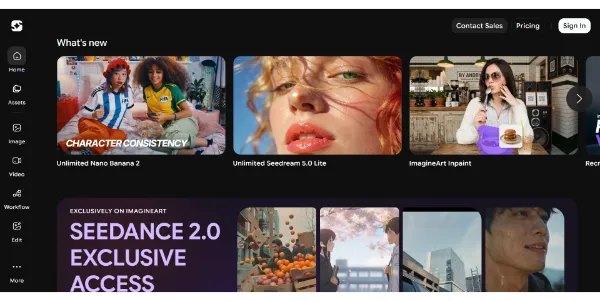
Generate HD images and videos from a single interface. Choose from 90+ artistic styles and models such as Nano Banana 2 or Kling AI. You can also train your own custom AI model to create consistent characters
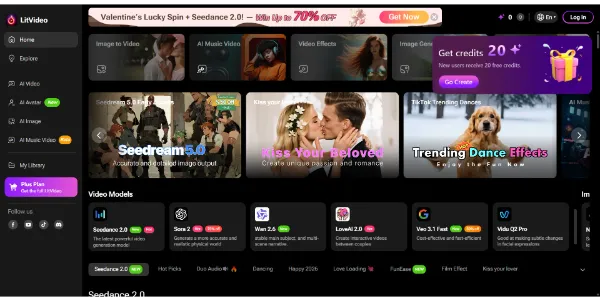
Create AI videos from text, images, or videos, and the platform automatically selects the best model (Sora 2, Kling, PixVerse, Vidu, etc.). Easily add subtitles, effects, and music tailored to Instagram, TikTok, or YouTube formats
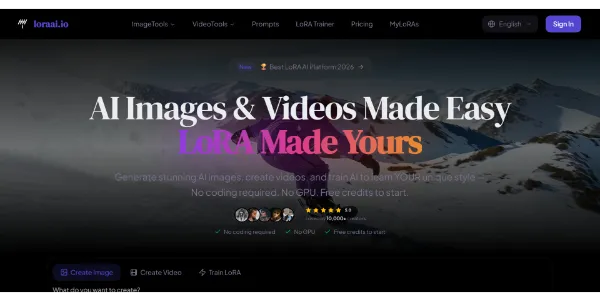
Create high-end images and cinematic videos using multiple premium templates in one place. You can also train your own model and sell your creations through an integrated marketplace
Generate images with precise color control using hex codes and up to 9 reference photos. This Alibaba template ensures consistent faces and legible text directly in your images
Dreamina is an all-in-one AI image generator and AI video generator built for creators, marketers, designers, and everyday users
Generate HD images and videos from a single interface. Choose from 90+ artistic styles and models such as Nano Banana 2 or Kling AI. You can also train your own custom AI model to create consistent characters
Create AI videos from text, images, or videos, and the platform automatically selects the best model (Sora 2, Kling, PixVerse, Vidu, etc.). Easily add subtitles, effects, and music tailored to Instagram, TikTok, or YouTube formats
Create high-end images and cinematic videos using multiple premium templates in one place. You can also train your own model and sell your creations through an integrated marketplace
ComicInk is offered as a Freemium service. Potential users should investigate the official website to determine the specific differences between free and paid tiers, such as panel generation limits, export resolution, and the availability of advanced character consistency features.
Explore similar AI tools from the same category and use case.
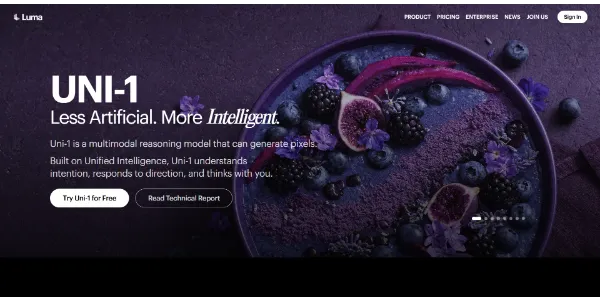
A visual generator capable of thinking before creating, producing images that are more coherent and easier to direct. Multiple references, guided editing, and excellent style control make it more precise than many alternatives

Generate viral clips in seconds Pros include Generates viral content No editing skills required Voiceover personalisation Text-based conversation videos User-friendly interface Automated content creation Free background video templates Free script templates Video monetisation Personal branding videos Commercial rights on videos Range of subscription plans Instagram, WhatsApp, TikTok videos Large content creator community Background video library Various pricing options Not manual labor intensive Highly praised by users Wide template variety Increase social media viewership Passive income generation Skill level adaptable Automated uploading (BETA) Up to 5 min videos Proto pricing option Viral-proven video templates Creations for different platforms Multiple voices for voiceover Generates videos in seconds Easy three step process Quick user content monetisation Great for content agencies Proven increased engagement rates Creates trendy video content Positive performance testimonials Profitable investment for creators Effective at generating income Creator friendly design Viral-ready content High quality auto-edits Accessible for all creators Built for all skill levels Successful creator network Pre-made Meme Clips Split Screen Reddit Story Quiz Questions templates Conversation video templates. Considerations include Subscription-based pricing Limited video generation Relies on provided templates No free or trial version Potentially oversaturated content Limited script personalization.
Find exact moments in YouTube videos instantly. Pros include Smart YouTube search feature Comprehends user video queries Supply immediate, accurate responses Helps locate specific video moments Provides time-stamped results Integration with native YouTube interface Acts as a virtual assistant Available as Chrome Browser add-on Enhances YouTube viewing activities Offers content discovery Enhances user experience Utilizes natural language processing Instant video search results Facilitates video content curation Processes multimedia data YouTube Q&A capability Takes users directly to relevant moment Free Chrome extension Accessibility to exact video moments Immediate answers to queries Intelligent YouTube content navigation Seamless experience within YouTube Locate exact video instances instantly Smart query comprehension Aids in efficient YouTube browsing. Considerations include Only available on Chrome Limited to YouTube content May miss nuanced queries Depends on video subtitles accuracy No mobile version No multi-language support Limited by YouTube's API constraints Potential privacy concerns Can be affected by Ad-blockers No text-based search option.
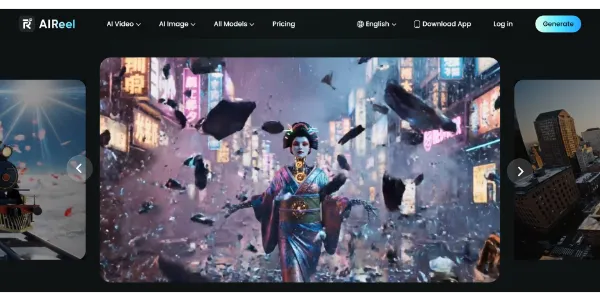
A video generator combining several models, including Veo 3.1, Seedance, Sora, and Kling, to create more varied scenes from text or images. Social media-friendly formats, cinematic rendering, and a simple workflow let you publish faster
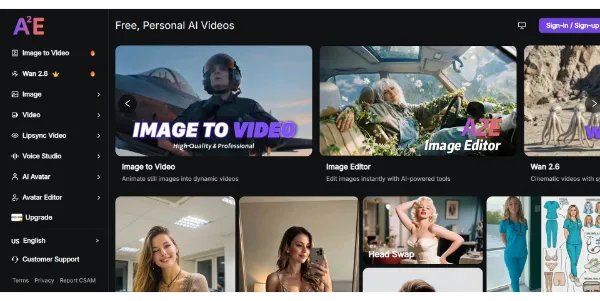
A powerful video studio that combines image-to-video generator, talking avatars, face swap, lip sync, and voice cloning all in one place. Great for testing multiple models uncensored and quickly creating a wide range of clips
A visual generator capable of thinking before creating, producing images that are more coherent and easier to direct. Multiple references, guided editing, and excellent style control make it more precise than many alternatives
Generate viral clips in seconds Pros include Generates viral content No editing skills required Voiceover personalisation Text-based conversation videos User-friendly interface Automated content creation Free background video templates Free script templates Video monetisation Personal branding videos Commercial rights on videos Range of subscription plans Instagram, WhatsApp, TikTok videos Large content creator community Background video library Various pricing options Not manual labor intensive Highly praised by users Wide template variety Increase social media viewership Passive income generation Skill level adaptable Automated uploading (BETA) Up to 5 min videos Proto pricing option Viral-proven video templates Creations for different platforms Multiple voices for voiceover Generates videos in seconds Easy three step process Quick user content monetisation Great for content agencies Proven increased engagement rates Creates trendy video content Positive performance testimonials Profitable investment for creators Effective at generating income Creator friendly design Viral-ready content High quality auto-edits Accessible for all creators Built for all skill levels Successful creator network Pre-made Meme Clips Split Screen Reddit Story Quiz Questions templates Conversation video templates. Considerations include Subscription-based pricing Limited video generation Relies on provided templates No free or trial version Potentially oversaturated content Limited script personalization.
Find exact moments in YouTube videos instantly. Pros include Smart YouTube search feature Comprehends user video queries Supply immediate, accurate responses Helps locate specific video moments Provides time-stamped results Integration with native YouTube interface Acts as a virtual assistant Available as Chrome Browser add-on Enhances YouTube viewing activities Offers content discovery Enhances user experience Utilizes natural language processing Instant video search results Facilitates video content curation Processes multimedia data YouTube Q&A capability Takes users directly to relevant moment Free Chrome extension Accessibility to exact video moments Immediate answers to queries Intelligent YouTube content navigation Seamless experience within YouTube Locate exact video instances instantly Smart query comprehension Aids in efficient YouTube browsing. Considerations include Only available on Chrome Limited to YouTube content May miss nuanced queries Depends on video subtitles accuracy No mobile version No multi-language support Limited by YouTube's API constraints Potential privacy concerns Can be affected by Ad-blockers No text-based search option.
A video generator combining several models, including Veo 3.1, Seedance, Sora, and Kling, to create more varied scenes from text or images. Social media-friendly formats, cinematic rendering, and a simple workflow let you publish faster
A powerful video studio that combines image-to-video generator, talking avatars, face swap, lip sync, and voice cloning all in one place. Great for testing multiple models uncensored and quickly creating a wide range of clips
AIForest groups related AI tools so you can compare practical fit, pricing type, categories, screenshots, and official product links without starting from a blank search.
Keep comparing
Create an account to come back to this listing, bookmark useful tools, and compare nearby Content Creation & Generation options without starting over.
Use these focused AIForest guides to compare tools by workflow, pricing intent, alternatives, and practical use case.
ComicInk is designed to maintain visual character traits throughout a project. It uses AI to reference initial designs, ensuring that protagonists look the same across different panels and scenes. Users should evaluate how the system handles changes in lighting or perspective to ensure the consistency meets their specific storytelling standards.
The platform allows users to export their finished comic books in multiple formats. While specific extensions should be verified on the official site, typical exports for this category include standard image formats or PDF. This flexibility is intended to support both digital sharing and preparation for physical printing workflows.
If you own ComicInk, add this badge to your site so visitors can verify the listing and discover the product from AIForest.
Badge preview

Submit your product to AIForest and reach visitors comparing content creation & generation AI tools, alternatives, and new software to try.