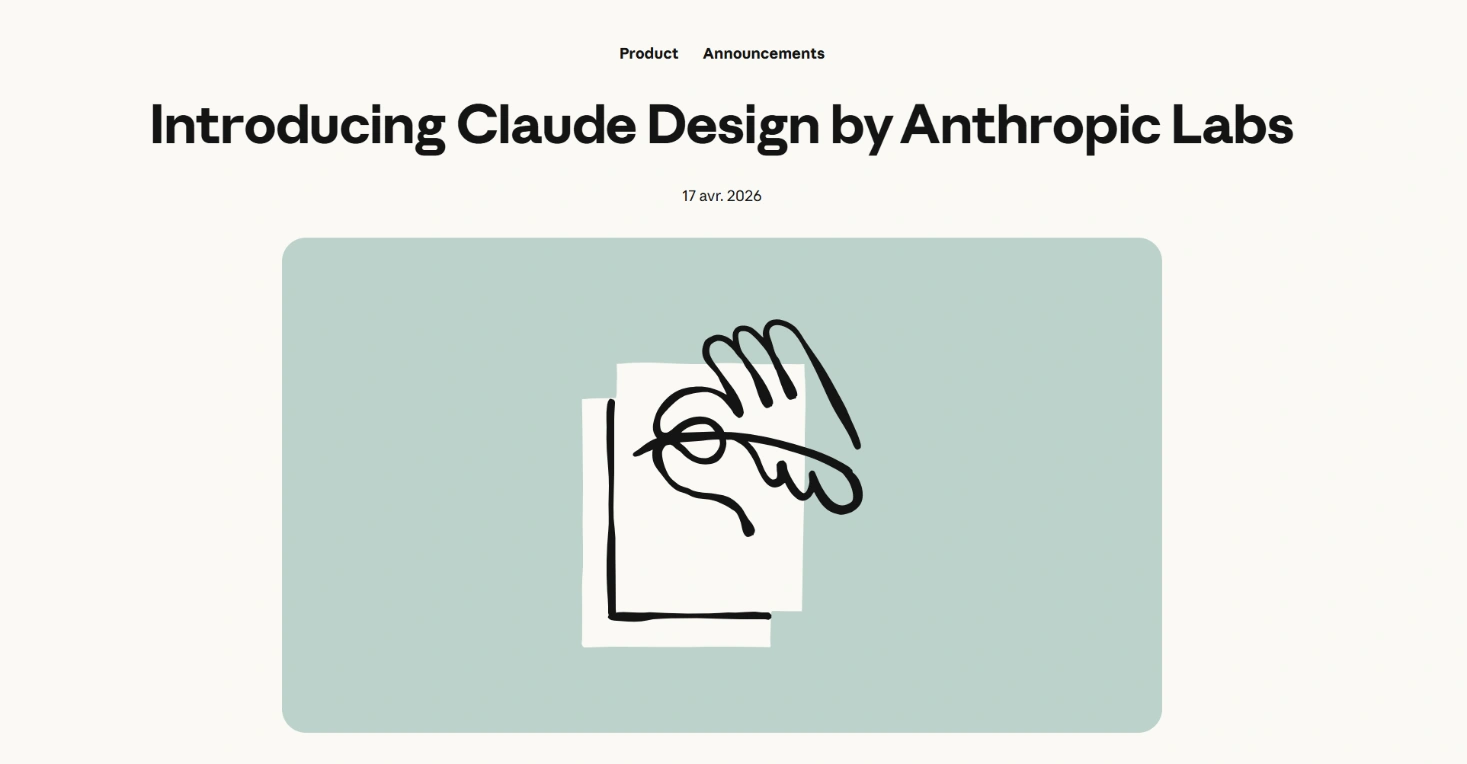
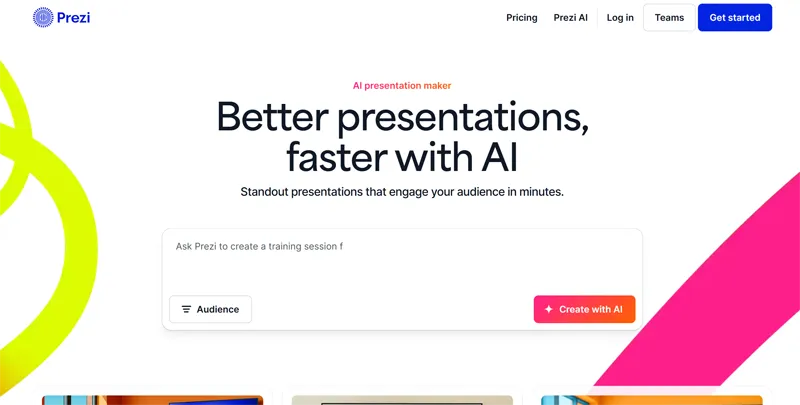
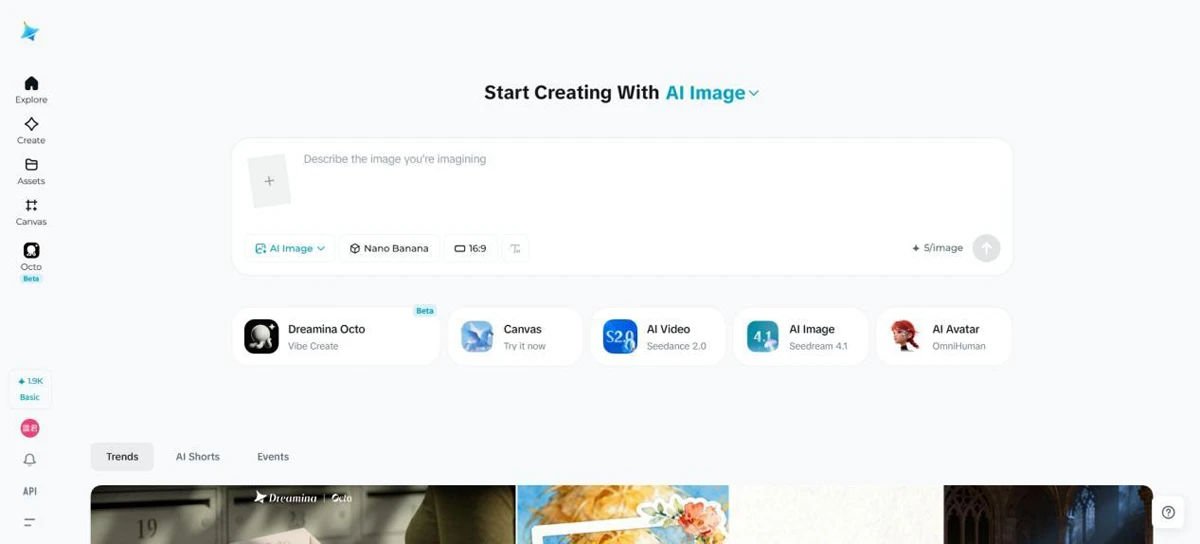
Claude Design represents a significant shift in generative AI, moving beyond simple text or image generation into the realm of functional design and prototyping. By utilizing a chat-based interface, users can generate web pages, presentation slides, and marketing assets simply by describing their requirements.
A standout feature of this tool is its ability to ingest and interpret existing design systems by reading a team's code and Figma files. This allows the AI to maintain brand consistency across all generated outputs, ensuring that new prototypes or interactive experiences align with established visual identities.
While categorized under content creation, its utility is particularly high for designers and developers who need to bridge the gap between initial ideation and functional UI components. Buyers should evaluate the tool's ability to handle complex Figma hierarchies and the level of manual oversight required to finalize the AI-generated layouts for production use.