🚀 List your AI tool on AIForest for free
Hurry up — get early exposure, backlinks, traffic, and reach thousands of AI enthusiasts before slots fill up.
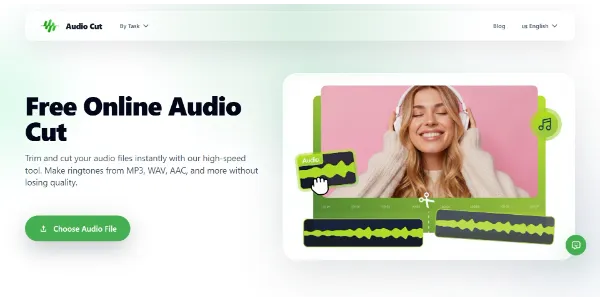
Easily trim your MP3, WAV, AAC, or FLAC audio files directly in your browser. No installation, processing takes just a few seconds
Easily trim your MP3, WAV, AAC, or FLAC audio files directly in your browser. AIForest categorizes Audio Cut under Audio, Music & Speech / Audio Editing & Enhancement.
AIForest currently marks the pricing as Free. The listing is tagged around Audio, Music & Speech, Audio Editing & Enhancement and Audio Editing, which can help you compare it with similar tools for the same workflow. This is currently shown as a community listing on AIForest.
If you own Audio Cut, add this badge to your site so visitors can verify the listing and discover the product from AIForest.
<a href="https://aiforest.app/tools/audio-cut">
Listed on AIForest
</a>


AIForest groups related AI tools so you can compare practical fit, pricing type, categories, screenshots, and official product links without starting from a blank search.
Audio Cut is described as: Easily trim your MP3, WAV, AAC, or FLAC audio files directly in your browser. AIForest lists it under Audio, Music & Speech and Audio Editing & Enhancement so visitors can quickly understand where it fits before opening the product website.
Audio Cut is most relevant for users comparing Audio, Music & Speech, Audio Editing & Enhancement and Audio Editing workflows inside the Audio, Music & Speech category. Review the screenshots, description, and official website to confirm whether it matches your exact use case.
Audio Cut is marked as Free on AIForest. Always confirm current pricing and plan limits on the official website before buying.
The related tools section on this page shows other Audio, Music & Speech products that may solve a similar problem. You can also browse the full Audio, Music & Speech category to compare pricing type, screenshots, positioning, and official links side by side.
Submit your product to AIForest and reach visitors comparing audio, music & speech AI tools, alternatives, and new software to try.
Explore similar AI tools from the same category and use case.

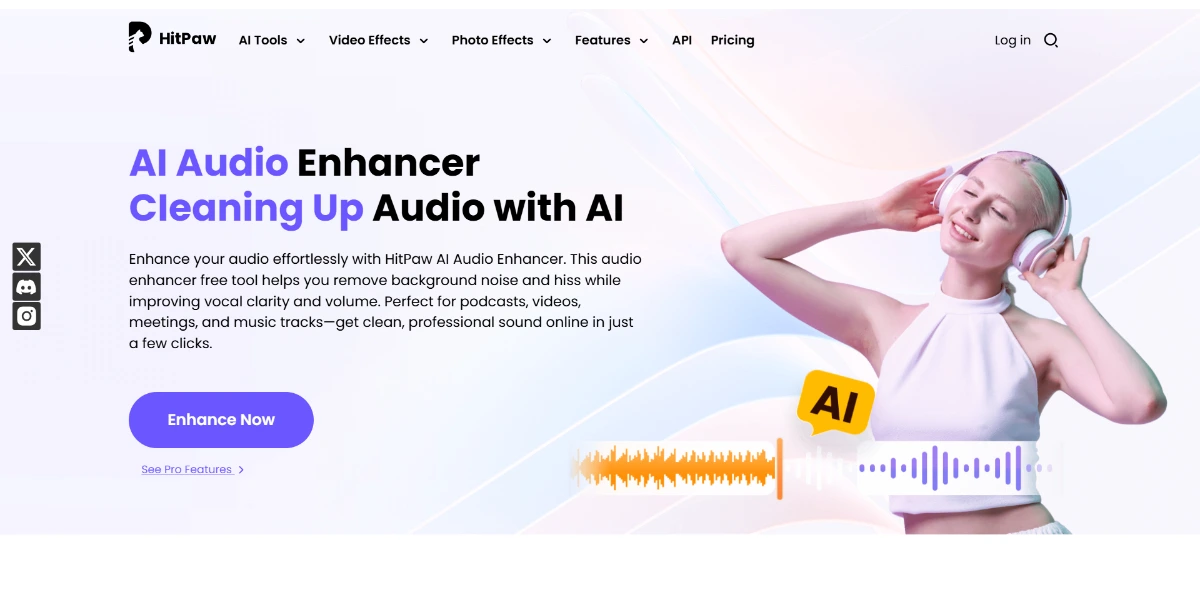
Enhance your audio by removing background noise, hissing, and echoes, while boosting voice clarity. It only takes 3 steps: import your audio or video file, let the AI analyze the audio, then download a clean, professional result directly from your browser
Freemium

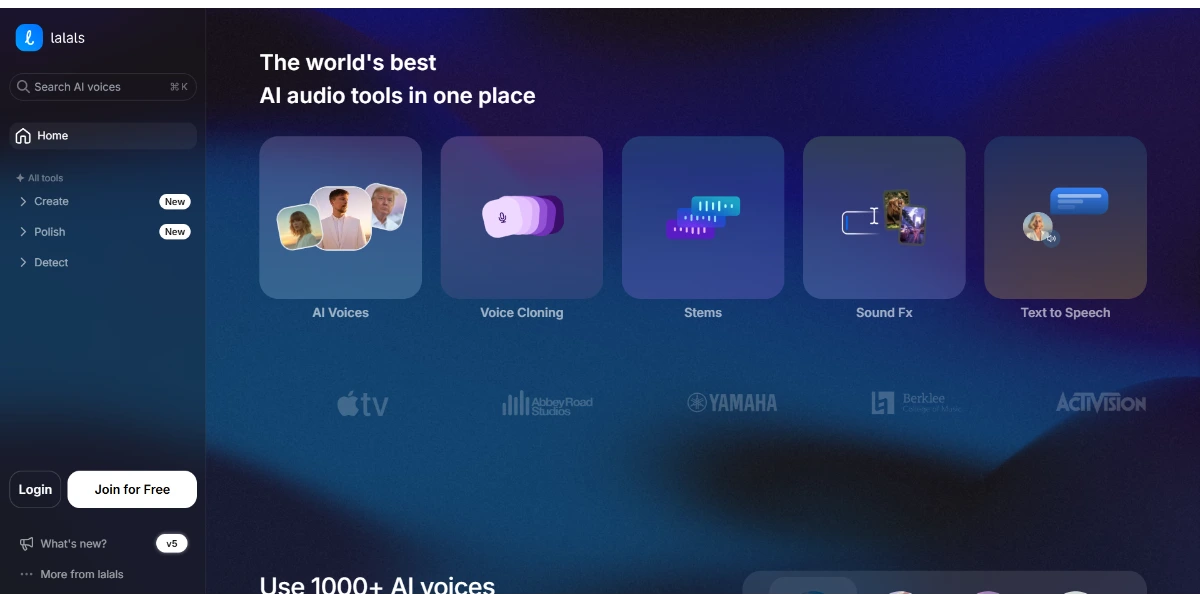
Compose original songs from a text, create covers by applying an AI voice to any recording, and clone your own voice. The platform also offers stem separation, noise removal, and real-time voice modification
Freemium

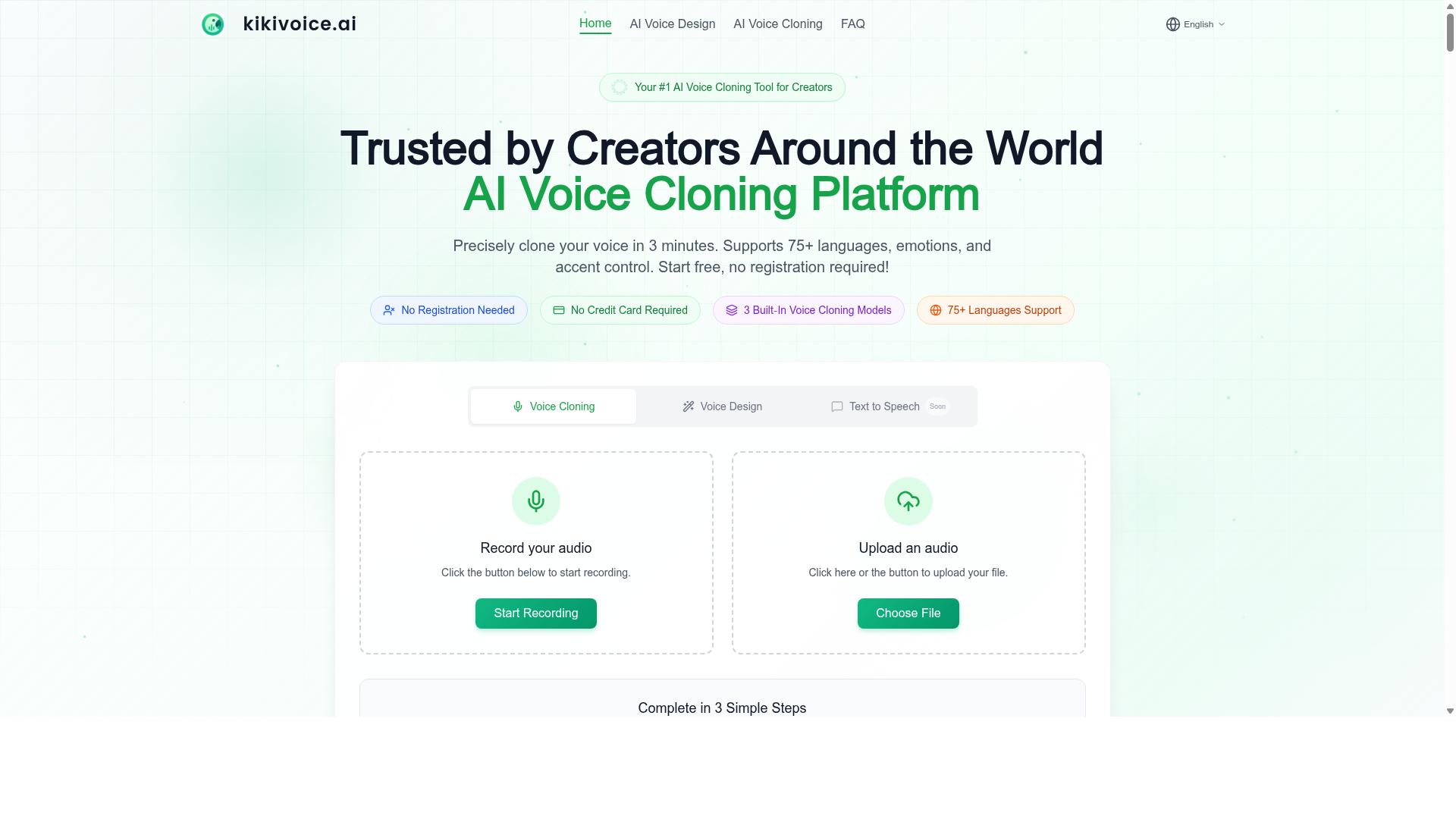
KikiVoice is a free AI voice cloning platform designed for creators. It offers 99% similarity in voice cloning, supports over 75 languages, and requires no sign-up. Users can upload a few seconds of audio to generate and clone realistic voices within minutes, making it a fast and accessible tool for voice synthesis.
Freemium