
Free trial
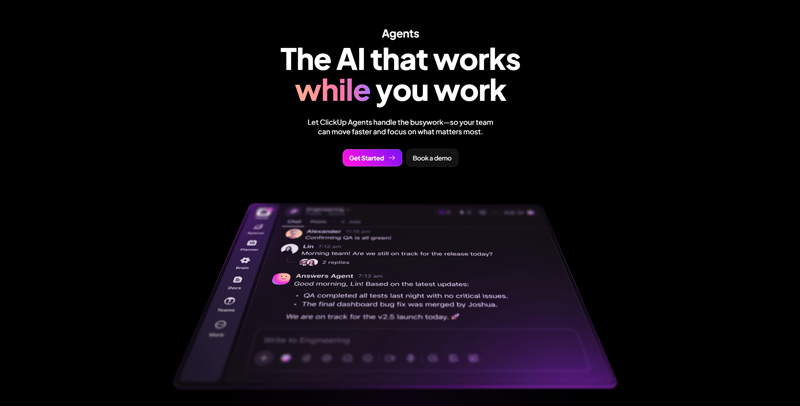
Automate your work with AI agents that answer questions, generate weekly reports, and provide real-time insights. Benefit from integrations with Google Drive, GitHub, Salesforce, and over 20 other applications.
17637 views1 clicks
Get published, verified, or featured at reduced founder rates.
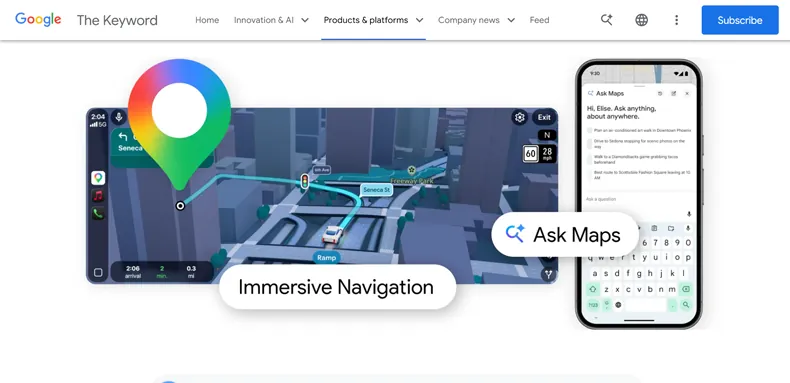
Ask questions in natural language directly in Google Maps to plan a route or find a place that suits your needs. Navigation now displays a realistic 3D view featuring buildings, roads, traffic lights, and crosswalks
Ask Maps represents a significant evolution in how users interact with geographic data, moving beyond traditional keyword searches to a conversational, natural language interface. Integrated directly into the Google Maps environment, it allows users to describe their needs—such as finding a quiet cafe with outdoor seating or planning a multi-stop route that avoids heavy traffic—using everyday speech.
This AI-driven approach is complemented by a high-fidelity 3D navigation experience. Users can visualize their surroundings with detailed renderings of buildings, roads, traffic lights, and crosswalks, providing a more realistic preview of their journey before they even depart.
By combining task management logic with spatial intelligence, Ask Maps aims to streamline the process of discovery and navigation. Whether you are navigating a complex urban environment or looking for specific amenities, the tool focuses on reducing the cognitive load of route planning through intuitive AI interaction and immersive visual feedback.
Compare Ask Maps with alternative Productivity & Automation tools before choosing a product.
Automate your work with AI agents that answer questions, generate weekly reports, and provide real-time insights. Benefit from integrations with Google Drive, GitHub, Salesforce, and over 20 other applications.
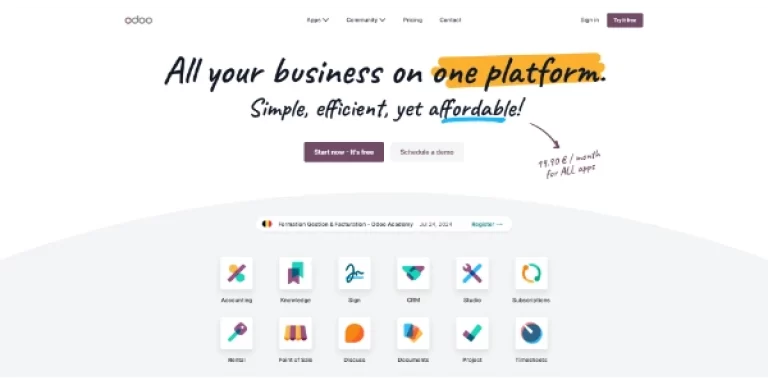
Open-source, customizable, all-in-one CRM and ERP management software. Over 40,000 applications are available on the platform, including AI assistants

This open-weight model, with 754 billion parameters, is designed for long and complex engineering tasks: it can operate autonomously for up to 8 hours straight, from planning through to final delivery. As the world’s first open-source model on WE-Bench Pro and NL2Repo, it rivals Claude Opus 4.6 in code quality
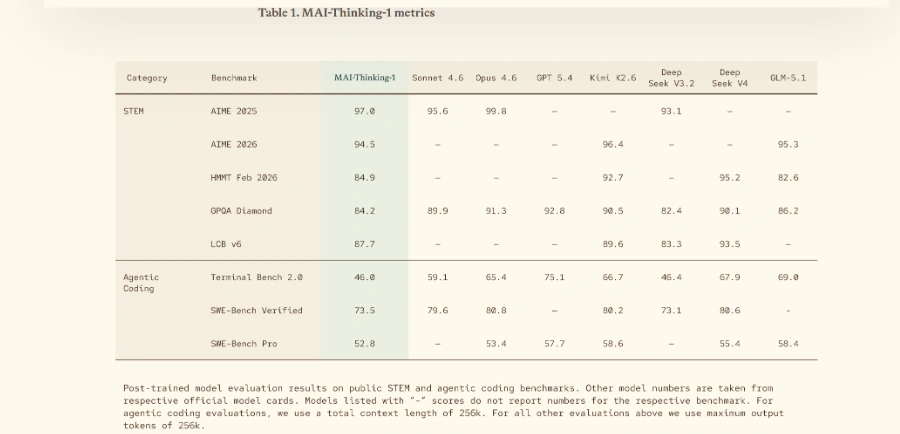
Microsoft’s new reasoning model, trained from scratch and optimized for code. It rivals the best models on SWE-Bench Pro and AIME 2025, while remaining medium-sized and computationally efficient

This 15-billion-parameter video model (developed by Alibaba) took first place in the Artificial Analysis rankings for video generation, ahead of Seedance 2.0. It generates text-to-video and image-to-video clips in 1080p with lip-sync in seven languages, all within a single unified pipeline
Automate your work with AI agents that answer questions, generate weekly reports, and provide real-time insights. Benefit from integrations with Google Drive, GitHub, Salesforce, and over 20 other applications.
Open-source, customizable, all-in-one CRM and ERP management software. Over 40,000 applications are available on the platform, including AI assistants
This open-weight model, with 754 billion parameters, is designed for long and complex engineering tasks: it can operate autonomously for up to 8 hours straight, from planning through to final delivery. As the world’s first open-source model on WE-Bench Pro and NL2Repo, it rivals Claude Opus 4.6 in code quality
Microsoft’s new reasoning model, trained from scratch and optimized for code. It rivals the best models on SWE-Bench Pro and AIME 2025, while remaining medium-sized and computationally efficient
This 15-billion-parameter video model (developed by Alibaba) took first place in the Artificial Analysis rankings for video generation, ahead of Seedance 2.0. It generates text-to-video and image-to-video clips in 1080p with lip-sync in seven languages, all within a single unified pipeline
Ask Maps is listed as free on AIForest. Users should check the official website to confirm if there are any specific usage caps, data limits, or if certain advanced features require a paid subscription or a specific tier of Google service for full access.
Explore similar AI tools from the same category and use case.
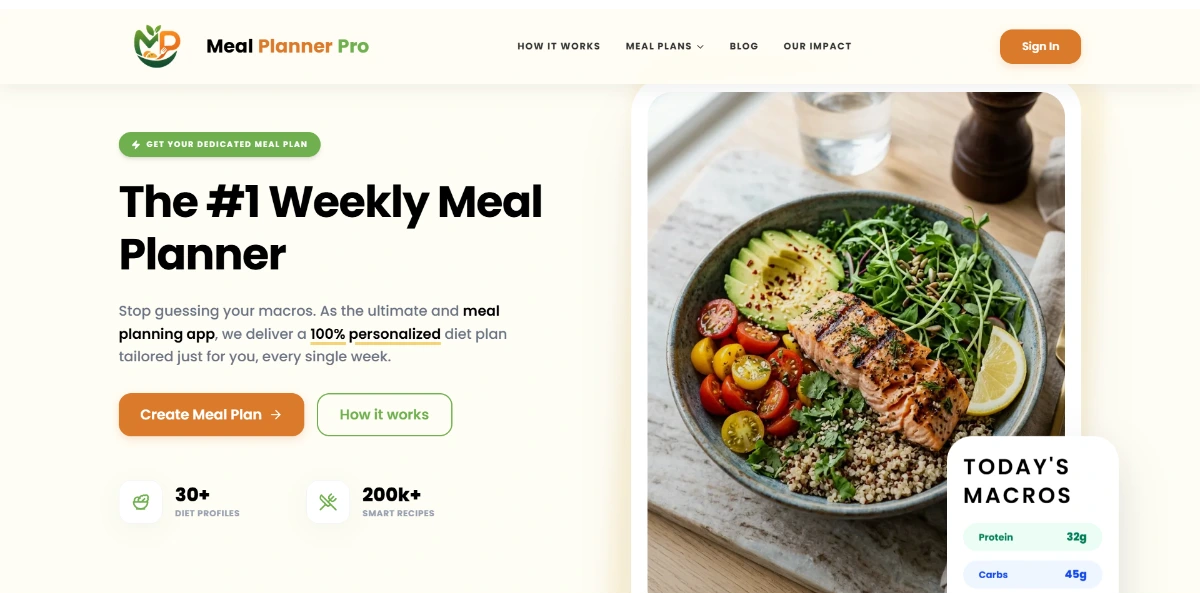
Easily plan your meals and grocery shopping for the week. This handy tool offers recipes, personalized profiles for each family member, a calendar, and shopping lists. It helps you eat healthy every day
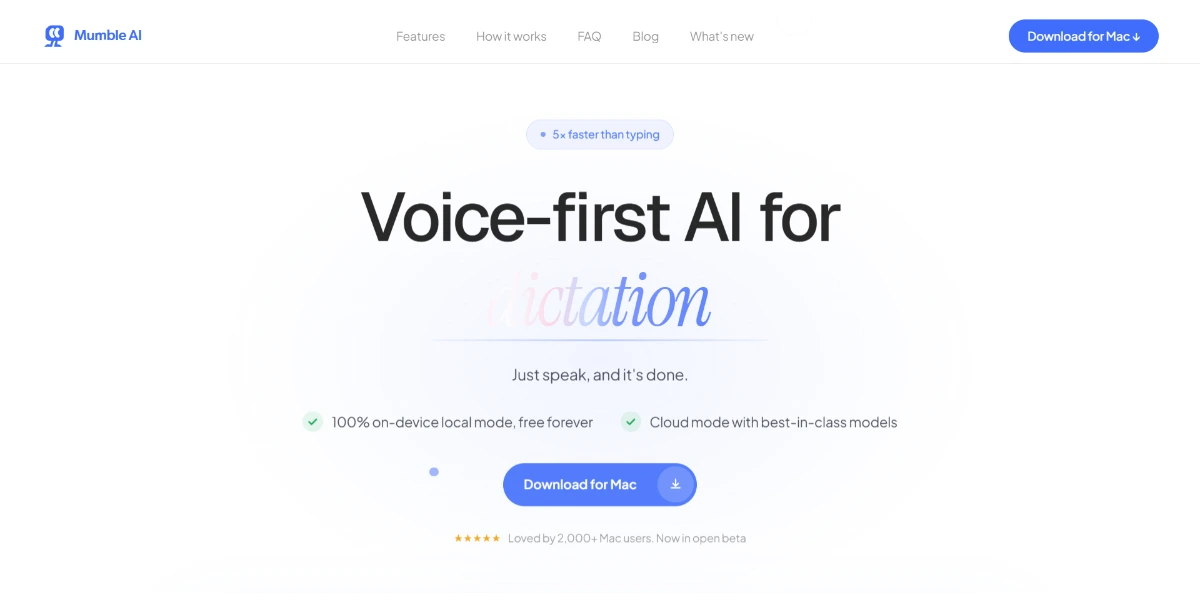
Record your meetings on Mac without any bots and get a live transcript with speaker identification, smart summaries, and generated actions (tasks, emails) using only your voice. Claimed to be 5 times faster than traditional note-taking, it works via the cloud or locally

Take a photo of your fridge and get three recipe ideas based on the ingredients inside. AI detects the items, suggests dishes you can cook right away, and adds a generated image for each recipe

AI wizard transforms instructions into code snippets. Pros include Instant Python code generation Additional toolkit features On-demand coding assistance Language conversion capabilities Automated comment generation Automated unit test generation Code quality improvement suggestions Personal Python expert model Efficient instruction-based coding Multi-language support Specific language Code Assistants Detailed code explanations Advanced code enhancement Code readability maintenance Deep learning libraries support Supports web scraping libraries Supports various databases Supports web programming Effortlessly produces Python code Improves coding productivity Innovative tech in coding Automated code production Software development tool facilitation Code explanation provision Supports efficient workflow Database specific coding solutions Web scraping specific coding Web programming specific coding Instruction based Web scraping Instruction based Web programming Strong community and documentation Deep learning application instructions. Considerations include Over-reliance on user instructions No offline use May not understand complex instructions Lacks multi-language support Limited free usage.
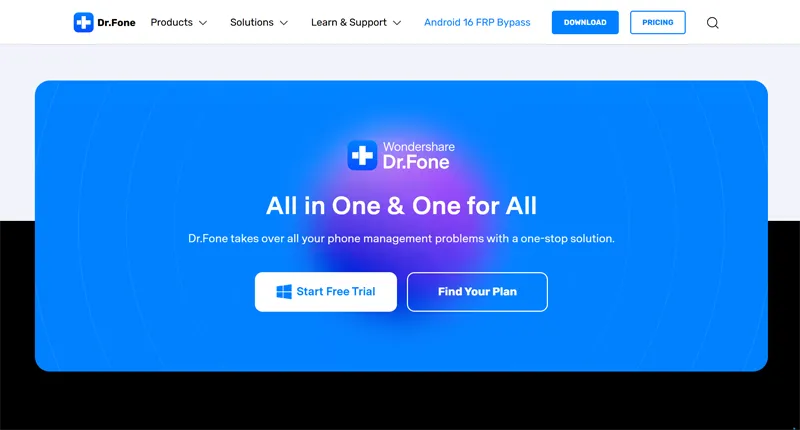
A toolkit for recovering data, transferring a phone, repairing iOS or Android, and unlocking certain smartphones. WhatsApp, backups, and changing phones are also supported
Easily plan your meals and grocery shopping for the week. This handy tool offers recipes, personalized profiles for each family member, a calendar, and shopping lists. It helps you eat healthy every day
Record your meetings on Mac without any bots and get a live transcript with speaker identification, smart summaries, and generated actions (tasks, emails) using only your voice. Claimed to be 5 times faster than traditional note-taking, it works via the cloud or locally
Take a photo of your fridge and get three recipe ideas based on the ingredients inside. AI detects the items, suggests dishes you can cook right away, and adds a generated image for each recipe
AI wizard transforms instructions into code snippets. Pros include Instant Python code generation Additional toolkit features On-demand coding assistance Language conversion capabilities Automated comment generation Automated unit test generation Code quality improvement suggestions Personal Python expert model Efficient instruction-based coding Multi-language support Specific language Code Assistants Detailed code explanations Advanced code enhancement Code readability maintenance Deep learning libraries support Supports web scraping libraries Supports various databases Supports web programming Effortlessly produces Python code Improves coding productivity Innovative tech in coding Automated code production Software development tool facilitation Code explanation provision Supports efficient workflow Database specific coding solutions Web scraping specific coding Web programming specific coding Instruction based Web scraping Instruction based Web programming Strong community and documentation Deep learning application instructions. Considerations include Over-reliance on user instructions No offline use May not understand complex instructions Lacks multi-language support Limited free usage.
A toolkit for recovering data, transferring a phone, repairing iOS or Android, and unlocking certain smartphones. WhatsApp, backups, and changing phones are also supported
AIForest groups related AI tools so you can compare practical fit, pricing type, categories, screenshots, and official product links without starting from a blank search.
Keep comparing
Create an account to come back to this listing, bookmark useful tools, and compare nearby Productivity & Automation options without starting over.
Use these focused AIForest guides to compare tools by workflow, pricing intent, alternatives, and practical use case.
Traditional searches often require specific keywords or categories to return accurate results. Ask Maps allows you to input complex, descriptive queries like "find a bookstore near a park with parking." The AI interprets your intent and context to filter locations and plan routes that better align with your specific situational needs and preferences.
The 3D view is designed to provide a realistic representation of the environment. It includes detailed renderings of buildings, road layouts, and critical navigation markers such as traffic lights and crosswalks. This level of detail helps users orient themselves more effectively in unfamiliar areas and understand the physical layout of their destination beforehand.
If you own Ask Maps, add this badge to your site so visitors can verify the listing and discover the product from AIForest.
Badge preview

Submit your product to AIForest and reach visitors comparing productivity & automation AI tools, alternatives, and new software to try.