AI Tools for SaaS Onboarding Emails: A Practical Workflow
Plan, draft, and test SaaS onboarding emails with a source brief, reusable prompt, and activation-focused example.
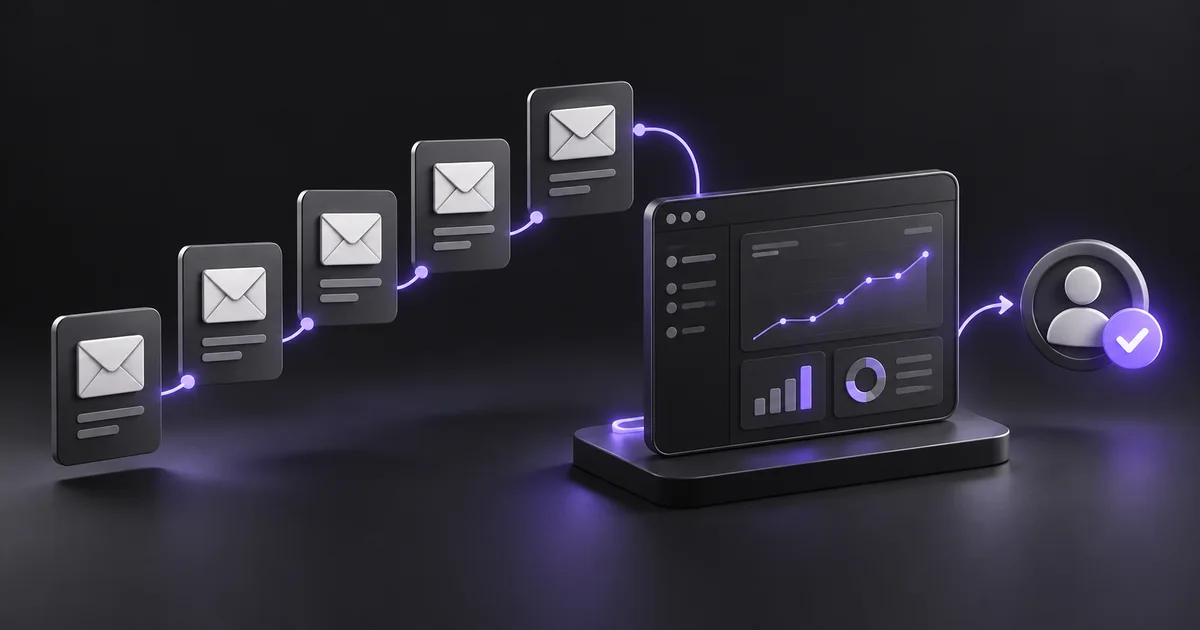
Start with activation, not an email sequence
AI tools for SaaS onboarding emails are most useful when you already know the action a new customer needs to take. An attractive welcome message cannot repair an unclear product journey. Before opening a writing assistant, define one observable milestone: importing a file, inviting a teammate, publishing a project, or completing a first report.
Then write emails that remove the obstacles between signup and that milestone. The example below uses a fictional reporting product called MetricNest. Its activation event is creating a first dashboard from a sample dataset. All example copy is illustrative, not a claim about an existing customer or measured conversion rate.
Choose a tool for the job
Jasper's Welcome Email Agent is designed to draft welcome messages using supplied product context and brand information. It is a reasonable option when a team wants repeatable brand-led drafts. A general writing assistant can also work if you supply a precise brief and review every claim.
Your email platform remains responsible for delivery, audience rules, unsubscribe handling, and event-based timing. Do not confuse a writing tool with a complete onboarding system. Compare candidates using the same brief: ask for one welcome email and one recovery email, then assess factual accuracy, editing time, and whether both messages lead to a single useful action.
Source: Jasper welcome email agent.
Build a small source brief
Give the assistant five verified facts: who the product serves, the first useful result, the steps required, the likely obstacle, and where a user can get help. Include the actual destination URL and any restrictions, such as a feature being available only on a paid plan. For MetricNest, the brief says that founders can create a dashboard from sample data without connecting a live account.
The obstacle is uncertainty about which template to choose. The desired action is selecting the sample revenue template. Avoid uploading customer lists, passwords, or private account data when public product facts will do. A cleaner brief usually produces a more usable first draft.
Work through a three-message example
The welcome email could have the subject “Build your first dashboard with sample data.” Its body explains the result, offers one button, and ends with a real support route. A second message should go only to users who have not created a dashboard, rather than everyone after an arbitrary delay.
It can say, “You can explore MetricNest before connecting your own data,” then point to the same template. A third message should respond to activation: “Your dashboard is ready. Here is how to share it.” This is a planning example; implement the actual event conditions in your delivery system and test them with internal accounts before enabling the sequence.
Use a prompt that limits invention
Try this brief: “Write a welcome email for MetricNest using only the facts below. Audience: a founder who signed up today. Goal: create a first dashboard with sample data. Keep the body under 130 words.
Include one call to action using the supplied URL. Do not invent features, discounts, customer results, urgency, or personal details. Return a subject line, preview text, body, and a separate list of assumptions requiring review.” Paste your verified product notes below it. Asking for assumptions separately makes unsupported additions easier to spot. You can request two tones, but keep the action and facts identical so you are comparing writing rather than different offers.
Edit for useful specificity
Read the draft as someone who has never used the product. Replace “unlock powerful insights” with the exact result the screen delivers. Remove a second button if it competes with the first action. Check that preview text adds information rather than repeating the subject.
Confirm that the link lands on the promised screen for both logged-in and logged-out users. If the product requires setup, explain that step plainly. Personalization should come from reliable fields; an empty first name must not produce a broken greeting. Finally, read the email aloud. If it sounds like a product brochure, shorten the introduction and move the instruction earlier.
Test behavior before optimizing copy
Create test accounts in three states: newly registered, inactive, and activated. Verify which email each receives and make sure users do not get a reminder after completing the task. Measure activation and successful task completion alongside email clicks. A higher click rate is not helpful if users arrive at an error page.
Start with one change at a time, such as a clearer subject or a shorter setup explanation. Keep a simple record of the version, audience, send dates, and activation definition. Small samples can be noisy, so avoid announcing a winning subject line after a handful of opens. Use the results to identify friction, not manufacture certainty.
When to keep the workflow simple
A solo founder may need one strong welcome email and a helpful follow-up before needing a sophisticated sequence. Use AI to draft alternatives and expose gaps in your instructions, then maintain one reviewed source brief as the product changes. Revisit messages whenever onboarding screens, plan access, or support routes change.
If users consistently ask the same question, add the answer near the relevant action rather than another promotional paragraph. The best onboarding copy gives the next step, tells users why it matters, and respects what they have already done. Browse AIForest's writing tools to build a shortlist, then judge them using your own onboarding task.
Sources and editorial notes
Product references were checked on 7 October 2026. Examples and prompts are illustrative workflows, not claimed customer results or hands-on product benchmarks. Check current vendor documentation before choosing a plan.
Find tools for your workflow →