AI Meeting Notes to Action Items: Owners, Deadlines, and Follow-up
Turn meeting notes into confirmed tasks without inventing owners or deadlines, using evidence and a reviewable template.
Explore related tools
Directory matches to help you build a shortlist. Verify each tool against your requirements.

Treat the transcript as evidence
Turning AI meeting notes into action items is not the same as asking for a shorter summary. A summary describes the conversation; an action item needs an owner, a deliverable, and a date or an explicit statement that the date is unknown. Start with a transcript or reliable notes, then require the assistant to separate decisions from suggestions.
In the worked example here, a fictional product team discusses a checkout bug. The conversation contains a proposed redesign, an agreed investigation, and an unresolved launch date. A useful output should preserve those differences rather than turn every idea into a task that someone supposedly accepted.
Pick capture and task tools separately
Notion AI Meeting Notes can capture meeting information and identify key points and action items. Check its current eligibility and permissions before adopting it. Whether you use Notion or another notes tool, recording should follow your team's consent and data-handling requirements.
The place where work is tracked may be a separate project board. Choose a notes tool for capture quality and a task system for ownership, reminders, and completion. During a trial, compare the generated tasks against the actual discussion. A tidy interface is less important than whether the tool preserves uncertainty and avoids assigning commitments to people who did not make them.
Prepare a trustworthy input
Remove unrelated chatter, correct participant names, and mark inaudible sections before extraction. Provide a short list of attendees and roles, but do not ask the assistant to infer ownership solely from seniority. A statement like “Someone should review the error logs” has no owner.
Preserve timestamps for decisions so reviewers can return to the source. If your notes are incomplete, say so explicitly. For our checkout example, the input records that Priya agreed to inspect logs on Thursday, Sam suggested changing the button label, and the team postponed a release decision. Those three sentences should produce one confirmed action, one suggestion, and one unresolved question.
Define the output fields
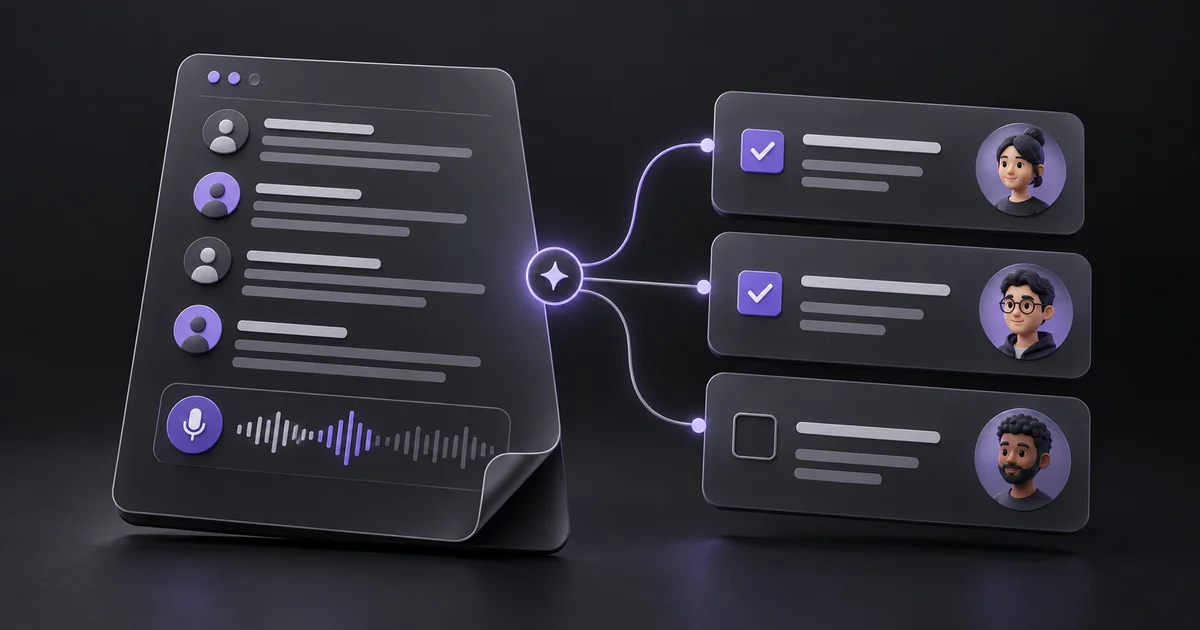
Use a compact table with action, owner, deadline, source timestamp, confidence, and status. Require “unassigned” and “not specified” when information is missing. The confirmed task becomes “Inspect checkout error logs,” owned by Priya, due Thursday, with a timestamp pointing to her agreement.
Changing the button label belongs in a proposals section until someone accepts it. The release date belongs under open questions. This structure gives the team something reviewable without hiding ambiguity. Avoid invented calendar dates: if “Thursday” is relative, supply the meeting date and timezone or leave the deadline as the exact phrase until a person confirms it.
Use a conservative extraction prompt
Ask: “Extract actionable commitments from these meeting notes. Only mark a task confirmed when someone explicitly accepts it or the group clearly assigns it. Return action, owner, deadline, source quote or timestamp, and unresolved dependencies. Do not infer owners, dates, or approval.
Put suggestions in a separate section. List decisions and open questions separately.” Then include the notes and meeting date. Requesting evidence for each item makes review faster than inspecting an unexplained list. If the tool cannot provide timestamps, use a short source excerpt. The purpose is traceability, not a confidence score that looks precise but has no calibrated meaning.
Review with the people doing the work
Before pushing tasks into a project board, let participants correct the draft. Ask each owner whether the deliverable and deadline match their understanding. A task such as “Fix checkout” may need to become “Identify the cause of failed card submissions and propose a fix.” That narrower wording avoids promising implementation before the investigation.
Check dependencies too: someone may need access to logs or a decision from another team. Keep the meeting summary linked from the tasks, so context remains available. This review can be brief, but skipping it often turns a convenient extraction workflow into a source of extra coordination work.
Measure follow-through, not note length
Track how many generated tasks were accepted without correction, how many lacked owners, and how many were completed by their agreed date. Also record false tasks that were created from casual suggestions. Review a small set of meetings with different styles: a standup, a planning session, and a customer call.
A tool that performs well on structured updates may struggle with brainstorming. Do not reward the system for generating more action items. One accurate commitment is better than ten speculative ones. If the output repeatedly invents deadlines, tighten the prompt and reconsider whether the source notes provide enough detail for automated extraction.
Make the process repeatable
Use one shared template for every meeting, with decisions, confirmed actions, proposals, and open questions in separate sections. Store participant corrections so the next reviewer can see what changed. After the meeting, send the approved actions through your normal team channel and let the task system handle reminders.
Keep sensitive recordings only as long as your policy requires. AI can reduce the time between a conversation and a useful follow-up, but it cannot make an unclear commitment clear on its own. Browse meeting and productivity tools on AIForest, then evaluate them against actual follow-through rather than an impressive demonstration transcript.
Sources and editorial notes
Product references were checked on 7 October 2026. Examples and prompts are illustrative workflows, not claimed customer results or hands-on product benchmarks. Check current vendor documentation before choosing a plan.
Find tools for your workflow →