Edit your podcasts and create music with these AI plugins for Audacity. This OpenVINO by Audacity review page is designed to help buyers understand what the tool does, where it fits, and how it compares with alternatives in Audio, Music & Speech and Audio Editing & Enhancement.
AIForest focuses each tool page on practical buying signals: the core use case, feature coverage, pricing model, pros, cons, screenshots, video availability, FAQs, and similar tools. That structure makes it easier to evaluate OpenVINO by Audacity without relying only on a short vendor description.
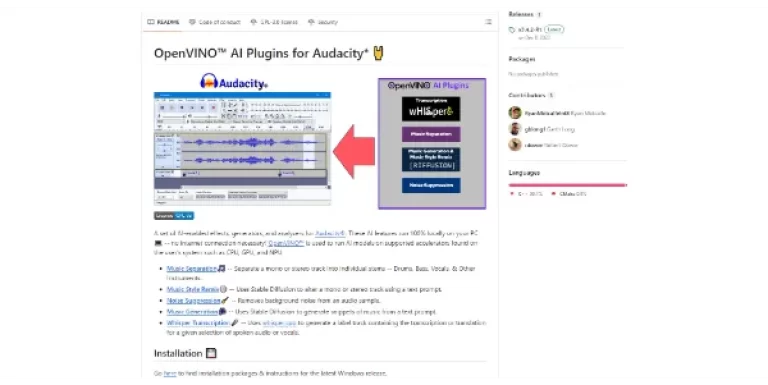
OpenVINO by Audacity includes screenshots on AIForest, so users can inspect the interface, product flow, and visual presentation before opening the official website. OpenVINO by Audacity does not currently include a demo video, so a hands-on trial or official walkthrough is still worth checking before purchase.
Before choosing OpenVINO by Audacity, compare it with Hedy AI, TurboScribe, Free Text-To-Speech, Lyria 3, and Google Flow Music and review the official website for the latest plan limits, product updates, and terms.
 Hedy AIFreemiumDominate every meeting with Hedy as your brilliant AI ally Pros include Real-time assistance Interactive insights Automatic transcripts Automatic summaries Real-time analysis In-meeting interaction Personalized context Tailored recommendations Thought-starter suggestions Post-meeting review capability Identifies key points Highlights action items Ideal for educational use Valuable for business meetings Unobtrusive interface Perspective filter feature Supports complex topic navigation Preparation-free usage Immediate, relevant responses Insights for future discussions Supports professional settings Supports educational settings User-friendly design iOS compatibility Hedy app available Discreet interaction notifications Real-time conversation analysis Facilitates enhanced performance Increases meeting effectiveness Improves client interactions Transforms meeting culture Enhances remote work experience Real-time transcription Catapults meeting efficiency Helps track action items User testimonials available First to know updates Customized insights Downloadable on iOS Real-time support. Considerations include Dependent on speech clarity Contextual analysis could be faulty May miss non-verbal clues Requires high sound quality Potential inaccurate transcript generation.