불러오는 중...
AI Help Documentation for SaaS: Write Instructions Users Can Follow
Draft help articles from verified product behavior, test the instructions, and maintain accurate SaaS documentation.
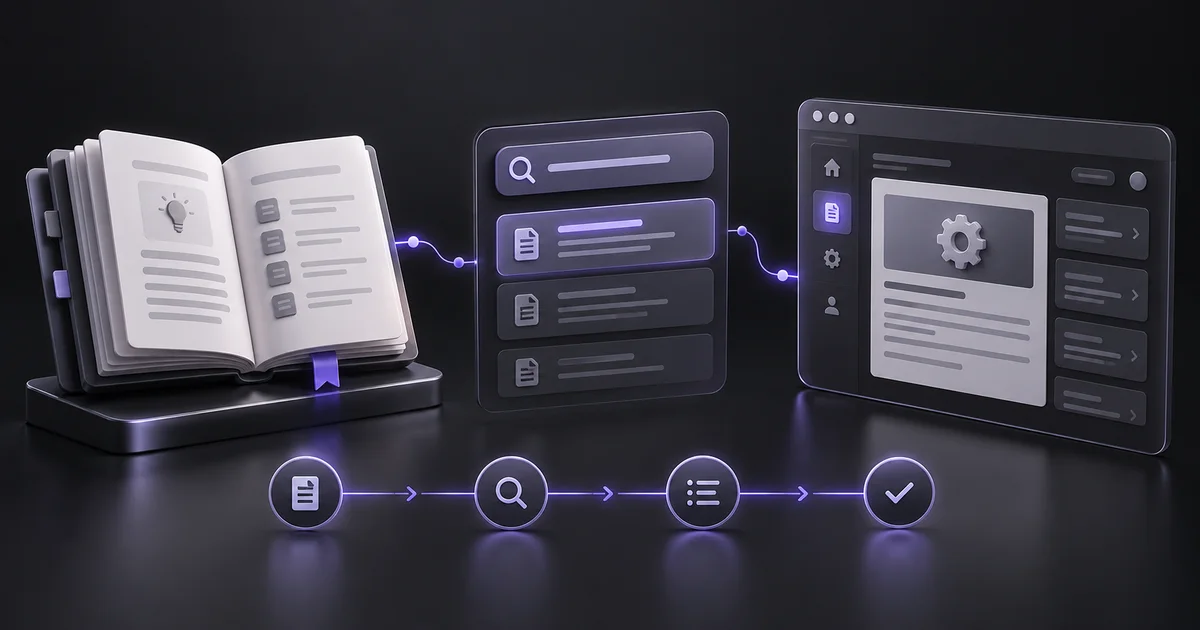
Document the task a customer is trying to finish
AI help documentation for SaaS should explain how to complete a real task in the current product. A long description of features is not a useful help article when someone is stuck. Start with a support question and a reproducible answer.
Our fictional example is inviting a teammate to a reporting workspace. The article must explain who can invite, where the control appears, what the recipient receives, and what to do when the invitation fails. Those details come from the product and support team. A writing assistant can organize them, but it should not decide permissions, menu labels, or error behavior from general assumptions about how SaaS products work.
Choose writing and retrieval tools deliberately
A writing assistant can draft a help article from verified steps. A documentation platform handles publishing, search, and updates. A knowledge-based agent such as Chatbase can reference documentation, which can help you test whether your published material answers common questions. These are different functions.
Do not assume a support chatbot automatically produces reliable source documentation. Compare tools using one existing support issue: supply the same verified facts, review the draft, publish in a test environment, and ask the original question. Check current integration and access requirements. The useful outcome is a correct answer that a customer can follow, not a large volume of generated pages.
Source: Chatbase integrations.
Gather facts before writing
Record prerequisites, permissions, steps, expected results, common errors, and relevant limits. Walk through the task in a test account and note the exact labels shown. For the invitation example, confirm whether only workspace owners can invite and whether an existing member occupies a seat. Capture screenshots with fictional data and remove personal information.
Include the product version or review date in your working notes. If behavior differs by plan or device, explain the difference or limit the article's scope. Ask support colleagues which part customers usually misunderstand. Their context often prevents a draft from describing the happy path while ignoring the problem that caused the article to be needed.
Use a structure built for scanning
Begin with what the article helps the reader do and any prerequisite that could block them. Follow with numbered steps, an expected result, and troubleshooting. Keep important warnings near the step they affect. In our example, the first line says that workspace owners can send invitations from Members.
The steps then explain entering an email, selecting a role, and sending the invitation. The result describes where the pending invitation appears. Troubleshooting covers checking the address and the actual resend process. This is a fictional structure, so replace every label with verified product wording. Avoid opening with several paragraphs of marketing copy before the instruction a reader needs.
Give the assistant a factual prompt
Try: “Draft a help article from the verified task notes below. Audience: a new workspace owner. Use plain language and exact interface labels. Include prerequisites, numbered steps, expected result, and troubleshooting only where supported.
Do not invent buttons, permissions, limits, or error messages. Put missing facts in a separate questions section rather than filling gaps.” Paste the notes and ask for a concise first draft. Review the questions with the product team before publication. If the draft contains an unsupported workaround, remove it. A helpful-sounding suggestion can create more support work when it tells users to change a setting that does not exist or is inappropriate for their account.
Test the article with a fresh account
Ask someone who did not write the article to complete the task using only the instructions. Watch where they hesitate and record labels they cannot find. Check the steps under the permission level the article names. Review screenshots at mobile width and ensure meaningful information is also present in text.
If the instructions include links, verify the destination and authentication behavior. Test a common failure path as well as success. For the invitation example, an article is incomplete if it explains sending but gives no supported next step when the recipient cannot find the email. Update the source notes along with the draft so future revisions do not reintroduce the same gap.
Make search and support reuse easier
Use the words customers use in tickets, while keeping the title specific. “Invite a teammate to your workspace” is clearer than “Collaborative member provisioning.” Add related articles only when they answer a likely next question, such as changing a role or removing access. If a support agent or chatbot uses the page as a source, verify that its answer preserves prerequisites and limitations.
Track unanswered search queries and repeated tickets to identify missing explanations. Do not create separate near-identical pages for every wording variation. One complete article with clear headings can serve several related questions without fragmenting the help center into thin or contradictory documents.
Maintain accuracy as the product changes
Assign an owner to each important article and review it after interface or permission changes. Keep a small change log and a last-reviewed date based on an actual review. Avoid automatically refreshing dates on unchanged content.
Measure successful task completion and recurring support questions rather than counting published articles. Start with the five support tasks that cause the most friction, then expand where evidence shows a gap. Explore writing, documentation, and support tools on AIForest to build a shortlist. AI helps you produce a clear first draft, but trustworthy documentation depends on verified behavior, careful testing, and someone responsible for keeping the instructions current.
Sources and editorial notes
Product references were checked on 7 October 2026. Examples and prompts are illustrative workflows, not claimed customer results or hands-on product benchmarks. Check current vendor documentation before choosing a plan.
Find tools for your workflow →Keep exploring
자동 번역을 사용할 수 없는 경우 일부 도구 설명이 영어로 표시될 수 있습니다.