What should I compare on a ai tools for remote teams page?
Start with the workflow, then compare output quality, integrations, pricing, privacy, export options, and the amount of human review needed.
Remote-team AI tools should reduce coordination drag without creating hidden decisions or disconnected notes.
Explore relevant AI tools and compare their features, pricing, and fit for your workflow.
FAQ
Start with the workflow, then compare output quality, integrations, pricing, privacy, export options, and the amount of human review needed.
No. Free tools can be useful for drafts and experiments, but paid plans may add stronger limits, collaboration, exports, privacy terms, or admin controls.
Use the same real input across each shortlisted product, review the outputs against clear criteria, and measure the time required to reach an approved result.
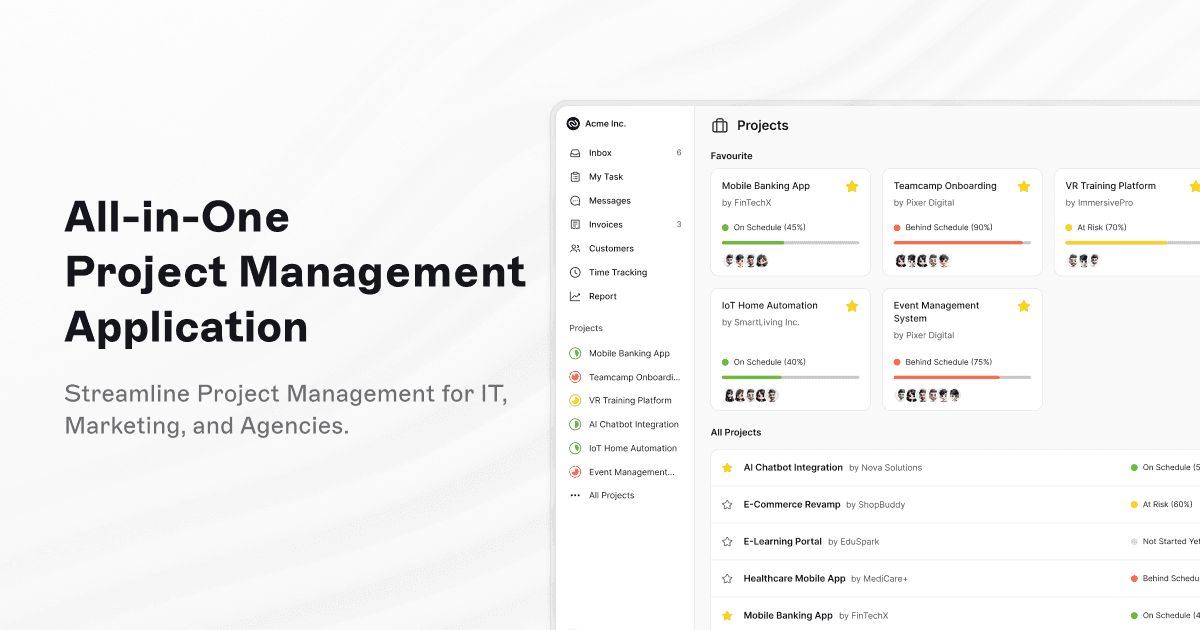 TeamcampFreemiumTeamcamp is an all-in-one project management application designed for IT, marketing, freelancers, and agencies. It helps users manage tasks, collaborate effectively, track time, and simplify billing processes with ease, making project management streamlined and efficient.
 SaveDayFreeSaveDay is a smart tool designed to capture, organize, and utilize your knowledge by allowing you to effortlessly save all types of content encountered on the internet, including images, YouTube videos, PDF files, tweets, and podcasts. It serves as a stunning bookmark manager and organizer that enhances your ability to manage web content efficiently.
 ThatchFreemiumThatch is a digital hub designed to manage your offline communications efficiently. It consolidates mail, fax, phone, and text into one platform, streamlining communication management for users and businesses.
 ComposioFreemiumComposio offers just-in-time tool calls, secure delegated authentication, sandboxed environments, and parallel execution across more than 1,000 applications. It is designed to streamline workflows and enhance productivity by integrating multiple tools securely and efficiently.
 AICampFreeAICamp is an enterprise-ready AI platform designed to roll out AI across companies. It empowers employees and teams to build secure, custom AI workflows and scale AI adoption with control, facilitating seamless integration and management of AI solutions within organizations.
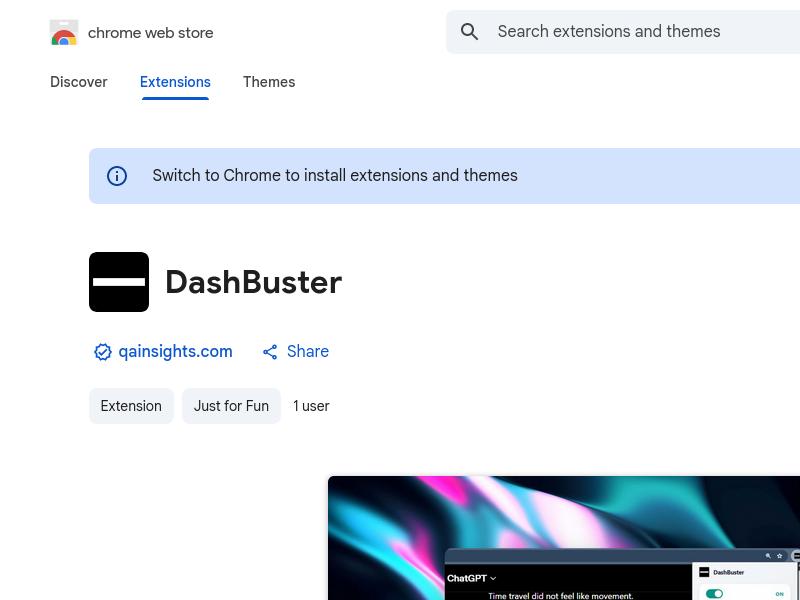 DashBusterFreeDashBuster is a Chrome extension that replaces em dashes on any website with a user-selected replacement character. It also provides insights into which websites overuse em dashes the most, helping users customize their reading experience and improve text clarity.
 CodingFleetFreemiumAI wizard transforms instructions into code snippets. Pros include Instant Python code generation Additional toolkit features On-demand coding assistance Language conversion capabilities Automated comment generation Automated unit test generation Code quality improvement suggestions Personal Python expert model Efficient instruction-based coding Multi-language support Specific language Code Assistants Detailed code explanations Advanced code enhancement Code readability maintenance Deep learning libraries support Supports web scraping libraries Supports various databases Supports web programming Effortlessly produces Python code Improves coding productivity Innovative tech in coding Automated code production Software development tool facilitation Code explanation provision Supports efficient workflow Database specific coding solutions Web scraping specific coding Web programming specific coding Instruction based Web scraping Instruction based Web programming Strong community and documentation Deep learning application instructions. Considerations include Over-reliance on user instructions No offline use May not understand complex instructions Lacks multi-language support Limited free usage.
 Glitter AIFreeTurn any (even complex) process into an easy-to-understand step-by-step guide. You can also create written documentation using only your voice
 TikTok For BusinessPaidGrow your brand by reaching millions of customers on TikTok with precise targeting in over 20 global markets. Launch your advertising campaigns in minutes with budgets tailored to all businesses
 TeamCreateFree trialCreate a customizable team of AI assistants for a variety of enterprise roles. Automate your tasks via Slack and 200+ apps without coding
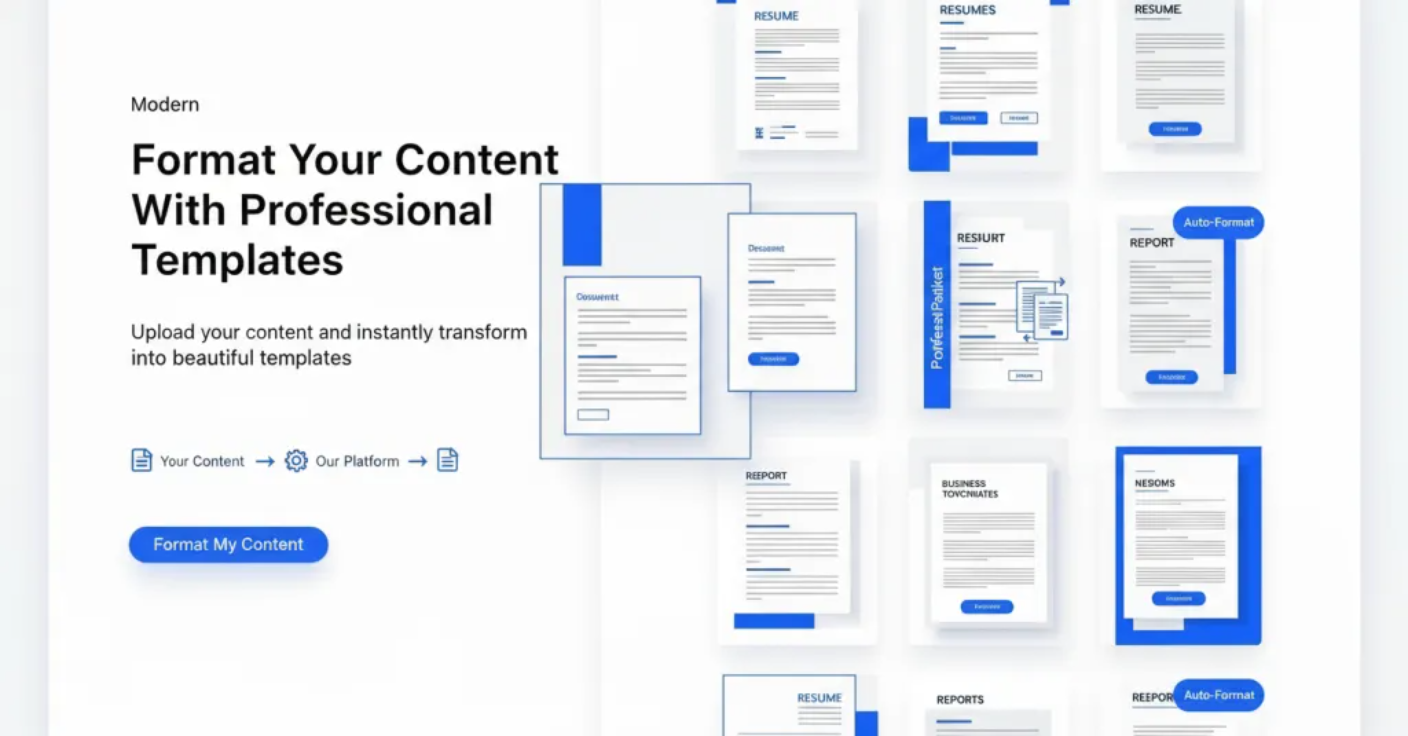 AI FormatterFreemiumAI Formatter allows users to upload files or input raw text and transforms the content using AI-powered formatting. It offers tools such as resume formatter, AI cover letter generator, and meeting agenda format tools to create professional documents instantly for free.