What should I compare on a ai tools for hr teams page?
Start with the workflow, then compare output quality, integrations, pricing, privacy, export options, and the amount of human review needed.
Compare HR AI tools with care for privacy, fairness, employee trust, and reviewable people decisions.
Explore relevant AI tools and compare their features, pricing, and fit for your workflow.
FAQ
Start with the workflow, then compare output quality, integrations, pricing, privacy, export options, and the amount of human review needed.
No. Free tools can be useful for drafts and experiments, but paid plans may add stronger limits, collaboration, exports, privacy terms, or admin controls.
Use the same real input across each shortlisted product, review the outputs against clear criteria, and measure the time required to reach an approved result.
 PicFixerFreemiumGenerate professional LinkedIn portraits from a simple selfie and correct blurry, poorly lit, or low-resolution photos with a single click. The tool also extracts signatures and creates caricatures, movie posters, and album covers from text.
 ATS Resume CheckerFreeAnalyze how compatible your resume is with recruiters' ATS systems. This AI tool gives you recommendations on how to optimize keywords, structure, and formatting. Maximize your chances of getting through automatic filters and landing more interviews
 Interview Q&A AIFreeDon't let any question throw you off balance during your interviews. This tool generates customized simulations and helps you structure powerful responses. Master your speech and turn every question from the recruiter into an opportunity to demonstrate your value
 SaveDayFreeSaveDay is a smart tool designed to capture, organize, and utilize your knowledge by allowing you to effortlessly save all types of content encountered on the internet, including images, YouTube videos, PDF files, tweets, and podcasts. It serves as a stunning bookmark manager and organizer that enhances your ability to manage web content efficiently.
 ThatchFreemiumThatch is a digital hub designed to manage your offline communications efficiently. It consolidates mail, fax, phone, and text into one platform, streamlining communication management for users and businesses.
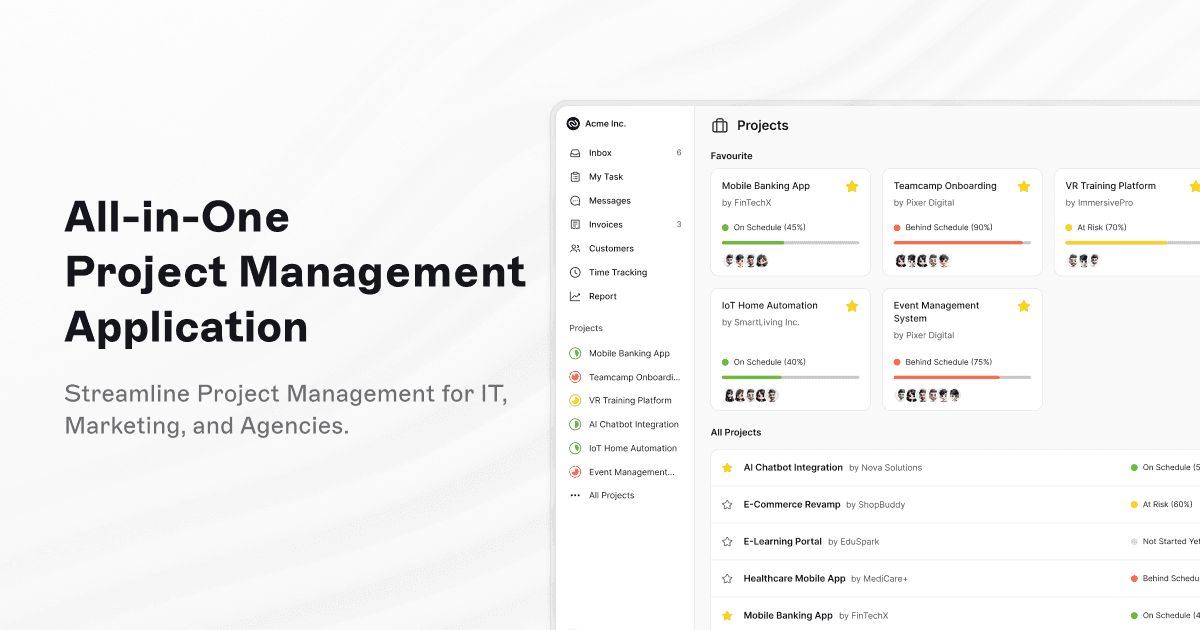 TeamcampFreemiumTeamcamp is an all-in-one project management application designed for IT, marketing, freelancers, and agencies. It helps users manage tasks, collaborate effectively, track time, and simplify billing processes with ease, making project management streamlined and efficient.
 ComposioFreemiumComposio offers just-in-time tool calls, secure delegated authentication, sandboxed environments, and parallel execution across more than 1,000 applications. It is designed to streamline workflows and enhance productivity by integrating multiple tools securely and efficiently.
 AICampFreeAICamp is an enterprise-ready AI platform designed to roll out AI across companies. It empowers employees and teams to build secure, custom AI workflows and scale AI adoption with control, facilitating seamless integration and management of AI solutions within organizations.
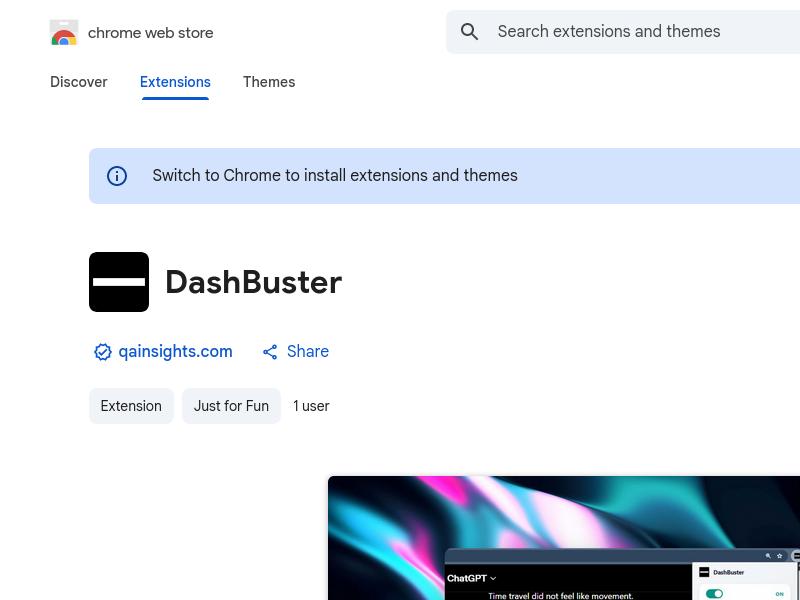 DashBusterFreeDashBuster is a Chrome extension that replaces em dashes on any website with a user-selected replacement character. It also provides insights into which websites overuse em dashes the most, helping users customize their reading experience and improve text clarity.
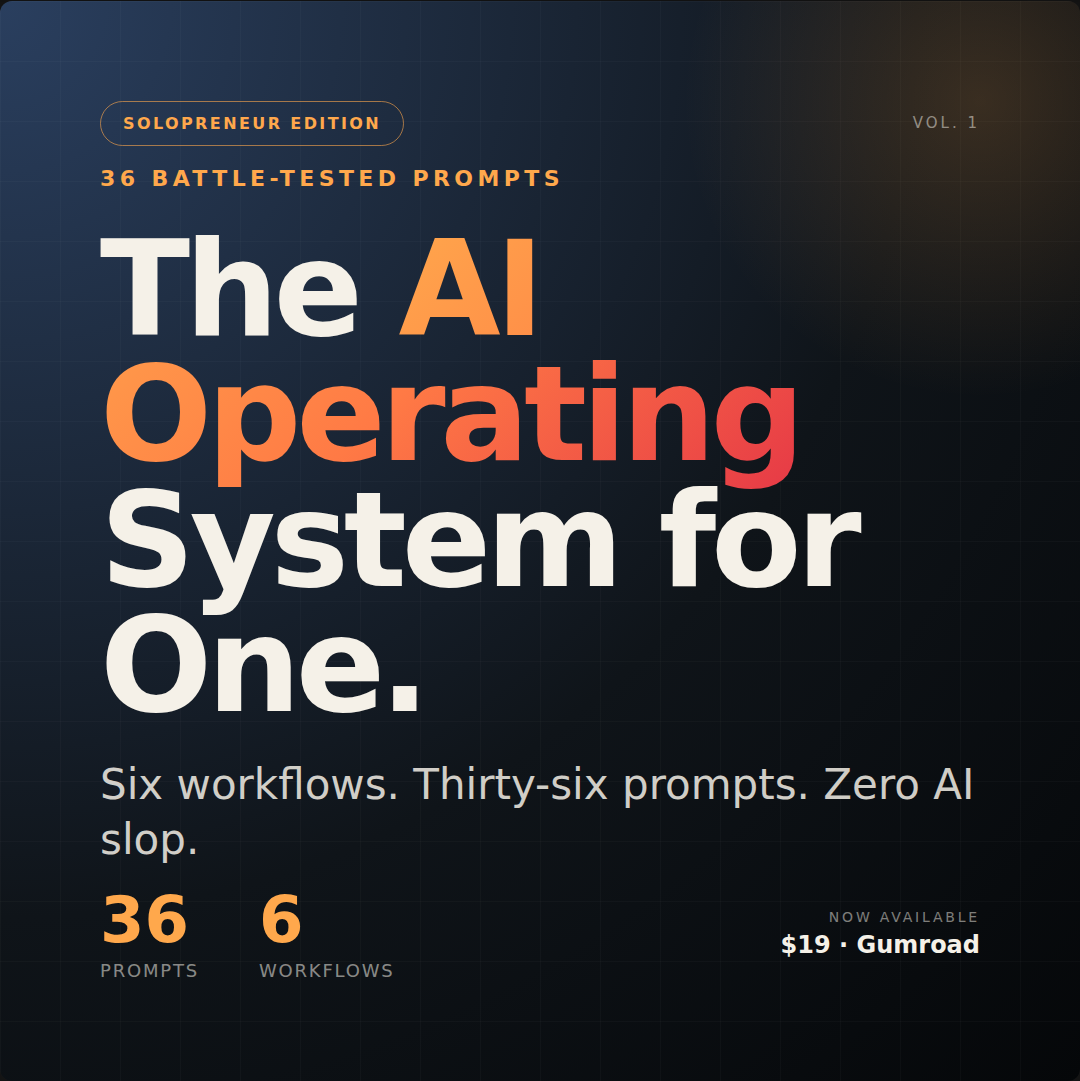 The Solopreneur's AI Operating SystemPaid## You're not lacking AI tools. You're lacking AI workflows.You've tried ChatGPT. You've poked at Claude. You've watched the YouTube videos, saved the prompt threads, even bought a prompt pack or two.And you're still doing the same work the same way.Here's the truth nobody selling you a "prompt pack" wants to admit:The problem isn't the prompts. It's that you have no system for using them. A prompt without a workflow is just another tab you'll close in 30 seconds. You need something you can actually point yourself at when you're stuck — for the specific kind of stuck you're in.That's what this is.---## What you're gettingThe Solopreneur's AI Operating System is 36 battle-tested prompts organized into 6 workflow categories that every solo operator runs every week, whether they realize it or not:- Strategy & Decision-Making (6 prompts) — pivot decisions, pricing, pre-mortems, competitor mapping- Marketing & Content (6 prompts) — hooks, newsletters, SEO articles, LinkedIn posts that don't sound like LinkedIn- Sales & Customer Acquisition (6 prompts) — cold outreach, discovery calls, proposals, objection handling- Operations & Productivity (6 prompts) — SOPs, email triage, decision matrices, bottleneck analysis- Learning & Research (6 prompts) — deep dives, book summaries, Feynman explanations, mental models- Customer Success & Retention (6 prompts) — onboarding sequences, churn analysis, upsells, case studiesEach prompt includes:- A clear "use this when" trigger so you know when to reach for it- The exact prompt with {{variables}} you fill in- An explanation of every variable so you don't guess- A real example of the prompt in action- Three follow-up prompts to push the output past the first answer- A "why this prompt works" note so you can adapt the technique to other situationsThese aren't 36 random prompts. They're a system. Each one has been engineered to do specific work — and to be combined with the others into workflows that compound.---## What's in the bundleWhen you buy, you get:1. The Main Prompt Library (PDF + Markdown) — 70+ pages, fully formatted2. The Quick Start Guide — get your first win in 10 minutes3. The Notion Template Setup Guide — turn the library into a searchable database in 10 minutes4. Lifetime updates — when prompts get updated, you get the new versions free---## Who this is for✓ Solo consultants who bill by the hour and want to deliver more in less time✓ Freelancers drowning in client work and admin✓ Indie founders running everything alone and tired of context-switching✓ Newsletter writers, course creators, agency owners of one — you know who you are✓ Anyone who has tried AI but felt like the outputs were always 80% of the way there and never quite finished---## Who this is NOT for✗ People looking for "100 ChatGPT prompts to make money in your sleep" (those don't work and you know it)✗ Teams of 50+ — this is built for the constraints of one human✗ Anyone who wants AI to do their thinking for them. These prompts are scaffolding for YOUR thinking, not a replacement for it.---## The honest pitchMost prompt packs are 100 random one-liners that you'll forget about by Tuesday.This is 36 prompts you'll come back to every week. Each one is the result of asking: what's the actual workflow a solo operator runs, and where exactly does AI create the most leverage in that workflow?The pricing is honest too. The launch price is $19. After the launch period, it goes to $39. There's no fake countdown timer. There's no "buy now or lose this forever." If you'd rather wait, wait. But the price will be higher when you come back.---## What happens after you buy1. You get an instant download link to the bundle.2. You read the Quick Start Guide (5 minutes).3. You pick ONE prompt that solves your most-immediate problem.4. You use it. Today. Not "this weekend when I have time."5. If it doesn't save you at least an hour this week, reply to your purchase email and I'll refund you. (See refund policy below.)---## Refund policyIf after one week of trying you don't think this saved you time, just reply to your purchase email and ask for a refund. No interrogation, no forms, no "but did you really try it." A real human will refund you within 24 hours.(I'd rather you have your $19 back than feel like you wasted it. The whole point of this product is leverage, and if you didn't get any, the product failed.)---## A note from the creatorI built this because I am one of you. I know what it feels like to have 14 tabs open, three half-written emails, a proposal you've been avoiding for two days, and the sinking feeling that AI was supposed to fix all this and somehow hasn't.The reason it hasn't is that nobody gave you a system. Just prompts. Just tools. Just tutorials.This is the system. It's small enough to actually use, structured enough to actually trust, and specific enough to actually work for someone running everything alone.If it does what it's supposed to do, you'll get the price of the book back in saved time within the first week. And then it just keeps paying.---One last thing: the launch price is $19 because I want as many people as possible to test it in the first 30 days. After that, it's $39. If you're on the fence, the math is simple — buy now, try it, and if it doesn't help, get a refund. The downside is bounded. The upside is everything you stop doing the slow way.```---
 TikTok For BusinessPaidGrow your brand by reaching millions of customers on TikTok with precise targeting in over 20 global markets. Launch your advertising campaigns in minutes with budgets tailored to all businesses
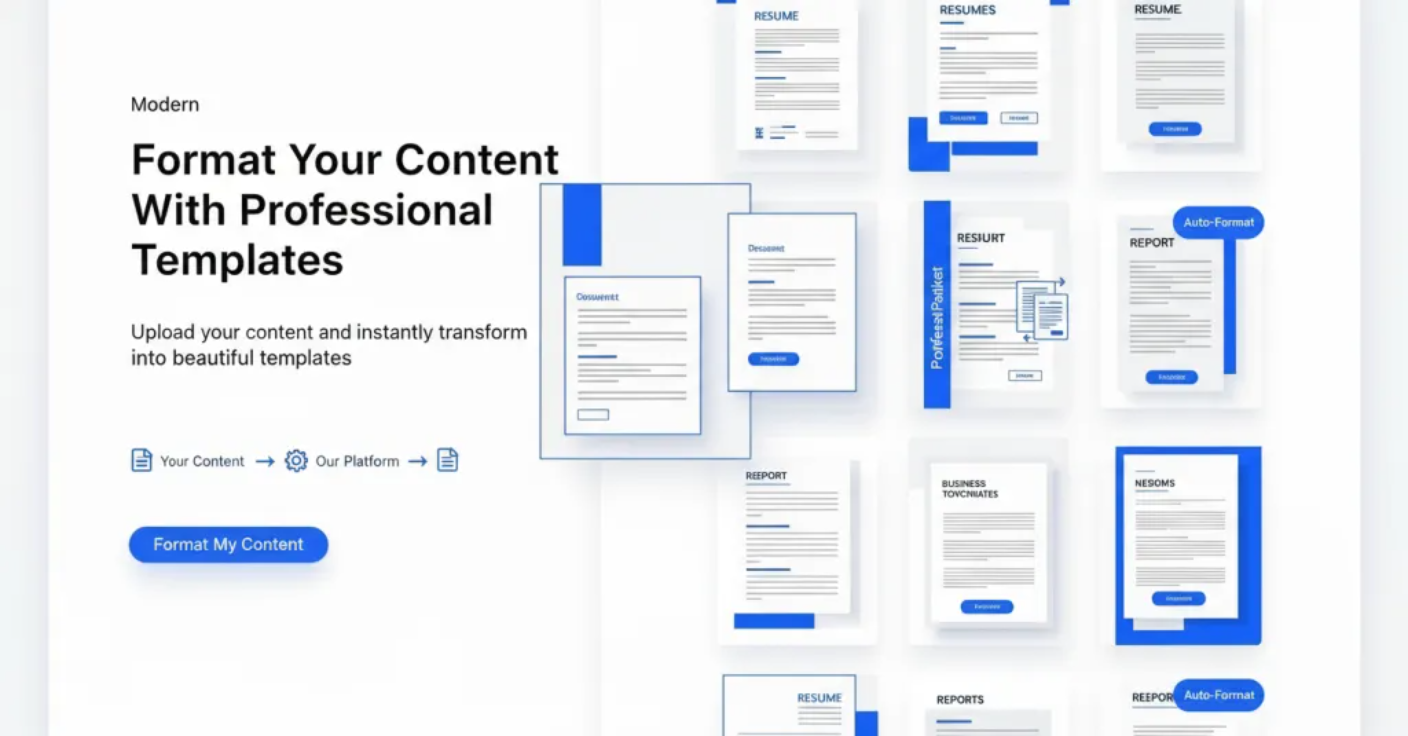 AI FormatterFreemiumAI Formatter allows users to upload files or input raw text and transforms the content using AI-powered formatting. It offers tools such as resume formatter, AI cover letter generator, and meeting agenda format tools to create professional documents instantly for free.